Faceless explainers
Build a faceless YouTube Shorts channel without filming yourself. One line becomes a fully voiced, captioned, paced Short you can publish the same day.
Type one line, pick 9:16, and MakeAIVideo renders a finished YouTube Short: script, AI voiceover, 15 visual styles, word-by-word captions and optional music. Batch a week of Shorts in one session, then post on the cadence YPP rewards.
7 day free trial·Credits reset monthly · Credits you buy never expire
Want to draft first? Try the script generator or the YouTube title generator. Free, no signup.
No source footage required
Most YouTube Shorts tools clip up a long video you already filmed; if you have nothing to repurpose, you can't use them. MakeAIVideo writes the Short from a one-line idea and matches each line to real stock footage, or generates every scene with AI if you prefer, with voice, captions and optional music in the same pipeline. A 9:16 MP4 is usually ready in a few minutes. No filming, no timeline editing, no second tool.
Footage
Real footage
$Real filmed clips matched to each line of your script
AI video
$$$Every scene generated from scratch, fully original
Voiceover
Narrate this video
An AI voice reads the script out loud
Background music
Pick music
No music
Generate with AI
Describe a track, ready in ~10 seconds
Estimated cost
~45 credits Example
How it works
Type a one-line topic and choose 9:16 vertical for the Shorts shelf, Reels, and TikTok. The Shorts generator starts on the line right away; a specific topic gets a specific Short, a vague one gets safe defaults. Set the ratio up front, because captions auto-fit the safe area for the format you pick.
Your line becomes a paced short-form script with a hook in the first three seconds, a body that holds attention, and a close that lands. Re-roll the script if you want a different angle, or open the editor later to rewrite a single line. The narration matches the words exactly, never a summary.
Every line of the script becomes a scene, from real stock footage or generated by AI in the visual style you chose, with a natural AI narrator reading the words and word-by-word captions timed to the audio. Any background music you pick auto-ducks under the voice. Everything happens in one pass, no second tool, no manual sync.
Most Shorts are ready in a few minutes. A watermark-free 1080p MP4 lands in your library; post it to your connected YouTube channel now or on a schedule, or download it for the Shorts uploader. Open the editor first if you want to regenerate a scene, restyle the captions, or re-roll the voice.
Idea to Short
Type the Short idea, keep 9:16, hit generate. The vertical Short lands in your library, watermark-free. Need a narrated explainer for the main channel instead? Switch the ratio to 16:9 or see AI explainer videos.
Your prompt
ExampleA 15 second documentary about how the Romans built the Colosseum, with a hook in the first line and a question at the end.
Or start from an example
Length
Aspect ratio
Sarah Female · American
Mature, reassuring, confident
Captions
Word-by-word, auto-styled
Estimated cost
~324 credits Example
Write the Short
The pipeline writes a hook-first script from your line, but your idea still picks the angle. Every Short that holds attention has the same three beats. Name them in your one-line idea, or draft openers with the video hook generator first.
Give the viewer a reason to stay before the thumb moves. Three openers that work:
Deliver what the hook promised and cut every sentence that does not move toward it. Three structures that fit a Short:
End on a single request. Asking for a like, a share, a comment and a subscribe at once splits the attention you just earned.
Shorts can run up to three minutes. Word counts assume a brisk read of about 175 words a minute; check a script with the speech time calculator.
Publish to YouTube
Connect your YouTube channel, open a finished video and choose Post to your accounts. A vertical video goes up as a Short and a 16:9 video as a regular upload, now or at a date and time you set. Scheduled posts go out within about two minutes of that time. More on auto-posting video to YouTube, TikTok and Instagram.
We upload the finished file to each account you pick.
Where should it go?
@yourbrand
TikTok
@yourbrand
Instagram · Posts as a Reel
Your Brand
YouTube · Vertical videos post as Shorts
Caption
RewriteRome did not build the Colosseum with magic. It built it with one ingredient we forgot. #history
Customise caption per platform
Schedule (optional, leave empty to post now)
Goes out within about two minutes of it.
Keep the cadence
Generate the ideas, make each Short, then schedule every one for its own day. Your library and posts page keep track of what is ready and what has gone out.
Enter your niche and a tone and get ten Short concepts, each with a hook and an angle. Make this turns one into a video.
Niche / topic area
Ancient history for curious adults
Tone
The trick that made Roman concrete outlast ours
Hook
“Their harbours are still standing. Ours crack in fifty years.”
Angle
One ingredient, explained with a single experiment you can picture.
Each Short you have scheduled or posted, with its status on YouTube and anywhere else it went.
Videos you have posted or scheduled to your accounts, and how each one went.
The Colosseum secret
ScheduledGoes out around Oct 7, 2026, 9:00 AM · 3 accounts

3 hiring mistakes
PostingOct 3, 2026, 2:14 PM · 2 accounts
Morning habits
PublishedOct 2, 2026, 6:30 PM · 3 accounts

Spring collection
Partly publishedOct 1, 2026, 11:05 AM · 2 accounts
Behind the scenes
PreparingOct 3, 2026, 2:16 PM · 1 account
See what is ready, still rendering or failed, then reopen any Short to edit, download or post.
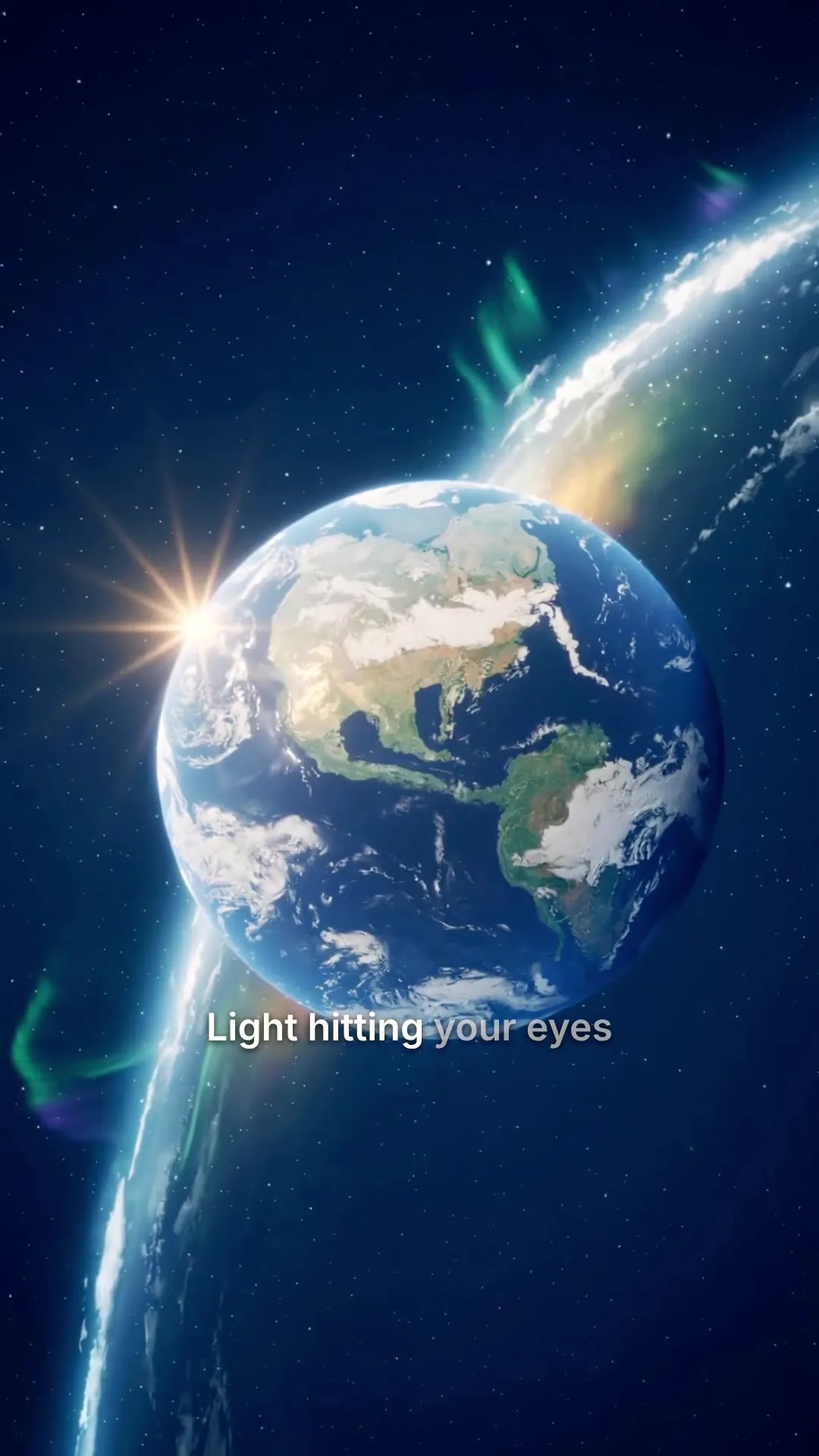
0:25Universe in 25s
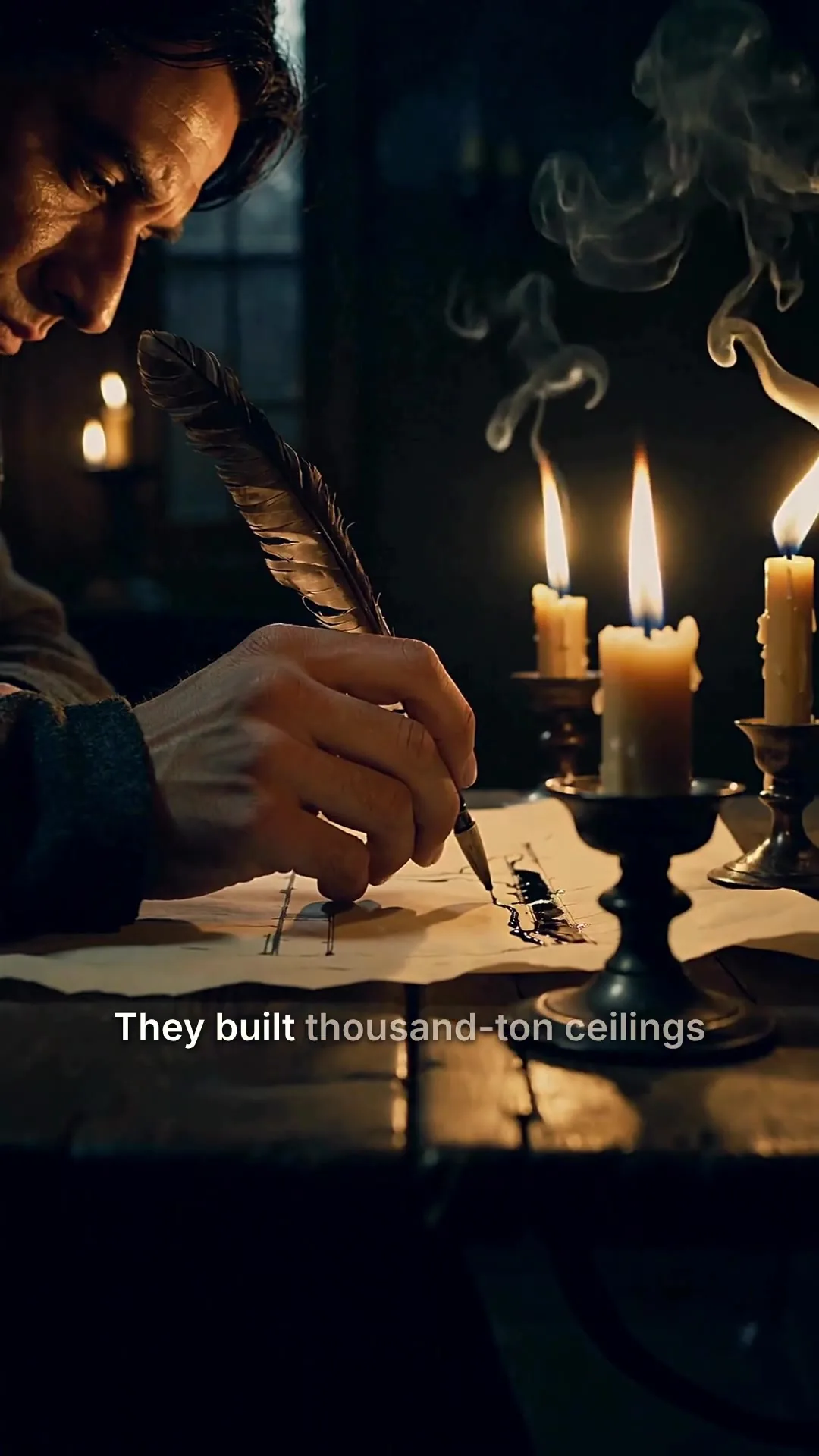
0:48Cathedrals by candlelight
0:31Nobody filmed this
0:10Aurora over the fjord
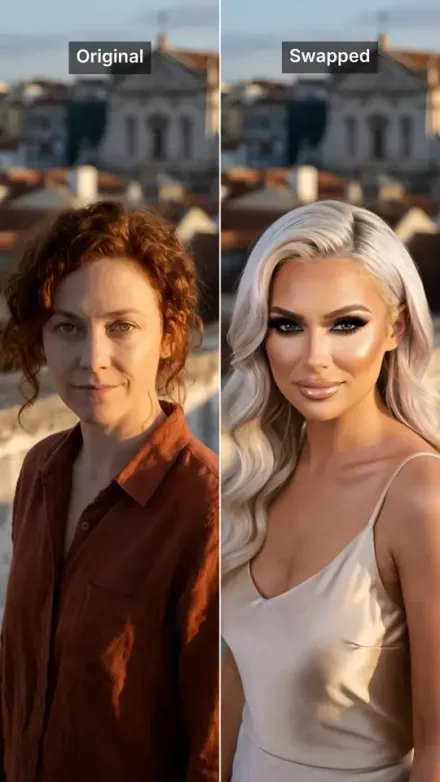
0:08Rooftop take, swapped
 0:42
0:42Rome in a day
All included
Voice, captions, scenes and a 1080p export are bundled into every Short, with music when you want it. Any Short opens in the editor too: regenerate one scene, swap the narrator or fix a word, then export again.
Scene 2
Edits save automatically
Narration
ExampleThey built thousand-ton ceilings without a single steel beam, and most of them are still standing.
Regenerate this scene
New voice and visuals, usually 1-3 minutes.
1080p MP4
Export videoConnect your AI agent
Connect Claude, ChatGPT, Grok or any MCP client, describe the Short, and it makes the video with the same pipeline as the app. Ask and it posts it to your YouTube channel too.
MCP, API and CLI use the same credits and the same balance as the app.
A finished faceless Short per idea, ready for the Shorts shelf.
Build a faceless YouTube Shorts channel without filming yourself. One line becomes a fully voiced, captioned, paced Short you can publish the same day.

Top-5s, common mistakes, surprising facts. The hook-body-close structure is already there; you bring the topic and the angle.
Walk through a story or case study in 30 to 90 seconds with narration timed to scenes that illustrate each beat. Useful for history, science, and explainer formats.

Frame a feature, a launch, or a use case in one line. The pipeline writes the read, builds the visuals, and outputs a 9:16 clip you can drop into the Shorts shelf or a launch thread.

Explain a single concept per Short with narration timed to scenes that illustrate the point. Each beat gets its own visual; nothing drags into the next.

Run a consistent posting cadence without source footage. One Short idea per day, one finished Short, no filming, no editing, no clip-mining.
If you want to clip up an existing long video you already filmed, a repurposing tool fits the job better. This is for Shorts built from scratch.
Best practices
9:16 vertical is what the YouTube Shorts shelf serves; captions auto-fit the vertical safe area. Switching aspect ratios after generating means a re-export, and scenes are framed best for the ratio you generate in, so set it up front.
'A 45-second faceless explainer about why honey crystallises, casual tone' will outperform 'a video about honey'. Specific topic, specific length, specific angle.
Shorts titles sit in small type over the video, so lead with what the viewer gets. Keep the description to two or three plain sentences and a few niche hashtags; a long stack of tags adds nothing.
Pick one structure, such as a three-tip list or a 60-second story, and stay in one niche long enough for YouTube to learn who your Shorts are for. A channel that changes format every upload is harder to recommend.
A Short every day for a month beats seven in one afternoon and silence after. Make a week of Shorts in one sitting, then schedule each one for its own day; scheduled posts go out within about two minutes of the time you set.
Viewers who subscribe from a Short subscribe to the whole channel, and long videos usually earn more per view. Render the same script at 16:9 for the main channel so one topic covers both.
If a single scene misses, open the editor and regenerate just that scene. Faster and cheaper than re-rendering the entire Short.
Bold, single-word captions pop on the Shorts shelf and Reels; quieter, two-line captions read better embedded in a longer post. The editor has 11 caption styles; pick once and reuse.
 AI TikTok video generatorThe same vertical pipeline, with TikTok hooks, captions and posting.See the TikTok video generator
 Faceless YouTube channelShorts and 16:9 long-form videos from the same script, with no presenter on camera.See the faceless video generator
 YouTube automation: the complete 2026 guideHow Shorts fit into the automation pipeline, the team structures behind it, and the costs to scale.Read the YouTube automation guide
 YouTube CPM and RPM by nicheReal 2026 data on which niches earn what, including a dedicated Shorts breakdown.Read the CPM and RPM guide
 How to write a video script60-second template with hook-body-close structure.Read the video script guide
Pricing
Every Short is vertical, posts to your YouTube channel and has no watermark. A 30 second stock-footage Short is about 112 credits, and one with AI scenes and voiceover about 612. Every plan starts with a 7-day free trial that includes 350 credits.
The easy start. Every tool, one creator.
$9/mo
or $99 a year, 1 month free
600credits every month
Use them on any tool below
7 days free with 350 credits. Cancel before day 7 and you won't be charged.
For one creator posting every week.
$19/mo
or $190 a year, 2 months free
1,100credits every month
Use them on any tool below
7 days free with 350 credits. Cancel before day 7 and you won't be charged.
Long-form, your branding and a team of three.
$29/mo
or $290 a year, 2 months free
1,750credits every month
Use them on any tool below
7 days free with 350 credits. Cancel before day 7 and you won't be charged.
For teams and channels running at volume.
$49/mo
or $490 a year, 2 months free
3,000credits every month
Use them on any tool below
7 days free with 350 credits. Cancel before day 7 and you won't be charged.
Run out in a busy month? Add credits any time, from $5. Credits you buy never expire. See pricing
Every plan includes
How the Shorts generator works, what it exports and posts, and what it costs.
Something else? Visit the help center
Type the topic and angle in one line, keep the ratio at 9:16 and generate. MakeAIVideo writes a hook-first script, adds an AI voiceover, builds a scene per line from stock footage or AI video, times word-by-word captions to the voice and renders a 1080p MP4 in a few minutes. Fix anything in the editor, then post it to your connected YouTube channel as a Short, now or at a time you schedule.
An AI shorts generator turns a written idea or script into a finished short-form video. MakeAIVideo makes the whole Short from one line: script, AI voiceover, stock or AI scenes, word-by-word captions, and any music you pick, then renders a 9:16 vertical MP4 ready for YouTube Shorts, Reels, and TikTok.
You type a one-line Short idea, pick 9:16 vertical, and choose a visual style. MakeAIVideo drafts a hook-paced Short script, picks a natural AI narrator, builds a scene per beat, times captions to the voice, layers in any music you pick, and renders the finished MP4. A typical Short is ready in a few minutes.
Most 30 to 60 second Shorts are ready in a few minutes. Longer Shorts take longer, and AI-generated scenes take longer than stock footage. The finished Short lands in your library when it is done.
9:16 vertical for the YouTube Shorts shelf, Reels, and TikTok, 1:1 square for feed posts, and 16:9 landscape for the main YouTube page. Captions auto-adjust to the safe area for each format; pick the ratio before generating.
Plans start at $9 a month, and every plan starts with a 7-day free trial that includes 350 credits. A Short uses credits per second, all in: script, voiceover, scenes, captions and export. A 30 second Short built from stock footage is about 112 credits, and a 30 second Short with AI-generated scenes and voiceover is about 612. Solo includes 1,100 credits a month and Pro 3,000. The app shows the exact credit cost before anything is made. Run out? Add credits any time, from $5. See MakeAIVideo plans and pricing.
YouTube Shorts can run up to three minutes, but most topics fit 30 to 60 seconds, roughly 90 to 175 spoken words. Use 15 to 30 seconds for a single tip and go past a minute only for a story or deep dive dense enough to carry it. Set the length before you generate and the script is paced to fit.
No. Every Short you export is a clean 1080p MP4, watermark-free and yours to post anywhere. That holds on every plan and during the free trial.
Yes. Shorts you generate are yours to monetize on YouTube, TikTok, Reels, and any other platform. See the full terms.
Yes. YouTube asks creators to disclose AI content that looks real, such as a realistic scene that never happened or a real person shown saying something they did not say, using the disclosure setting when they upload. Clearly stylised or animated scenes do not need it.
They can. A viewer who subscribes from a Short subscribes to your whole channel, and long videos usually earn more per view than Shorts. Render the same script at 16:9 for the main channel so each topic covers both; see faceless YouTube channel for the long-form side.
As many as you can keep up every week. A steady daily rhythm in one niche and one format gives YouTube more to learn from than a burst followed by silence. Batch a week of Shorts in one sitting and schedule each one for its own day.
Yes. Open the finished video in the built-in editor to rewrite captions word by word, restyle the caption preset, swap the voice, or re-roll a single scene. The default output is built to post as-is, editing is optional.
No. Most YouTube Shorts generators clip up a long video you already have; if you have no source footage, you can't use them. MakeAIVideo writes the Short from a one-line idea, so you can post without filming or repurposing anything. If you already have a written script, Script to video narrates your exact words instead.
Repurposers cut your existing long videos into shorter slices; MakeAIVideo generates the Short from scratch. That means you can run a faceless Shorts channel without ever filming a long video, podcast, or livestream first. Both approaches have their place; pick the right tool for what you've already shot.
Nothing is lost. Your account and finished videos stay exactly as they are, and your plan's credits reset on your next billing date. Run out? Add credits any time, from $5.
Start a 7-day free trial with 350 credits. Plans from $9 a month, and you can cancel anytime before the trial ends.