
AI music video generator
Describe the vibe in a prompt. MakeAIVideo generates the scenes in the visual style you pick, sets them to a track from the music library or one you generate with AI, and renders a finished 1080p music video in widescreen, vertical, or square.
7 day free trial·Allowance tops up monthly · Top-up credits never expire


Start from a one-line brief with prompt to video, then pick a library track or generate one with AI.
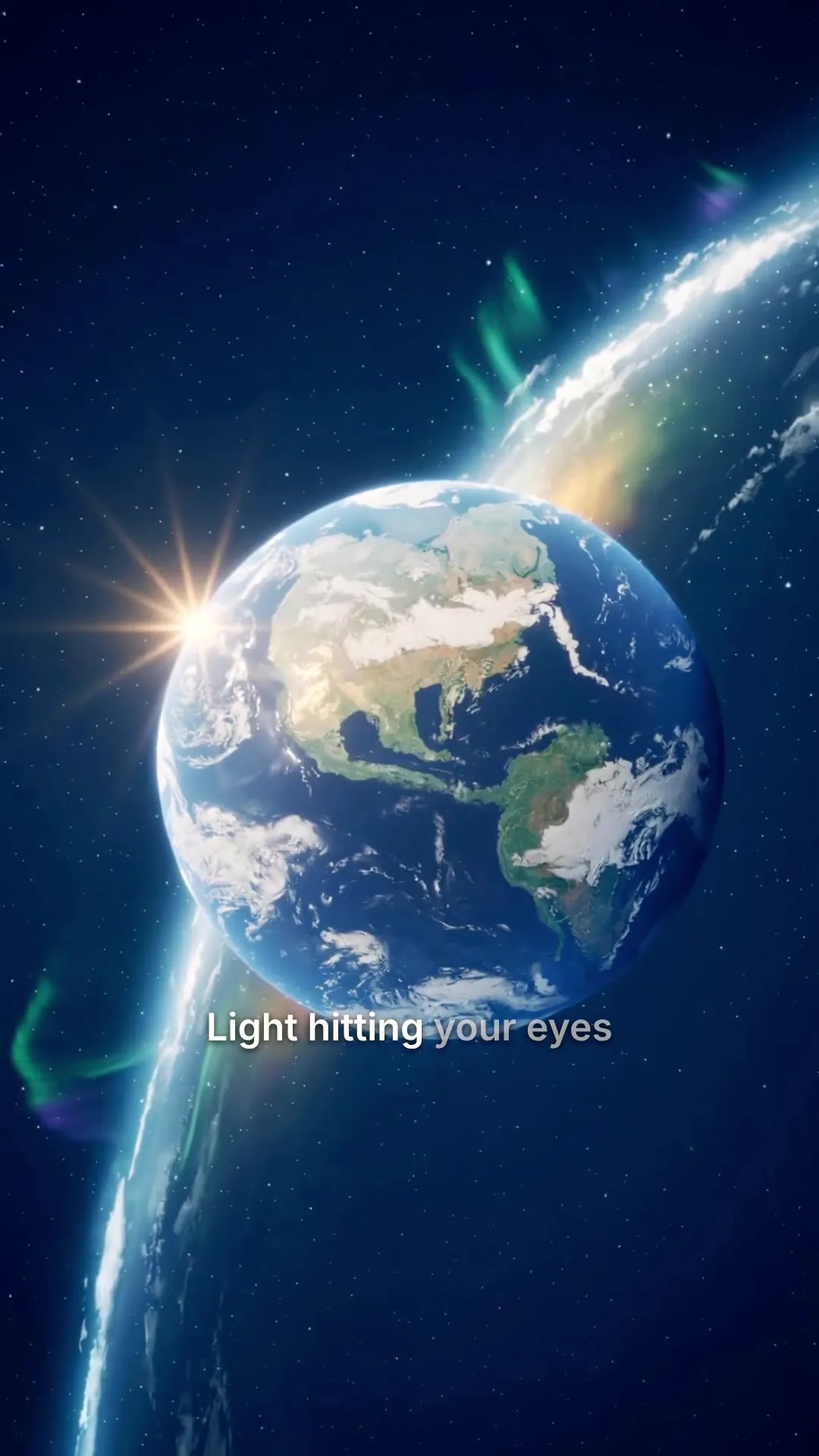
Real 9:16 render from the same pipeline.
Brief in, music video out
Describe the vibe. Get a finished music video.
Most AI video tools hand you a six-second clip and stop, so you'd still need to loop it and stitch scenes together in an editor. MakeAIVideo makes the whole music video from a one-line prompt: AI scenes in one visual style, a soundtrack from the library or generated with AI, and a 1080p export in every aspect ratio. There is no audio upload, so to use your own song, lay it over the export in your editor.
- AI video in 15 styles.
- Cinematic, Cyberpunk, Retro VHS, Anime, Claymation and more, applied to every scene so the video reads as one piece.
- A track in about 10 seconds.
- Describe the music on the create screen and Generate with AI makes it, at no credit cost.
- Voice optional.
- Switch the narration off and the music is the only audio in your video.
Footage
Real footage
AI video
Visual style
Pick the aesthetic, every AI scene inherits this look
Voiceover
Narrate this video
No voice and no captions.
Background music
Optional. With the voiceover off, this is the only audio in your video.
Generate music with AI
ExampleDescribe the music
Driving synthwave, analog bass, gated drums, night city energy
Estimated cost
~120 credits Example
How it works
How the AI music video generator works
- 01
Write a one-line prompt
Describe the music video in one line: the mood, the setting, the pace. MakeAIVideo writes the scenes from it, so you can pitch a music video before the master is finished. There is no audio upload; the soundtrack comes from the library or the AI music generator in step three.
- 02
Pick a visual style and aspect ratio
Switch the footage to AI video and choose from 15 visual styles: Cinematic for a filmic look, Cyberpunk and Retro VHS for synth-heavy tracks, Anime for stylised character stories, Claymation for playful indie releases, and more. Set 9:16 vertical for TikTok, Reels, and Shorts; 16:9 for YouTube; or 1:1 for feed posts. Pick the ratio before generating so scenes and captions frame correctly.
- 03
Add the music and generate
Music is opt-in. Pick one of 120 library tracks across 10 moods, or choose Generate with AI, describe a track, and it is ready in about 10 seconds at no credit cost. Turn the voiceover off and the music is the only audio in the video. Every scene renders in the style you picked; cuts follow the script, not the beat.
- 04
Render 1080p and post
A watermark-free 1080p MP4 lands in your library. Download it for YouTube, Instagram, or TikTok, or open the built-in editor to regenerate a single scene, swap the track for another from the library, or restyle the captions before publishing.
Pick the right tool
Four jobs behind an AI music video
One search, four different needs. Here is which ones MakeAIVideo covers.
You don't have a song yet
Choose Generate with AI, describe the track, and it is ready in about 10 seconds at no credit cost. Or pick one of 120 library tracks in 10 moods.
You want a finished video, not clips
One prompt becomes every scene in one visual style, with the soundtrack mixed in and a 1080p MP4 at the end. No looping six-second clips in an editor.
You have a finished song
There is no audio upload. Make the visuals here with the voice off, then lay your song over the export in your own editor. Scenes follow the script, not your beat.
Someone has to sing it
Matching a face to a sung vocal is a specialist lip-sync job. Talking Avatar lip-syncs a spoken script read by a library voice, not a song.
Pick the soundtrack
Generate a music video in your browser
Write the prompt, pick the style, add the music, hit generate. Prefer a finished track to a generated one? The library holds 120 tracks in 10 moods, on the create screen and again in the editor, where you can swap the track after the render. A watermark-free 1080p MP4 lands in your library.
- 120 tracks, 10 moods.
- Calm, Upbeat, Cinematic, Electronic, Tense and more, each with a preview to audition first.
- Dips under a voice.
- Keep a narrator and the track drops while the voice speaks, then comes back up.
- No music is a choice too.
- Music is opt-in. Leave it off, or remove it in the editor later.
One track under the whole video. It dips while the voice speaks.
Library
ExampleNo music
Voice only, silence under the narration
Soft piano with strings
Calm · Soft piano with gentle strings, slow tempo, peaceful morning
Meditative ambient pad
Calm · Ambient pad with subtle bell tones, breathing room, meditative
Fingerpicked acoustic guitar
Calm · Acoustic guitar fingerpicking, soft brushed drums, calm afternoon
All included
Everything you get in a music video render
Visual style, aspect ratio, a 1080p export and the editor come with every render. Music is yours to add or leave out. Working from album art? Animate it with image to video.
Regenerate the shot that missed
Open the finished video in the editor and regenerate one scene with new visuals, usually in a few minutes, and the rest of the video stays as it is.
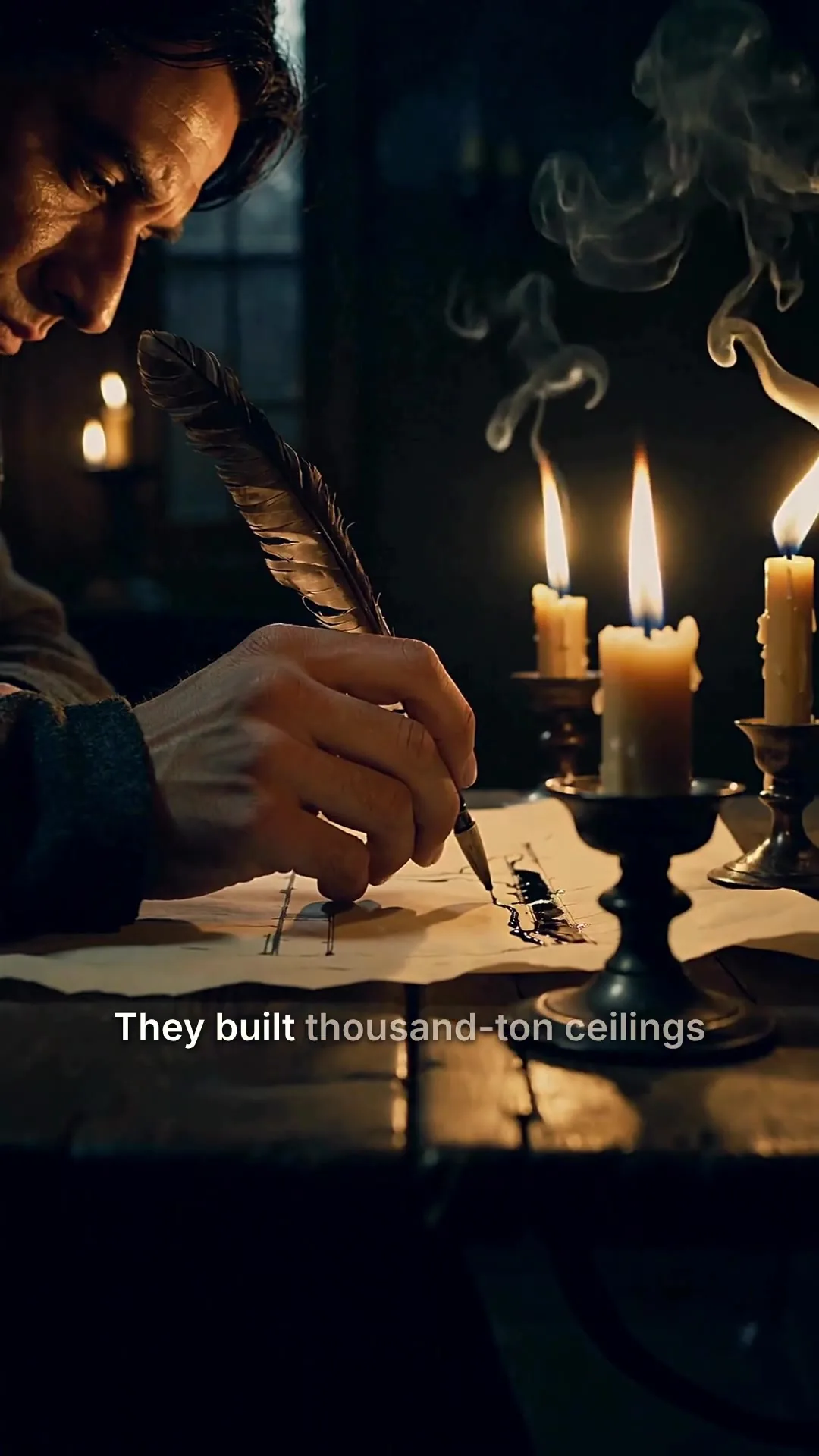
Scene 2
Edits save automatically
Narration
ExampleThey built thousand-ton ceilings without a single steel beam, and most of them are still standing.
Regenerate this scene
New voice and visuals, usually 1-3 minutes.
1080p MP4
Export videoText on screen, or none
With the voice off, the script can show as captions in 11 styles, or switch captions off for a clean visual.
Clean, minimal, burned in
Edit transcript
Click any word to fix typos without re-rolling voice.
Scene #3
ExampleLight hitting your eyes left the sun eight minutes ago.
Scene #4
You are looking at the past, every single time.
Caption style
Edits save automatically
Export video1080p, no watermark
Download the MP4 for YouTube, Reels or TikTok, grab an older render, or share a download link with your label.
Download
MP4 video
The finished video, ready to post
SRT captions
Subtitle file for TikTok, YouTube, CapCut
VTT captions
Subtitle file for web video players
Share link
ExampleAnyone with this link can download the MP4, no account needed.
Post it on release day
Send the finished video to TikTok, Instagram, YouTube and eight more platforms, now or at a time you pick.
We upload the finished file to each account you pick.
Where should it go?
@yourbrand
TikTok
@yourbrand
Instagram · Posts as a Reel
Your Brand
YouTube · Vertical videos post as Shorts
Caption
RewriteRome did not build the Colosseum with magic. It built it with one ingredient we forgot. #history
Customise caption per platform
Schedule (optional, leave empty to post now)
Goes out within about two minutes of it.
Animate the cover art
Upload the single's artwork and turn it into a 5 or 10 second clip with real motion inside the frame.
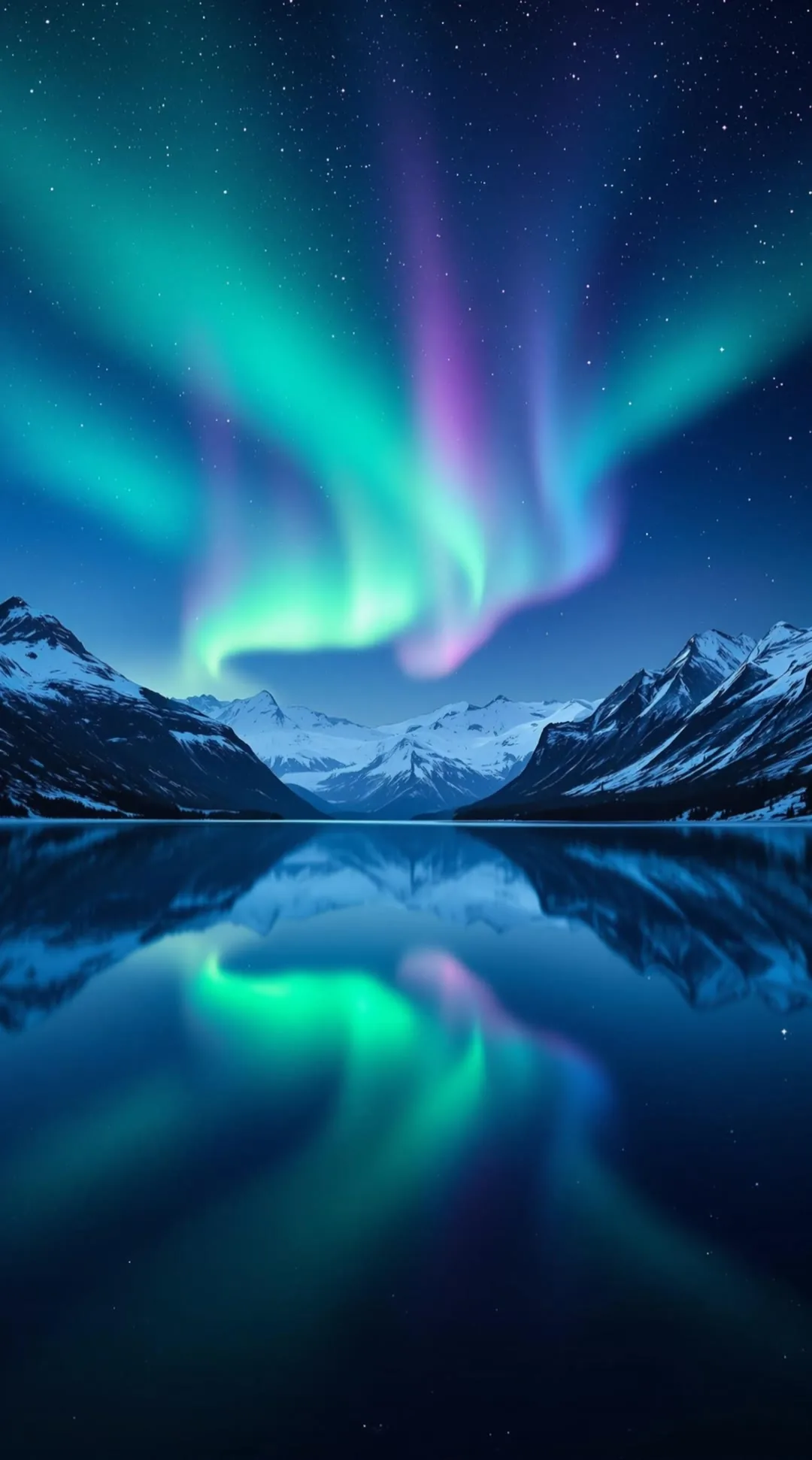
Source image
How should it animate?
ExampleThe aurora ripples slowly across the sky and its reflection moves on the water.
Clip length
5 seconds
Fastest
10 seconds
Smoother motion
1080p clip
GenerateConnect your AI agent
Make music videos from ChatGPT or Claude
Connect your AI assistant and one request can generate a track, make the video with it, and post the result to your accounts.
- Connect your AI assistant.
- Add MakeAIVideo to Claude, ChatGPT, Grok, Claude Code, Cursor or any app that supports MCP with one address. You sign in once; there is no API key to paste.
- Ask in plain English.
- “Generate a 30 second synthwave track, then make a night-drive video with it as the soundtrack and post it to YouTube Shorts.” It checks the cost before it spends anything.
- It makes the video.
- A finished MP4 with the script, voiceover, scenes, captions and any music, in your library to edit or download.
- And posts it if you ask.
- To the accounts you have connected, now or on a schedule, across 11 platforms.
MCP, API and CLI are included on every plan.
What you can ship
A finished music video from your brief, in the style your channel or release plan needs.
Indie musician visualisers
Describe the world of your single, pick a style that matches the mood, and get a visual to lay your track over in your own editor the same day the master lands. Cheaper than a shoot, faster than a motion-graphics turnaround.
Producer moodboard reels
Pitching a track to a sync agent or a label? Prompt mode turns the vibe into a finished visual reel before the master is signed off. Useful for briefing directors, testing directions, and shopping around.
Faceless music channels
Build a TikTok, Reels, or Shorts channel around lo-fi, ambient, or synth moods without filming a single frame. Each prompt becomes a vertical 9:16 clip with a library or AI-generated track under it, in the visual style your feed already reads as yours.
Brand mood pieces
Marketers can make a launch reel or lookbook mood piece with a library instrumental under it and visuals to match. Cinematic, Photoreal, or Retro VHS styles fit most brand mood work.
DJ and producer promo
Make release-day promo visuals in each aspect ratio you need: 16:9 for the YouTube upload, 9:16 for Reels and TikTok, 1:1 for the feed grid. Then drop your single or EP snippet over them in your editor.
Songwriter demo videos
Make a visual pass to pair with a rough demo in your editor, so labels, sync teams, or collaborators get more than just an audio file. Cheap way to make a demo feel finished when you're trying to move a song.
Working on album artwork instead? Image to Video animates a still cover into a 5 or 10 second clip.
Best practices
Tips for music videos that land
- Use your own or royalty-free tracks
- Inside MakeAIVideo the music comes from the built-in library or the AI generator, since there is no audio upload. If you lay a song over the export in another editor, use music you own the rights to or royalty-free instrumentals. Copyrighted commercial tracks will be blocked by platform Content ID even when the visuals are original.
- Pick the ratio before you generate
- 9:16 for TikTok, Reels, and Shorts; 16:9 for YouTube; 1:1 for the feed grid. Cropping a 16:9 render to 9:16 after the fact clips visuals that mattered and costs a second generation.
- Match the style to the genre
- Cinematic reads for orchestral and singer-songwriter tracks. Cyberpunk and Retro VHS suit synth-wave and electronic. Anime works for character-driven pop, and the AI anime video generator goes deeper on that look. Claymation fits playful indie. The style you pick sets the whole video.
- Prompt mode is for pitching
- If the master isn't finished yet, a prompt lets you ship a reference music video before the audio is signed off. Useful for testing a visual direction with the artist or label before commissioning a real shoot.
- Write specific prompts in prompt mode
- 'A 90-second synth-wave music video with a lone driver at night, neon reflections, retro palette' will outperform 'a cool music video'. Specific mood, specific pace, specific visual language.
- Re-roll one scene, not the whole video
- If a single scene misses the mood, open the editor and regenerate just that scene. Faster and cheaper than re-rendering the entire music video.
- Settle the rights before you publish
- The song and the visuals carry separate rights. Library tracks are licensed for use in your videos; if you bring a track from another music tool, read that tool's commercial licence, and which model version made the track, before the video goes anywhere commercial.
- Decide clips or a finished file first
- The costly mistake is paying for a tool that hands you raw shots when you wanted a finished video, or the other way round. If you want material to cut yourself, start with single clips; if you want a file to post, start from a prompt here.
Other ways to make AI videos
AI video guides and tutorials
Pricing
Plans for musicians and music channels
Every plan includes AI video in all 15 styles, the 120-track music library, 1080p downloads and no watermark. Generating a track with AI costs no credits.
Lite
The cheapest way in, with every video mode included.
$9/month
or $90 a year, 2 months free
450credits a month
About 4 stock-footage videos
or about 1 AI cinematic video
30 seconds each, every month
- Post and schedule to 2 social accounts
- Videos up to 10 minutes
- Every mode, including Talking Avatar and Image to Video
- Full HD 1080p export, no watermark
Solo
For one creator posting every week.
$19/month
or $190 a year, 2 months free
1,000credits a month
About 10 stock-footage videos
or about 2 AI cinematic videos
30 seconds each, every month
- Post and schedule to 4 social accounts
- More than double the credits of Lite
- Videos up to 10 minutes
- Every mode, including Talking Avatar and Image to Video
Plus
Most popularLong-form, your branding and a team of three.
$29/month
or $290 a year, 2 months free
1,600credits a month
About 16 stock-footage videos
or about 3 AI cinematic videos
30 seconds each, every month
- Post and schedule to 6 social accounts
- Stock-footage videos up to 40 minutes
- Brand Kit: your logo as a watermark on every video
- 3 team seats with admin and member roles
Pro
For teams and channels running at volume.
$49/month
or $490 a year, 2 months free
2,800credits a month
About 29 stock-footage videos
or about 6 AI cinematic videos
30 seconds each, every month
- Post and schedule to 10 social accounts
- Lowest price per credit of any plan
- Stock-footage videos up to 40 minutes
- 10 team seats with admin and member roles
7-day free trial for new customers: $0 today, card required, 500 trial credits, and trial videos are capped at 10 seconds of script. Video counts are estimates for 30-second videos, rounded down. Plan credits refresh every billing month and do not roll over.
Every plan includes
- Every way to make a video: prompt, script, talking avatar, image and character swap
- 15 visual styles, captions, music and voices
- Full HD 1080p export, never a watermark
- Post and schedule to 11 platforms
- Video in 24 languages
- API, MCP server and CLI for ChatGPT, Claude or any AI agent
Busy month? Top-up packs from $9: a one-time purchase, and the credits never expire. Compare plans and packs
AI music video generator FAQs
What musicians and channel owners ask before making their first video.
Something else? Visit the help center
Do I need my own music track to use this?
No, and there is no audio upload. Describe the video in a one-line prompt, then add music if you want it: pick from the library of 120 tracks in 10 moods, or choose Generate with AI on the create screen, describe a track, and it is ready in about 10 seconds. Music is optional.
What audio formats do you accept?
MakeAIVideo doesn't import audio files. Every soundtrack comes from the built-in library or the AI music generator on the create screen, and the finished video downloads as a 1080p MP4 with the music mixed in. To use your own song, add it over the export in your editor.
Can I use copyrighted music?
Not inside MakeAIVideo: there is no audio upload, and library tracks are licensed for use in your videos. If you add a song in another editor, platform Content ID will catch copyrighted music even if the visuals are original, so use music you own the rights to, or royalty-free instrumentals. If you're a musician adding your own single, you're clear to distribute the finished video anywhere.
How long can the music video be?
Up to 10 minutes on every plan for videos made with AI scenes, which is what most music videos use. Plus and Pro reach 40 minutes, but only for real-footage videos. Most music videos land in the 2 to 4 minute range, well inside every plan cap. See plan lengths on the pricing page.
What resolution do videos export at?
1080p HD MP4, watermark-free on every export. That's the standard for YouTube, TikTok, and Reels, so the export drops in wherever you post without any transcode step.
Which visual styles work best for music video?
Cinematic, Cyberpunk, and Retro VHS suit most music work. Cinematic reads for orchestral and singer-songwriter tracks; Cyberpunk and Retro VHS suit synth-heavy and electronic. All 15 styles work for music. The style applies to every AI scene, so pick it before you generate, and regenerate a single scene in the editor if one shot misses.
Can I edit the generated scenes?
Yes. Open the finished video in the built-in editor to regenerate a single scene, swap the track for another from the library or remove the music, or change the caption style if you show text on screen. Editing is optional; the default output is built to publish as-is.
How much does it cost?
Plans are a monthly subscription starting at $9 for the Lite plan (450 credits a month), then Solo $19 (1,000), Plus $29 (1,600) and Pro $49 (2,800). Your allowance refreshes each billing month. If a month runs heavy, top-up packs are a separate one-time purchase and those credits never expire. Generation cost scales with length and the style you pick. See MakeAIVideo plans and pricing.
How is this different from a text-to-video tool?
Text-to-video tools take a prompt and hand you one short clip; you'd still have to loop it, cut to your audio, and stitch scenes in an editor. MakeAIVideo runs the whole music video from one prompt: scene generation in your chosen style, a soundtrack from the library or generated with AI, and a 1080p render.
Can AI make a music video from just a song?
Not on MakeAIVideo, because there is no audio upload and scenes are not cut to a track's beat. What it does instead: you describe the video, it generates the scenes in one visual style with the voice off, and you lay your song over the 1080p export in your own editor.
Can an AI singer lip-sync to my song?
Not here. Lip-syncing a face to a sung vocal is a specialist job. Talking Avatar lip-syncs a presenter to a spoken script read by a voice from the library, which suits narration, not singing. AI talking avatar videos are the spoken version.
Do I need a separate tool to make the song?
No. On the create screen, Generate with AI makes a track from a description in about 10 seconds, at no credit cost, or you can pick from 120 library tracks in 10 moods. You only need another tool if you want a song with sung vocals.
Can I monetise an AI music video on YouTube?
The visuals you generate are yours to use, and library tracks are licensed for use in your videos. If you lay a track from somewhere else over the export, its rights decide what you can do: read that music tool's commercial licence first, because Content ID matches the audio whatever the visuals are.
Is there a free AI music video generator?
MakeAIVideo is a paid product, but new customers get a 7-day free trial: a card is required, nothing is charged today, and trial videos are capped at 10 seconds of script. Generating a track with AI costs no credits at any point. See plans and pricing.
What happens when I run out of credits?
Nothing is charged automatically and nothing is lost. Your account and finished videos stay exactly as they are. Buy another pack whenever you want to generate again.
Industry references
External standards, policy documents, and reference material this page draws on.
- YouTube Content ID for what music you can and can't upload
- Spotify Canvas for the 3-8s vertical loop spec used on music tracks
- ElevenLabs as the voice-synthesis reference for narration overlays
- CapCut as a common editor for post-production tweaks
- TechCrunch AI for AI video category coverage
- Wikipedia for background on music video formats
Pick the track. Ship the music video.
Plans from $9 a month, with a credit allowance that refreshes every billing month.