DTC and Shopify brands
Run the Ad Maker once per hook and ship a set of test ads per campaign without booking a shoot day. Test hook lines, voices, and calls to action against the same product claim and let the auction pick the winner.
Paste your ad script, type a product angle, or upload a product image and MakeAIVideo writes the hook, body, and CTA, records the AI voiceover, generates the scenes, and burns in captions, then renders the creative in the aspect ratio your placement needs, from 9:16 to 16:9.
7 day free trial·Allowance tops up monthly · Top-up credits never expire
Model outcomes first with the ROAS calculator or the CTR calculator. Free, no signup.
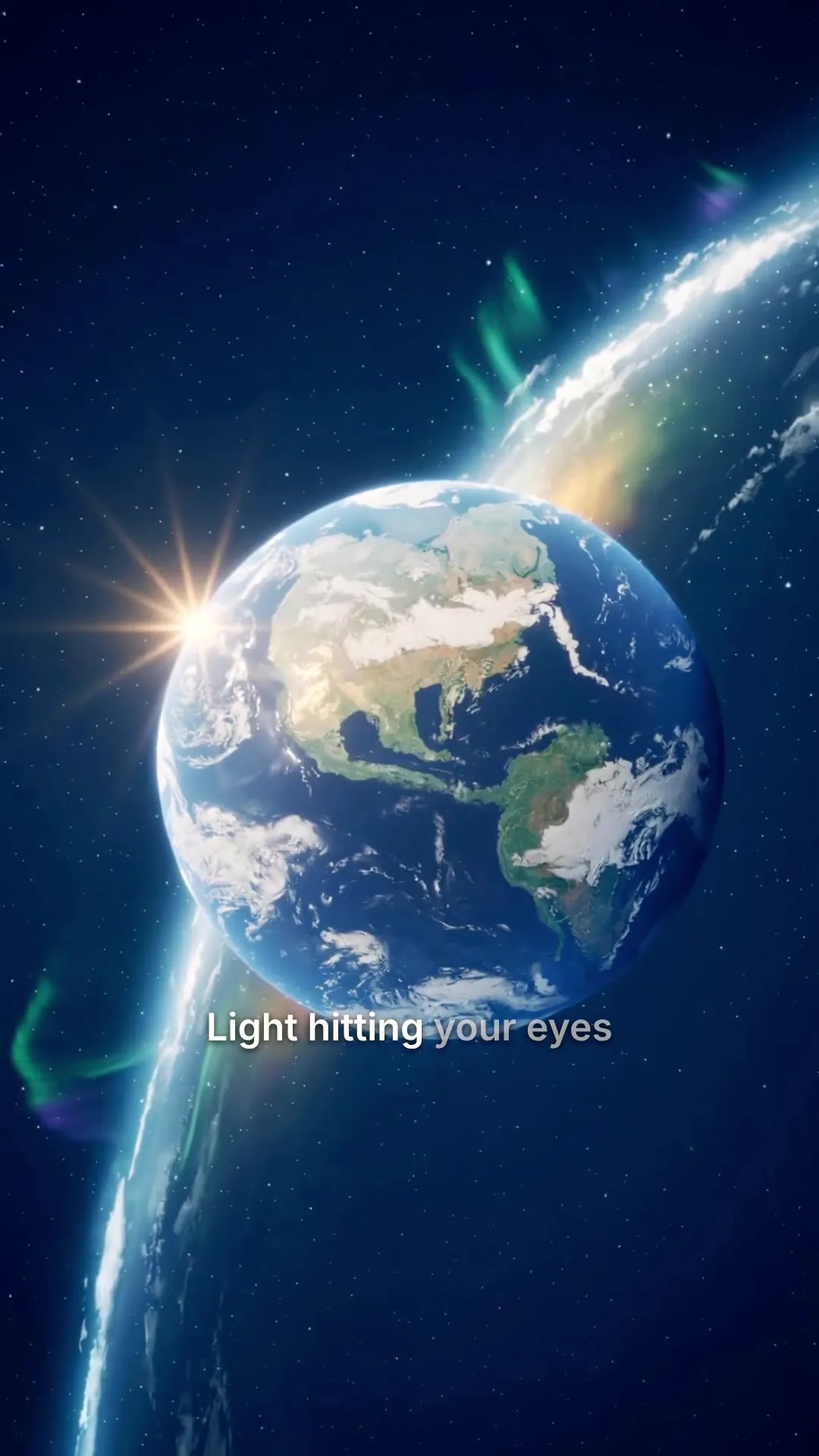
A cinematic 9:16 ad rendered by the same pipeline.
Built for the auction, not the timeline
Most ad tools render one shape and leave you to reformat it for every placement. In the Ad Maker you pick where the ad will run, and that choice sets the ratio and the length before anything renders. Describe the product, add your photos, pick the call to action, and the copy is written around all three.
Describe what you sell. We write the hook, the pitch and the call to action, then build the ad.
What are you advertising?
ExampleA handmade ceramic pour-over coffee set. Slow mornings, one cup at a time, sold direct from our studio.
Photos of your product

Where will it run?
Call to action
Estimated cost
~82 credits Example
How it works
Describe what you sell in a sentence or two and add 1 to 5 real product photos. Then pick where the ad will run: TikTok in-feed, Instagram Reels, YouTube Shorts, Facebook feed or YouTube in-stream. The placement sets the shape and the length together, so the creative is built for that slot instead of letterboxed from a wide render after the fact.
Say who the ad is for if you like, and pick a call to action such as Shop now, Book a demo or Learn more, or write your own. The Ad Maker writes direct-response copy around it: a hook up front, the product and the problem it solves, and a close on your CTA. Prefer your own words? Paste them into Script to Video and the narrator reads them exactly.
The ad runs on real filmed footage matched to each line, with an AI voiceover and captions timed to it. Product scenes show your own photos exactly as you uploaded them, so the ad never invents your product. Music is optional: add a track from the library in the editor.
The finished ad opens in the editor and downloads as a watermark-free 1080p MP4, already in the placement's shape. Upload it to Meta Ads Manager or TikTok Ads Manager as a fresh creative. Want a variant? Regenerate one scene, swap the narrator or restyle the captions, then export again.
From brief to variant
Set the product, the placement and the call to action, then hit generate. The finished ad opens in the editor and lands in your library, watermark-free. That is where the next variant starts: change one shot, keep the rest, export again.
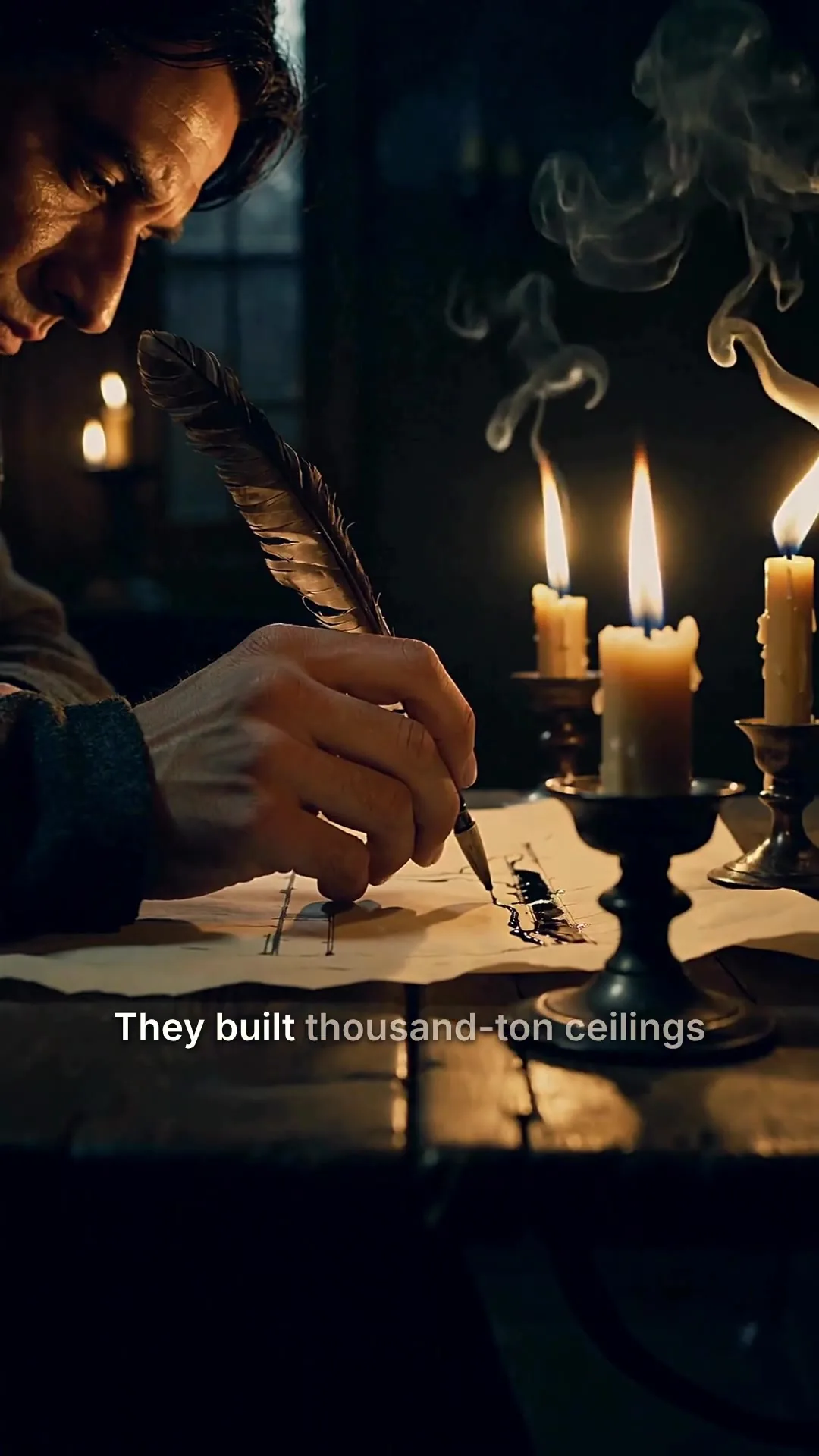
Scene 2
Edits save automatically
Narration
ExampleThey built thousand-ton ceilings without a single steel beam, and most of them are still standing.
Regenerate this scene
New voice and visuals, usually 1-3 minutes.
1080p MP4
Export videoAll included
Copy, voice, scenes, captions, and export. One pipeline, one cost per render, shown before you generate. Model the spend first with the free ROAS calculator.
Audition 12 narrators and pick a delivery from calm to punchy. Swap the voice to test a fresh read without rewriting the script.
The narrator for the whole video
Pick a voice
Play to auditionSarahfemale · american
Mature, reassuring, confident
Brianmale · american
Deep, resonant, comforting, natural authority
Lilyfemale · british
Velvety, warm. British narrator
Danielmale · british
Authoritative British male, newscaster gravitas
Matildafemale · american
Knowledgeable, professional, perfect for tutorials
Delivery
Used when you applyStable
Calm, even
Balanced
Default
Expressive
Punchy
Apply to every scene
Re-records the narration. Visuals stay as they are, and your current export stays until you export again.
Burned-in captions timed to the voiceover, in 11 styles from Classic to Hormozi. Click any word to fix a typo.
Clean, minimal, burned in
Edit transcript
Click any word to fix typos without re-rolling voice.
Scene #3
ExampleLight hitting your eyes left the sun eight minutes ago.
Scene #4
You are looking at the past, every single time.
Caption style
Edits save automatically
Export videoDownload a 1080p MP4 with no watermark, plus SRT and VTT caption files, or share a download link with a client.
Download
MP4 video
The finished video, ready to post
SRT captions
Subtitle file for TikTok, YouTube, CapCut
VTT captions
Subtitle file for web video players
Share link
ExampleAnyone with this link can download the MP4, no account needed.
On Plus and Pro, switch your logo on as a watermark for every render, and invite teammates by email as a Member or an Admin.
Brand Kit
Brand Kit is available on Plus and Pro
Watermark
PNG with transparency recommended. Max 5MB.
Upload watermarkShow watermark on renders
Team
Invite to team
Active members
Example
OliviaYou
olivia@northshore.studio
Marcus
marcus@northshore.studio
Pending invitations
sam@northshore.studio
Invited by Olivia
Connect your AI agent
Connect your AI assistant and ask for ads in plain English. Assistants can make UGC-style ads and every other brief tool, and post the result. The Ad Maker, with your product photos, lives in the app.
MCP, API and CLI are included on every plan.
Use cases
One render per creative variant, one export per placement.
Run the Ad Maker once per hook and ship a set of test ads per campaign without booking a shoot day. Test hook lines, voices, and calls to action against the same product claim and let the auction pick the winner.
Run Meta, TikTok, and YouTube Shorts in parallel from one brief. Make one render per placement and each comes back in that placement's ratio and length, with no manual reformatting.
Make test ads for multiple clients per week, one run per ad. The pipeline replaces the per-brief edit cycle with a re-render, so a creative test costs a render not a retainer hour.

Build 9:16 spokesperson-style install ads or lead-gen creatives without coordinating with talent. Consistent presenter, consistent voice, fresh hook per variant.
Open a launch with a 20 or 30 second ad that walks through the feature, the price, or the offer. Re-render the moment the copy, angle, or price changes without booking new edit time.
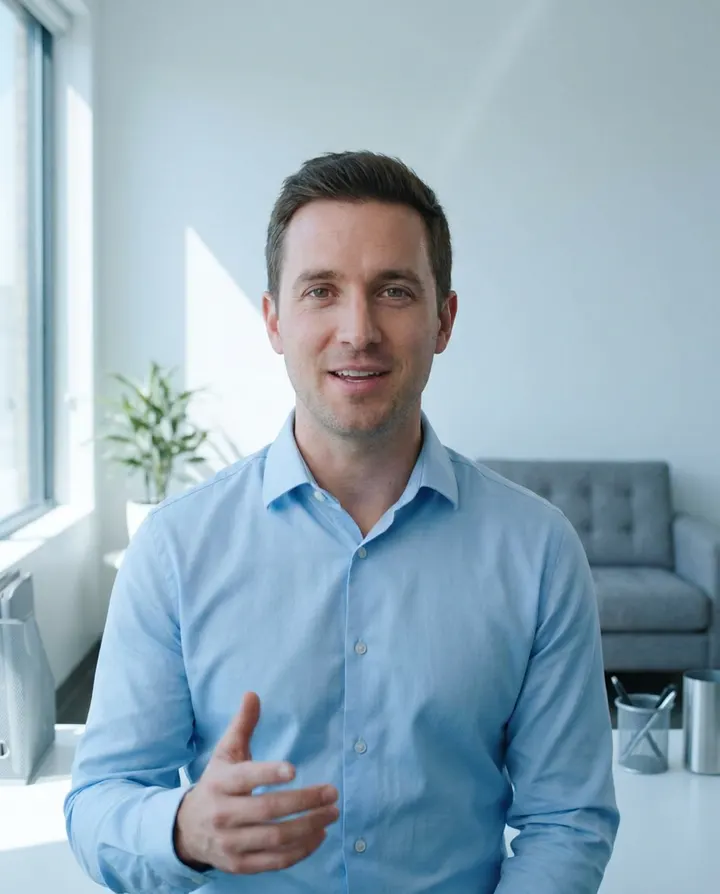
Generate short spokesperson-style video prospecting clips for outbound sequences. Same product story, new hook per persona, delivered inside your normal send cadence.
Need to draft the hook first? The video hook generator drafts and ranks hook lines you can paste back into the ad pipeline.
Shopify and DTC stores
Sprout Social reports that YouTube, TikTok and Instagram together now drive over 60% of product discovery, so a store's ad creative is its shop window. The constraint is how many fresh ads you can afford to test.
Add 1 to 5 of your product page images as the product photos and describe the product and who it is for in a sentence or two. Product scenes show your photos as they are, so the ad never invents a version of your product.
TikTok in-feed comes out 9:16 at 20 seconds. Reels and Shorts are 9:16, the Facebook feed 1:1 and YouTube in-stream 16:9, all at 30 seconds. Shop now is the usual close for a store.
Each run makes one ad. To test a hook, change the line and run again; keep the body and offer the same so the test tells you something.
Each render is one ratio. Switch the ratio in the editor and export again for the next placement, and earlier renders stay in your render history. Then upload the MP4s to Meta Ads Manager or TikTok Ads Manager.
An Ad Maker ad usually costs about 69 to 95 credits, so Lite's 450 credits cover about four ads at the top of that range: one first test. A store testing new hooks every week belongs on Plus or Pro, with a top-up pack for a heavy month. Plan credits reset each billing month, so pick the plan you will actually use up.
Cheap ads make it easy to ship a claim a hundred times. A results claim is usually read as what buyers can expect, under the FTC's Endorsement Guides, and "results not typical" does not change that. For a single product shot with motion, image to video turns one product image into a 5 or 10 second clip.
Restaurants
What fills tables is a steady weekly line of short clips, not one flagship film. These are the ones you can make from photos you already have.
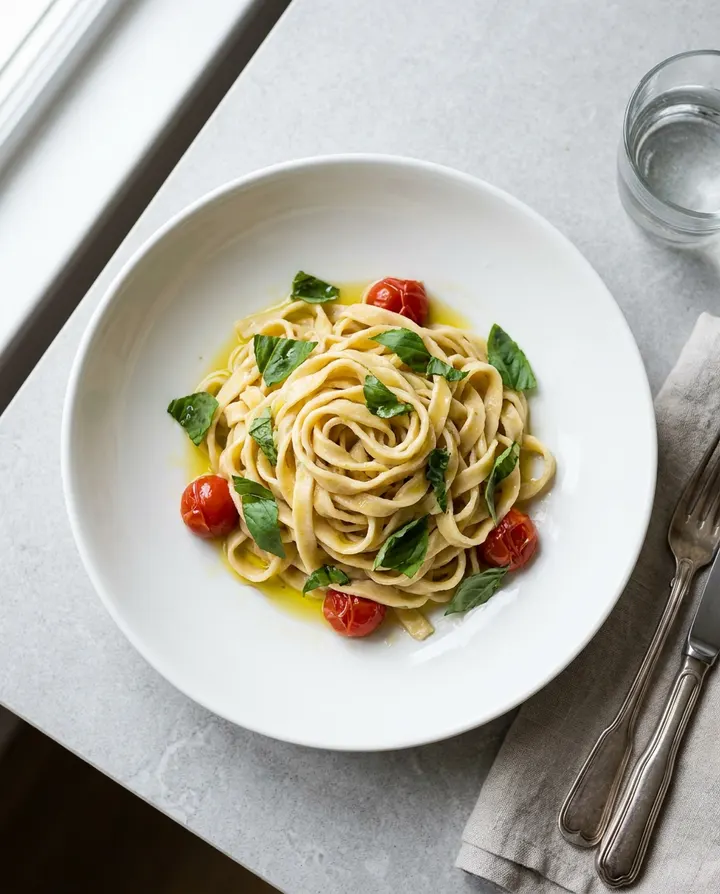
Use a well-lit photo of the dish as the product photo in the Ad Maker, describe what makes it worth booking for, and pick Reels or TikTok in-feed. One ad per run, so make one per dish.
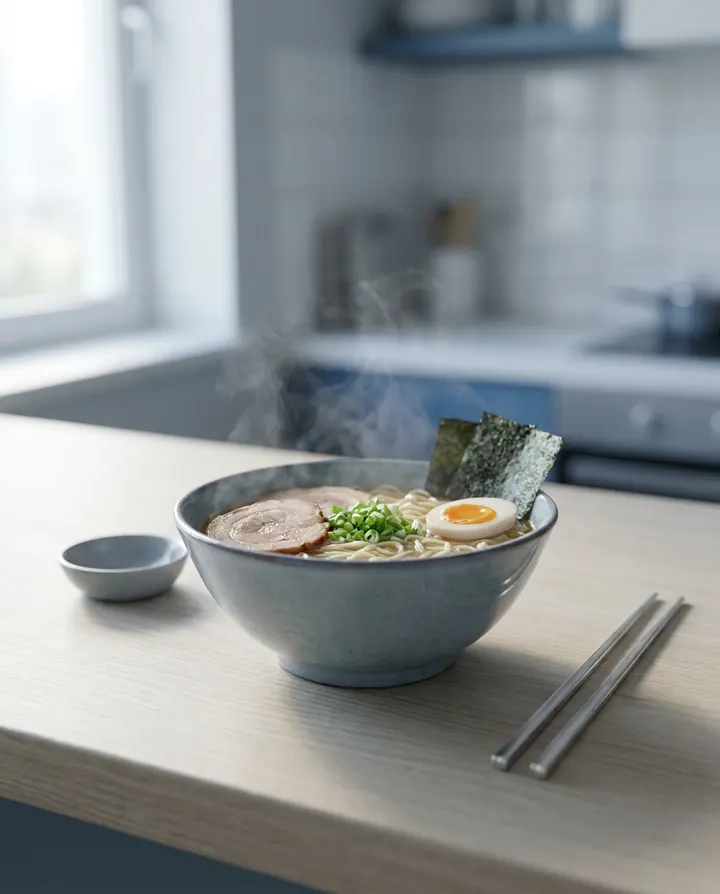
Load an overhead shot of the plate into image to video and ask for one camera move: a slow push in or a gentle pan. Add the trending sound in the platform's own editor when you post, and put the caption in the top third of the frame.
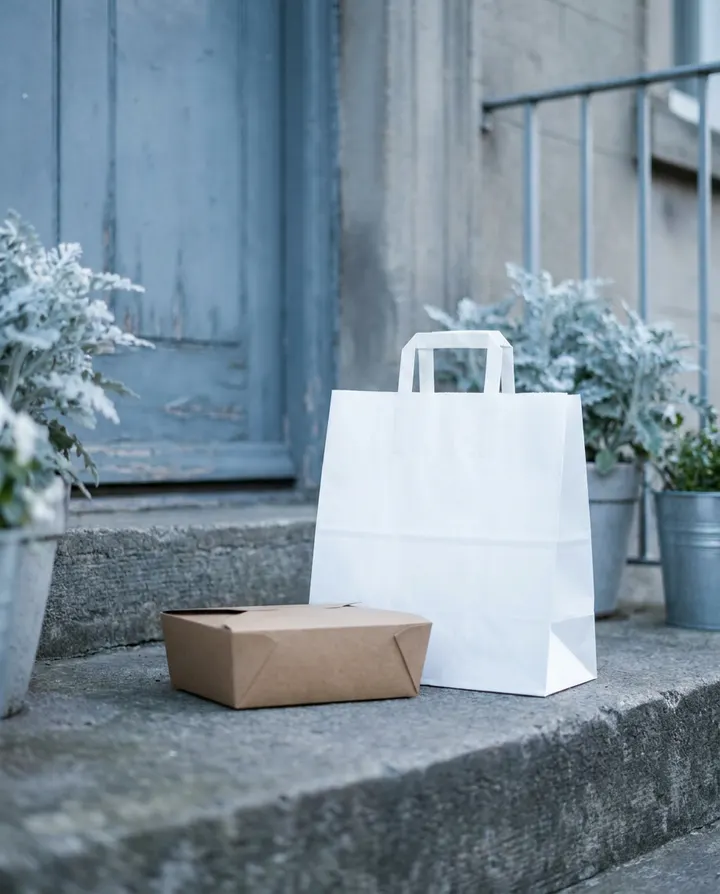
Make the dish ad first, then add the offer, the delivery app's logo from its brand assets and an expiry date in a regular editor. Pull the ad the day the code expires: an expired code in a live ad costs more trust than it ever earned.
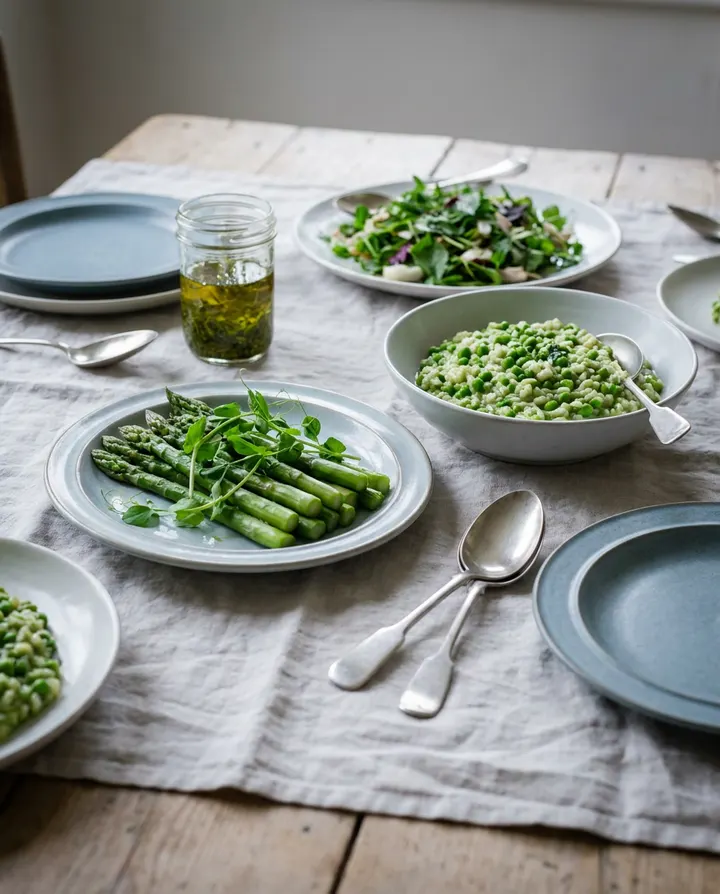
Paste a short narration in the chef's voice into script to video and add up to five photos of the new dishes as references. They guide the look of the scenes; they are not placed into the video as they are. Post it the week before launch, not on the day.
Staff at the pass, a sauce being finished, a cocktail being shaken: shoot these vertically on a phone and edit them in a regular editor, because MakeAIVideo does not take your own clips. A Forbes Councils piece on restaurants and TikTok argues authenticity matters more than professional-looking footage.
Sprout Social finds Tuesdays and Wednesdays strongest on Instagram and weekends weakest, with food and beverage peaking on weekdays from 11 am to 1 pm. Batch the week's dish clips and schedule them for those windows.
Post a short vertical intro to your Google Business Profile and refresh it each quarter. A Whitespark study of 1.8 million profiles, written up by Search Engine Land, found specific categories and complete profiles correlate with stronger local rankings.
Best practices
The first three seconds decide whether an ad survives the scroll on Reels, For You, or the Shorts shelf. Open on the product claim, the pattern interrupt, or the price. Not a logo card, not a greeting.
Paid-social creatives read better when they argue a single point: one product claim, one CTA. Two competing claims dilute the hook and tank the click-through. Save the second claim for a second variant.
Meta and TikTok both have rules for disclosing AI-generated content in ads, especially realistic AI people and scenes. Check their current policy and tick the disclosure when it applies. An honest label costs you nothing; a missing one puts the creative at risk.
9:16 for Reels, TikTok, and Shorts. 1:1 for the Facebook feed. 16:9 for YouTube in-stream. Re-cropping a landscape ad to vertical after the fact clips the framing and the captions. In the Ad Maker the placement you pick sets it before the render.
Keep the body and CTA constant, swap only the hook line, and ship three to five variants. The auction will tell you which hook works before you invest in a fresh body.
A calm, reassuring narrator on a DTC skincare ad reads very differently from a punchy creator-style read on a fitness product. The Ad Maker's real-footage ad for brand, a UGC ad or a Talking Avatar presenter for direct-response, is a safe starting split.
 AI UGC video adsCreator-style ads with an AI presenter reading your script, captioned for paid social.Make AI UGC video ads
 Best AI marketing tools 202610 tools across creative, copy, ads, and analytics, with MakeAIVideo at the top of the video category.See the best AI marketing tools
 Best InVideo alternatives 202610 ad and marketing video tools tested, with MakeAIVideo as the top pick for AI-generated creative.Compare InVideo alternatives
 Best Runway alternatives 2026Generation-model tools for cinematic ad creative, with MakeAIVideo shipping the whole ad pipeline.Compare Runway alternatives
 How to write a video scriptHook-body-close template that maps cleanly to a paid-social ad script.Read how to write a video script
 AI video generatorEvery way MakeAIVideo makes a video, from product photos to a script or a presenter.See the AI video generator
Pricing
Every plan includes the Ad Maker, 1080p downloads and no watermark. An ad runs on real footage with a voiceover at about 69 to 95 credits, and you see the exact cost before you generate.
The cheapest way in, with every video mode included.
$9/month
or $90 a year, 2 months free
450credits a month
About 4 stock-footage videos
or about 1 AI cinematic video
30 seconds each, every month
For one creator posting every week.
$19/month
or $190 a year, 2 months free
1,000credits a month
About 10 stock-footage videos
or about 2 AI cinematic videos
30 seconds each, every month
Long-form, your branding and a team of three.
$29/month
or $290 a year, 2 months free
1,600credits a month
About 16 stock-footage videos
or about 3 AI cinematic videos
30 seconds each, every month
For teams and channels running at volume.
$49/month
or $490 a year, 2 months free
2,800credits a month
About 29 stock-footage videos
or about 6 AI cinematic videos
30 seconds each, every month
7-day free trial for new customers: $0 today, card required, 500 trial credits, and trial videos are capped at 10 seconds of script. Video counts are estimates for 30-second videos, rounded down. Plan credits refresh every billing month and do not roll over.
Every plan includes
Busy month? Top-up packs from $9: a one-time purchase, and the credits never expire. Compare plans and packs
What advertisers ask before they build their first ad.
Something else? Visit the help center
The Ad Maker builds for five placements: TikTok in-feed, Instagram Reels, YouTube Shorts, Facebook feed, and YouTube in-stream. Every export is a 1080p MP4 in the shape of the placement you picked (9:16, 1:1, or 16:9), so it uploads directly to Meta Ads Manager, TikTok Ads Manager, or Google Ads without reformatting. A 9:16 ad also fits Stories.
Yes. Describe what you sell, pick a call to action, and the Ad Maker writes the hook, the pitch, and the close for paid social. Prefer to write your own copy? Paste your script into Script to Video and the narrator reads your exact words. You can also draft copy separately in the video hook generator and paste the winning hook back in.
Yes, and the Ad Maker needs them: add 1 to 5 real product photos. Product scenes show them exactly as they are, so the ad never invents your product. Founder-shot product photography, packshots, or a hero image from a shoot all work. To animate a single still into a 5 or 10 second clip instead, use Image to Video.
The placement sets it: 9:16 vertical for TikTok in-feed, Instagram Reels, and YouTube Shorts; 1:1 square for the Facebook feed; 16:9 landscape for YouTube in-stream. Pick the placement before you generate so the framing and captions are built for it.
It depends on your credits. Plans give a monthly allowance: Lite $9 (450 credits), Solo $19 (1,000), Plus $29 (1,600), and Pro $49 (2,800). Packs add credits once and never expire: Spark ($9) is 400 credits, Boost ($19) is 900, Stack ($39) is 2,000, and Bulk ($79) is 4,500. An Ad Maker ad usually costs about 69 to 95 credits, and the app's cost preview shows the exact figure for the ad you're building before you hit generate. See MakeAIVideo plans and pricing.
No. Every ad you export is a clean 1080p MP4, watermark-free and ready to upload straight to Meta Ads Manager, TikTok Ads Manager, or Google Ads. Watermark removal is not gated behind a higher tier.
MakeAIVideo generates the creative; the auction and your audience decide performance. Pair the creative with the ROAS calculator and the CTR calculator to model outcomes before you scale spend, and A/B test hook variants inside your ad platform.
The talking avatar mode lip-syncs an AI spokesperson to a natural voiceover of your ad script, with captions burned in. The presenter is AI-generated, not a real creator, so there is no actor likeness to license and the AI disclosure box on Meta or TikTok is honest to check. See the UGC video page.
Yes. Add 1 to 5 of your product page images as the product photos, describe the product, pick the placement and Shop now as the call to action. Product scenes show your photos as they are over real footage with a voiceover. To turn a single product image into a 5 or 10 second motion clip instead, use Image to Video.
There is no Shopify app connection. Upload your product images directly, download the finished MP4 and upload it to Meta Ads Manager, TikTok Ads Manager or a video section on your store.
An Ad Maker ad usually costs about 69 to 95 credits, so Lite's 450 monthly credits cover about four ads at the top of that range. That is enough for a first test. A store testing new hooks every week should look at Plus or Pro, or add a top-up pack in a heavy month. The app shows the exact cost before you generate. Compare MakeAIVideo plans and pricing.
For ordinary product ads, Meta's ad standards contain no blanket ban on AI creative, and the self-disclosure requirement applies to social issue, election and political ads that contain photorealistic AI images, video or audio. Check the current policy before you run, and remember that a product claim still has to be true however the ad was made.
Yes. Use the dish photo as the product photo in the Ad Maker for a narrated ad, or load it into Image to Video for a short motion clip with no voiceover. Staff and kitchen footage you film yourself is edited in a regular editor, because MakeAIVideo does not take your own clips.
Mention the offer when you describe what you sell, so the ad copy can work it in, or paste your own script into Script to Video for exact wording. On-screen overlays such as the delivery app's logo, a discount code bar and the expiry date are added afterwards in a regular editor.
Nothing is charged automatically and nothing is lost. Your account and finished videos stay exactly as they are. Buy another pack whenever you want to generate again.
Plans from $9 a month, with a credit allowance that refreshes every billing month.