
Turn ChatGPT into a video generator
ChatGPT writes and draws, but it does not make video. Add MakeAIVideo as a connector and it does: ask for the video you want in ordinary words and a finished 1080p MP4 comes back, with the script written, the voiceover recorded, the scenes built and captions timed to the audio.
7 day free trial·Allowance tops up monthly · Top-up credits never expire


Prefer to do it yourself? Prompt to video runs the same pipeline in your browser, no connector needed.
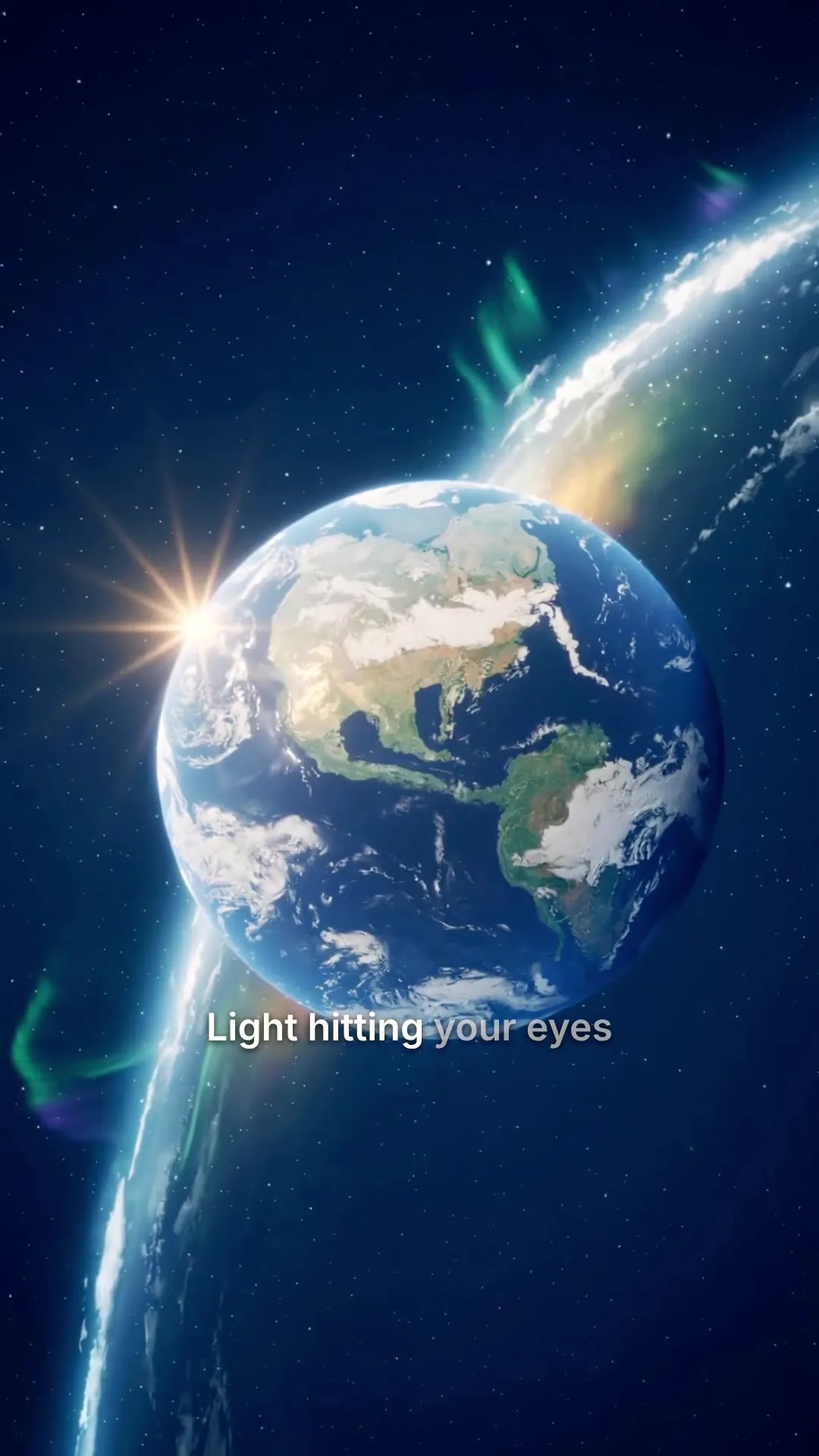
A real render from the pipeline ChatGPT calls.
The honest answer
Can ChatGPT generate videos?
No, not by itself, and no prompt changes that. ChatGPT produces text and images. A finished video needs a script, a recorded voiceover, scenes, captions timed to the audio and a render at the end, and none of that happens inside the chat. What ChatGPT is very good at is calling a tool that does it. Add MakeAIVideo as a connector and the gap closes: you ask in the chat, we render, and a finished MP4 comes back.
- You ask in plain words.
- No prompt syntax to learn and no parameters to look up. Describe the video the way you would to a person.
- ChatGPT calls the tool.
- It reads the brief, picks the right call and quotes the cost before spending any of your credits.
- A finished video comes back.
- Not footage to assemble. A complete 1080p MP4 with narration and captions, ready to post.
Connect an AI assistant
Where do you want to use it?
Paste this address:
https://mcp.makeaivideo.ai Copy addressJust ask it
“Make a 45-second explainer on why bread rises, 9:16, and give me the download link.”
How it works
Connect ChatGPT in four steps
- 01
Add the connector
In ChatGPT, open Settings, then Connectors, and add https://mcp.makeaivideo.ai by URL. Availability depends on your ChatGPT plan. Nothing to install and no code to write.
- 02
Sign in once
ChatGPT reads our OAuth discovery documents, registers itself and walks you through sign-in. You should not need to paste an API key anywhere. You choose which scopes to consent to: read, write and ai.
- 03
Ask for a video
Describe what you want in the chat the way you would describe it to a person. ChatGPT calls the tool, passes your brief through, and tells you what it is costing before it spends anything.
- 04
Get the finished MP4
One call returns a complete video, not a clip to assemble: voiceover recorded, scenes built, captions timed to the audio and any music you asked for. It lands in your library, watermark-free.
The full walkthrough, including the tool list and what each scope grants, is in the MCP connection guide.
How it runs
The same pipeline, driven from chat
Whatever ChatGPT asks for runs through exactly what a person uses in the browser. It quotes the cost before spending anything, polls until the render lands, and can publish the result to an account you have already connected.
- Same tools, same output.
- A video made from chat is the same 1080p MP4 the browser makes, and lands in the same library.
- Cost before credits.
- Estimates are free, so the assistant can quote a render before it spends anything.
- Posted if you ask.
- To accounts you have already connected, now or on a schedule.
Your prompt
ExampleA 30 second documentary about how the Romans built the Colosseum, with a hook in the first line and a question at the end.
Or start from an example
Length
Aspect ratio
Sarah Female · American
Mature, reassuring, confident
Captions
Word-by-word, auto-styled
Estimated cost
~90 credits Example
What to ask ChatGPT for
A video from one line
"Make me a 30-second vertical video about why sourdough needs a cold proof." The script, voice, scenes and captions all come from that sentence.
A script you already wrote
Paste your copy into the chat and ask for it narrated verbatim. Your words are read exactly as written, never summarised or rewritten.
A video from an article
Give ChatGPT a link or paste a post and ask for a short made from it. The video uses only what is in your text.
A batch, in one message
Ask for five variations on a hook and let the assistant queue them. It checks on progress at the pace the server asks for and reports each one back as it finishes.
A video posted for you
Ask it to publish the finished video to a connected social account, now or on a schedule. You approve each new account once through a connect link.
A cost check first
Ask what a render will cost before committing. Estimates are free, so an assistant can quote you a price without spending any credits to find out.
All included
What the connector gives you
No API key to paste: OAuth handles sign-in, so a key never touches your chat window or your clipboard. Scoped consent: you grant read, write and ai separately, and you can decline any of them. Videos run up to 10 minutes, and on Plus and Pro stock-footage videos go up to 40.
Studio AI voices
A curated library of natural narrators the assistant can pick from by name.
The narrator for the whole video
Pick a voice
Play to auditionSarahfemale · american
Mature, reassuring, confident
Brianmale · american
Deep, resonant, comforting, natural authority
Lilyfemale · british
Velvety, warm. British narrator
Danielmale · british
Authoritative British male, newscaster gravitas
Matildafemale · american
Knowledgeable, professional, perfect for tutorials
Delivery
Used when you applyStable
Calm, even
Balanced
Default
Expressive
Punchy
Apply to every scene
Re-records the narration. Visuals stay as they are, and your current export stays until you export again.
Word-by-word captions
Timed to the voiceover and burned into the export, in your choice of style.
Clean, minimal, burned in
Edit transcript
Click any word to fix typos without re-rolling voice.
Scene #3
ExampleLight hitting your eyes left the sun eight minutes ago.
Scene #4
You are looking at the past, every single time.
Caption style
Edits save automatically
Export videoPost where it lands
Finished videos can go straight to a connected account, now or scheduled.
We upload the finished file to each account you pick.
Where should it go?
@yourbrand
TikTok
@yourbrand
Instagram · Posts as a Reel
Your Brand
YouTube · Vertical videos post as Shorts
Caption
RewriteRome did not build the Colosseum with magic. It built it with one ingredient we forgot. #history
Customise caption per platform
Schedule (optional, leave empty to post now)
Goes out within about two minutes of it.
In the language you ask for
Script, voiceover and captions in any of 24 languages, written in that language rather than translated afterwards.
Your prompt
ExampleUn video de 30 segundos sobre por qué el pan sube en el horno.
- English
- EspañolSpanish
- PortuguêsPortuguese
- FrançaisFrench
- DeutschGerman
- Bahasa IndonesiaIndonesian
- 日本語Japanese
- 한국어Korean
Script, voiceover and captions follow it
Generate videoNot just ChatGPT
Works with any assistant that speaks MCP
The connector you add to ChatGPT is one MCP server, and the same address works in Claude, Grok, Claude Code, Cursor and any other MCP client. ChatGPT and Cursor need a paid plan on their side.
- Connect your AI assistant.
- Add MakeAIVideo to Claude, ChatGPT, Grok, Claude Code, Cursor or any app that supports MCP with one address. You sign in once; there is no API key to paste.
- Ask in plain English.
- “Make a 30 second vertical video about why sourdough needs a cold proof, then post it to TikTok tonight at 7.” It checks the cost before it spends anything.
- It makes the video.
- A finished MP4 with the script, voiceover, scenes, captions and any music, in your library to edit or download.
- And posts it if you ask.
- To the accounts you have connected, now or on a schedule, across 11 platforms.
MCP, API and CLI are included on every plan.
Claude
Desktop, web and phone all accept a custom connector by URL, with the same OAuth sign-in.
Claude Code
Add the server from the command line and generate video inside a coding session.
Cursor
Speaks MCP, so the same server URL works without any extra adapter.
Anything else
A client that cannot speak MCP calls the REST API directly with a bearer key: 65 endpoints, documented.
Building on top of this rather than chatting with it? The agents page covers idempotency, polling, error shapes and webhooks, and the CLI does the same work from a terminal.
Pricing
One plan for the browser and the chat
A video ChatGPT makes spends the same credits as one you make in the app, from $9 a month. MCP, the API and the CLI are on every plan. Custom connectors need a paid ChatGPT plan on OpenAI's side.
Lite
The cheapest way in, with every video mode included.
$9/month
or $90 a year, 2 months free
450credits a month
About 4 stock-footage videos
or about 1 AI cinematic video
30 seconds each, every month
- Post and schedule to 2 social accounts
- Videos up to 10 minutes
- Every mode, including Talking Avatar and Image to Video
- Full HD 1080p export, no watermark
Solo
For one creator posting every week.
$19/month
or $190 a year, 2 months free
1,000credits a month
About 10 stock-footage videos
or about 2 AI cinematic videos
30 seconds each, every month
- Post and schedule to 4 social accounts
- More than double the credits of Lite
- Videos up to 10 minutes
- Every mode, including Talking Avatar and Image to Video
Plus
Most popularLong-form, your branding and a team of three.
$29/month
or $290 a year, 2 months free
1,600credits a month
About 16 stock-footage videos
or about 3 AI cinematic videos
30 seconds each, every month
- Post and schedule to 6 social accounts
- Stock-footage videos up to 40 minutes
- Brand Kit: your logo as a watermark on every video
- 3 team seats with admin and member roles
Pro
For teams and channels running at volume.
$49/month
or $490 a year, 2 months free
2,800credits a month
About 29 stock-footage videos
or about 6 AI cinematic videos
30 seconds each, every month
- Post and schedule to 10 social accounts
- Lowest price per credit of any plan
- Stock-footage videos up to 40 minutes
- 10 team seats with admin and member roles
7-day free trial for new customers: $0 today, card required, 500 trial credits, and trial videos are capped at 10 seconds of script. Video counts are estimates for 30-second videos, rounded down. Plan credits refresh every billing month and do not roll over.
Every plan includes
- Every way to make a video: prompt, script, talking avatar, image and character swap
- 15 visual styles, captions, music and voices
- Full HD 1080p export, never a watermark
- Post and schedule to 11 platforms
- Video in 24 languages
- API, MCP server and CLI for ChatGPT, Claude or any AI agent
Busy month? Top-up packs from $9: a one-time purchase, and the credits never expire. Compare plans and packs
ChatGPT video generator FAQs
What ChatGPT can and cannot do with video, how the connector signs in, and what a render costs.
Something else? Visit the help center
Can ChatGPT generate videos?
Not on its own. ChatGPT produces text and images, and no prompt turns that into a rendered video with a voiceover and a soundtrack. What it can do is call a tool that makes the video for it. Connect MakeAIVideo as a custom connector and asking ChatGPT for a video returns a finished 1080p MP4, because the rendering happens on our side and the assistant is driving it.
How do I connect MakeAIVideo to ChatGPT?
Open Settings, then Connectors, and add https://mcp.makeaivideo.ai by URL. ChatGPT reads our OAuth discovery documents, registers itself and walks you through sign-in. Availability of custom connectors depends on your ChatGPT plan.
Do I need an API key?
Not for this. OAuth is the normal path for ChatGPT and Claude, and it means no key is pasted into the chat. If you are writing your own client instead, send an Authorization: Bearer header with a key from your account. the API docs covers that path.
Is this the same as Sora?
No, and they answer different questions. Sora generates raw footage from a prompt. MakeAIVideo generates a finished video: a script, an AI voiceover, scenes matched to each beat, captions timed to the audio and optional music, rendered as an MP4 you can post without opening an editor.
What does it cost to generate a video this way?
The same as generating it in the browser. Plans start at $9 a month and the credit allowance refreshes every billing month. Cost estimates are free, so the assistant can quote a render before spending anything on it.
Can the assistant post the video for me?
Yes, to accounts you have already connected. A person approves each new account once through a connect link, after which the assistant can publish a finished video now or on a schedule and report back what happened on each platform.
Does this work with Claude and other assistants?
Yes. The server speaks the Model Context Protocol over streamable HTTP, so any MCP client works: Claude on desktop, web and phone, Claude Code, Cursor, and custom clients you write yourself. the agents page has the engineering detail.
What language will the video be in?
Whichever of the 24 supported output languages you ask for. The script, the voiceover and the captions are all generated in that language, not translated from English afterwards.
Is there a watermark?
No. Every export is a watermark-free 1080p MP4, whether a person generated it in the browser or an assistant generated it through a tool call.
Can I edit what the assistant made?
Yes. Anything generated through ChatGPT lands in the same library as everything else, and opens in the built-in editor to swap a scene, re-roll the voice or restyle the captions.
Turn ChatGPT into a video generator
Plans from $9 a month, with a credit allowance that refreshes every billing month.