Meta and TikTok ad creative
Ship spokesperson-style ad variants without booking creators, casting, or filming. Test a dozen hooks against the same product claim and let the auction pick the winner.
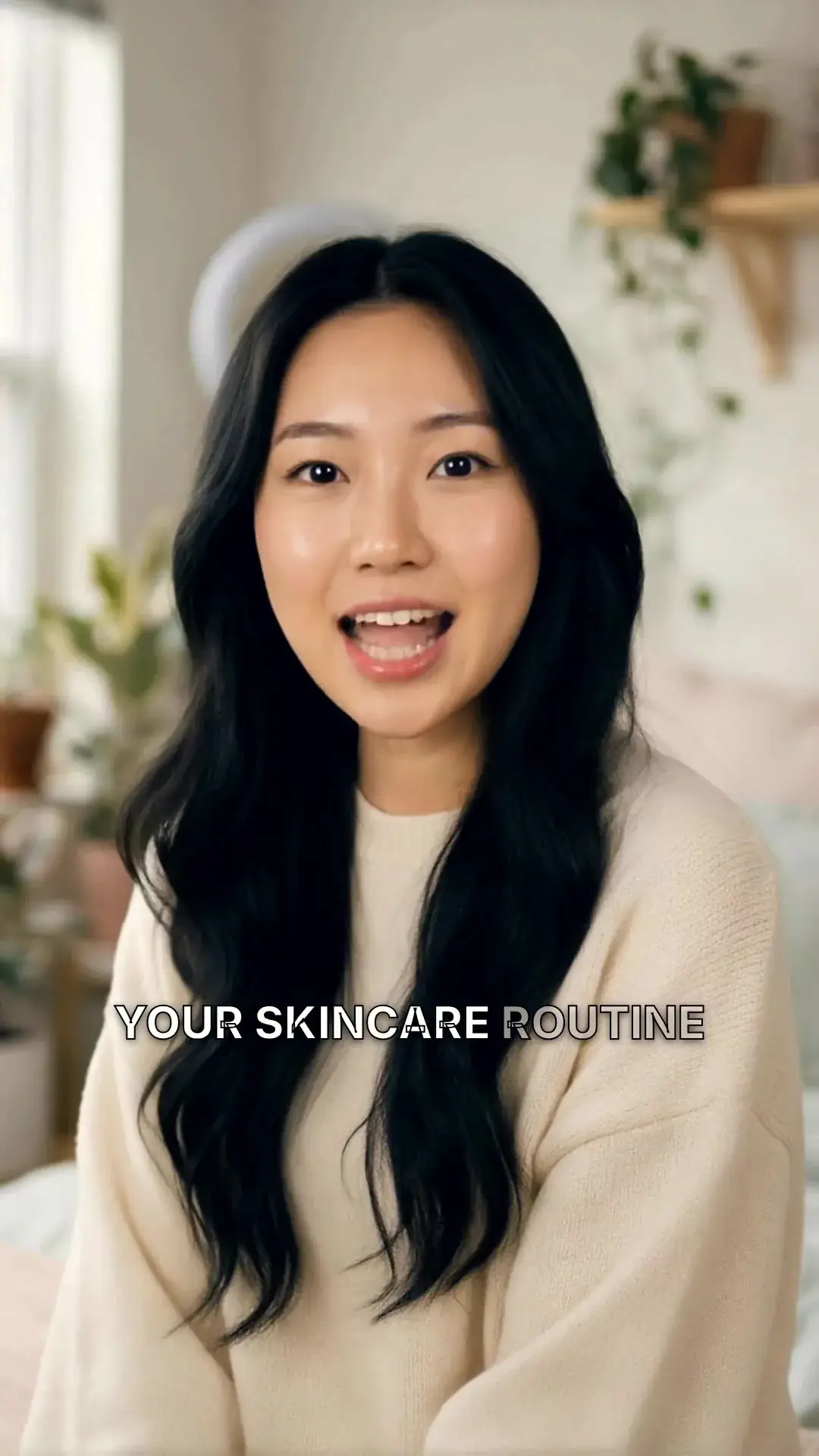
Pick an AI spokesperson, paste your ad script, and MakeAIVideo renders a 9:16 lip-synced UGC creative sized for Meta Ads Manager and TikTok Ads Manager. Disclosed as AI at upload, no creator to license, and cheap enough to test 10 hooks a week.
7 day free trial·Credits reset monthly · Credits you buy never expire
No actor likeness to license
An AI UGC video is a creator-style ad where the presenter, the voice and the read are all AI-generated. Some AI UGC tools leave it unclear whether you're getting a real creator, and an undisclosed person is the bit that can get an ad pulled on Meta or TikTok. MakeAIVideo is honest about it: an AI character, an AI voice, no actor likeness to license, and nothing to hide on the platform's AI-content disclosure form.
Avatar
Pick a character
Upload your video
BEST





Your script
ExampleMost people skip breakfast for the wrong reason. Here is the one change that made my mornings easier.
Sarah Female · American
Female · AmericanMature, reassuring, confident
How it works
Choose a character from the curated library or upload a reference image to generate a consistent custom presenter. No real person is filmed, cloned, or recorded; the character is AI-generated from the start, which keeps you clear of actor releases and creator licensing fees. Match the apparent age, look, and feel to your product's buyer.
Drop the words you want said into the script box. Tight ad copy works best: a hook in the first three seconds, a one-line product claim, and a CTA. Pick a voice from the curated library of natural AI narrators that matches the character's age and tone, conversational reads outperform formal ones for paid-social UGC.
Lock the aspect ratio to 9:16 before generating so the framing is built for Meta and TikTok feeds, not cropped afterwards. MakeAIVideo lip-syncs the presenter to the voiceover, adds word-by-word captions in your chosen style, and renders a 1080p MP4 in a few minutes.
Renders land in your library, watermark-free and sized for upload. Drop the MP4 straight into Meta Ads Manager or TikTok Ads Manager as a new creative. Want to ship a variant test? Re-roll the voice, change the hook line, and re-render; each variation is a fresh creative slot, costed in credits by its length like any other render.
Before you render
A generic brief gets you twenty generic ads. Write these six, then write several versions of the brief, hooks first, and render one or two ads from each.
The first one to two seconds
"I stopped buying meal-prep tubs that leak. Here's why."
The problem the ad names
"Soup in my gym bag. Again."
The change the product makes
"Lunch that stays in the box, all week."
Why anyone should believe it
A real customer outcome you can evidence, or a product demo
The one ask
"Link's in my bio."
Presenter, voiceover, or both
A presenter hook with B-roll under the body
The FTC's Endorsement Guides say an endorsement must reflect the honest opinion of the endorser. An AI presenter reading a testimonial you invented is a made-up endorsement, not a creative choice, so use outcomes you can evidence or let the presenter speak as the brand. The UGC ad tool holds to the same line: it won't state a result, a price or a guarantee your brief doesn't give it.
Three ways to build the ad
Pick the spokesperson, paste the script, ship the creative. For an AI face on camera, use AI talking avatar. For a real creator who has agreed to it, choose Upload your video there and switch on Add B-Roll: they speak the hook and stock footage carries the body. No presenter needed? The AI ad maker writes the hook, the pitch and the call to action from a product description and your product photos, then builds the ad for the placement you pick.
Describe what you sell. We write the hook, the pitch and the call to action, then build the ad.
What are you advertising?
ExampleA handmade ceramic pour-over coffee set. Slow mornings, one cup at a time, sold direct from our studio.
Photos of your product


Where will it run?
Call to action
Estimated cost
~89 credits Example
All included
Every render ships with sound-off captions, a clean 1080p export and nothing to license. Restyle the captions per test, or fix a word without re-recording the voice.
Clean, minimal, burned in
Edit transcript
Click any word to fix typos without re-rolling voice.
Scene #3
ExampleLight hitting your eyes left the sun eight minutes ago.
Scene #4
You are looking at the past, every single time.
Caption style
Edits save automatically
Export videoConnect your AI agent
Connect Claude, ChatGPT, Grok or any MCP client once, then ask for the variants in plain English. It writes the scripts and makes each video in your MakeAIVideo account, using the same credits and the same balance as the app.
MCP, API and CLI use the same credits and the same balance as the app.
Ship it
Download the creative for paid placements, and post the organic cut to your own accounts from the same place.
A 1080p MP4 ready to upload as a new creative, plus SRT and VTT caption files.
Download
MP4 video
The finished video, ready to post
SRT captions
Subtitle file for TikTok, YouTube, CapCut
VTT captions
Subtitle file for web video players
Share link
ExampleAnyone with this link can download the MP4, no account needed.
Send it to TikTok, Instagram, YouTube and eight more platforms, now or on a schedule, with a caption written from your script.
We upload the finished file to each account you pick.
Where should it go?
@yourbrand
TikTok
@yourbrand
Instagram · Posts as a Reel
Your Brand
YouTube · Vertical videos post as Shorts
Caption
RewriteRome did not build the Colosseum with magic. It built it with one ingredient we forgot. #history
Customise caption per platform
Schedule (optional, leave empty to post now)
Goes out within about two minutes of it.
Use cases
A UGC video creative per render, sized for paid social.
Ship spokesperson-style ad variants without booking creators, casting, or filming. Test a dozen hooks against the same product claim and let the auction pick the winner.
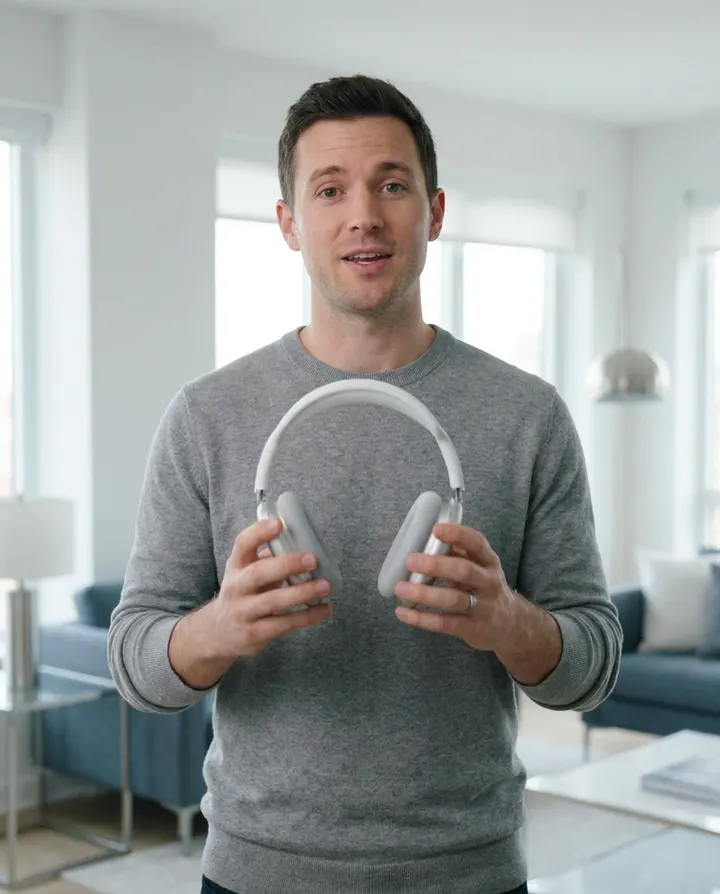
Open a launch with an AI presenter explaining the product in 30 seconds, no coordination with talent, no shoot day. Re-render the moment a feature, price, or angle changes.
Generate fresh ad clips for every SKU you push without the per-creator brief overhead. The presenter, voice, and pacing stay consistent across the catalogue.

Build an AI spokesperson clip that walks through the value prop in a feed-native, talking-head format. Pair with screen-recording B-roll cut in your editor of choice.
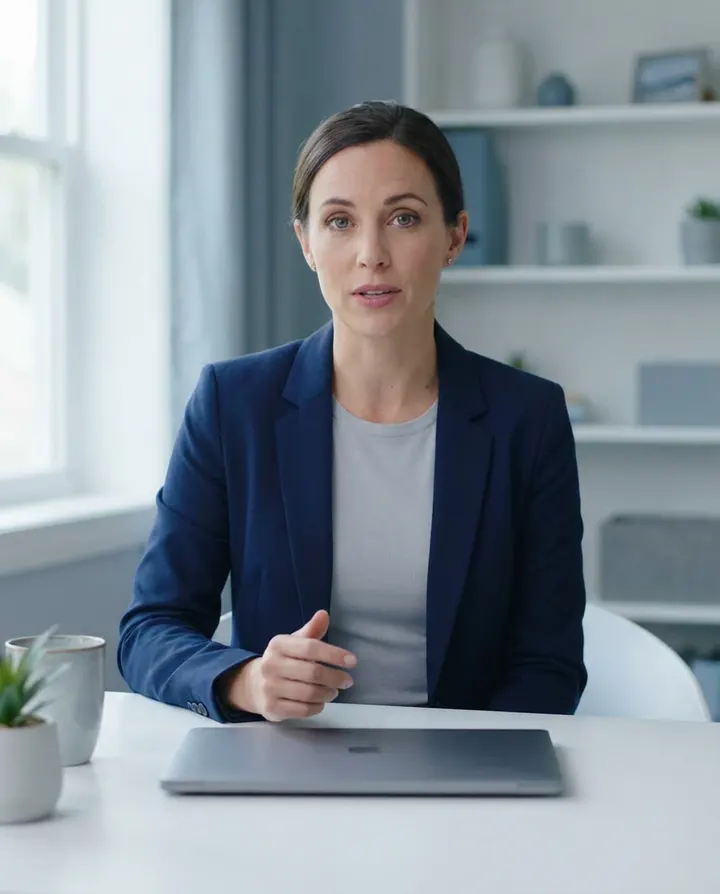
Use a consistent AI presenter to invite viewers to a webinar, lead magnet, or sales call. Same face, same voice, every clip, without scheduling a human spokesperson.

Make several versions of the same ad in one sitting, one render each, changing the hook, voice, or character look. The unit cost of a test drops to a render, not a creator fee.
Test plan
Pick the length for the funnel stage, change one thing at a time, and read the numbers in the right order.
Hook, one payoff, a soft ask
Hook, the problem, the product, the ask
Founder story, the offer, a reason to act now
Draft openings with the video hook generator and bodies with the TikTok script generator, then check the spoken length with the speech time calculator.
1. Click-through rate
The clearest signal of whether the creative works. Below your benchmark, fix the hook. CTR calculator
2. CPM
Mostly the audience and competition, but it usually eases as CTR rises. CPM calculator
3. Return on ad spend
Downstream of clicks and the landing page. If it drops, look upstream first. ROAS calculator
Best practices
The first three seconds decide whether the ad survives the scroll on Reels and TikTok. Open with the product claim, the pattern interrupt, or the question, not a generic greeting or a logo card.
Meta and TikTok both ask advertisers to label realistic AI-generated people. Use the platform's AI disclosure when you upload: an AI spokesperson that is labelled has nothing to hide, and an unlabelled one puts the ad at risk.
An ad spokesperson is a stand-in for your customer's reference group. A 22-year-old presenter selling a retirement product fights the read; pick a character whose apparent age and look fit who you're selling to.
Paid-social UGC reads better when it argues a single point: one product claim, one CTA. Two competing claims dilute the hook and tank the click-through. Save the second claim for a second variant.
If a render feels flat, the voice is usually the variable. Keep the script and re-roll with a different voice from the library before you rewrite. Often the same words read by a different presenter test very differently.
Re-cropping a 16:9 ad to 9:16 after the fact clips the framing and the captions. Pick the aspect ratio for your placement up front; the lip-sync and caption positioning are built around it.
One face in every variant starts to feel familiar in the wrong way. Save two or three characters that fit your buyer and rotate them across the test, so the creative stays fresh without changing the offer.
A campaign average hides the winners inside the losers. Compare each variant on its own, check the landing page conversion rate as well as the click-through rate, cut the weakest each week and move spend to the strongest.
 AI spokesperson videoWhen a polished branded spokesperson outperforms creator-style UGC: studio framing, a slower read, a demo-led call to action.Make an AI spokesperson video
 AI talking avatarThe tool behind every presenter-led UGC ad here: a saved character, or a creator's uploaded clip, lip-synced to your script.Make an AI talking avatar video
 AI video generatorEvery way MakeAIVideo makes a video, from a one-line prompt to a presenter-led ad.See the AI video generator
 Best HeyGen alternatives 202610 talking-head and personalised-outreach tools tested.See the HeyGen alternatives
 Best AI marketing tools 202610 tools tested across video, copy, SEO, email and ad creative, with MakeAIVideo at the top of the video category.See the AI marketing tools
 AI ad makerNo presenter needed: a product description and your photos become an ad sized for the placement you pick.Make an ad with the AI ad maker
Pricing
Talking Avatar and the Ad Maker come with every plan, with 1080p MP4s and no watermark. A 30 second presenter ad is about 584 credits. Every plan starts with a 7-day free trial that includes 350 credits.
The easy start. Every tool, one creator.
$9/mo
or $99 a year, 1 month free
600credits every month
Use them on any tool below
7 days free with 350 credits. Cancel before day 7 and you won't be charged.
For one creator posting every week.
$19/mo
or $190 a year, 2 months free
1,100credits every month
Use them on any tool below
7 days free with 350 credits. Cancel before day 7 and you won't be charged.
Long-form, your branding and a team of three.
$29/mo
or $290 a year, 2 months free
1,750credits every month
Use them on any tool below
7 days free with 350 credits. Cancel before day 7 and you won't be charged.
For teams and channels running at volume.
$49/mo
or $490 a year, 2 months free
3,000credits every month
Use them on any tool below
7 days free with 350 credits. Cancel before day 7 and you won't be charged.
Run out in a busy month? Add credits any time, from $5. Credits you buy never expire. See pricing
Every plan includes
What performance marketers ask before they run AI creative.
Something else? Visit the help center
An AI UGC video is a creator-style ad where the spokesperson, voice, and delivery are all AI-generated rather than filmed with a real person. MakeAIVideo produces it by lip-syncing an AI character to an AI voiceover of your ad script, with word-by-word captions burned in.
Pick an AI spokesperson (from the library or generated from a reference image), paste your ad script, choose a voice, and set the aspect ratio to 9:16 for Meta and TikTok. The pipeline lip-syncs the presenter, adds captions, and renders a 1080p MP4 in a few minutes.
UGC stands for user-generated content: a video that looks like a customer or creator filmed it on their phone, talking straight to camera. In advertising, a UGC video is a creator-style ad built on that look. An AI UGC video keeps the format, but the presenter and the voice are AI-generated, so there is no creator to book or license.
Two ways. For a presenter on camera, open Talking Avatar, choose Pick a character (or Upload your video for a creator who has agreed to it), paste the ad script, pick a voice and set 9:16. For an ad with no one on camera, the UGC ad tool on the create screen writes a first-person script and an AI voice reads it over real stock footage.
Yes. The UGC ad tool writes a 20, 30 or 45 second first-person script from your brief, and it won't state a result, a price or a guarantee your brief doesn't give it. In Talking Avatar, Write with AI drafts a script from a topic, or you can paste your own.
Plans start at $9 a month, and every plan starts with a 7-day free trial that includes 350 credits. A presenter-led ad from Talking Avatar is about 19.5 credits a second, so a 30 second ad is about 584 credits, all in. A UGC ad from the create screen's UGC ad tool, with an AI voice over real footage, is about 246 credits for 15 seconds and about 439 for 30, depending on the script. The app shows the exact credit cost before anything is made, and credits you buy never expire and stack on top of your plan. See plans and pricing.
A few minutes for a typical spokesperson clip, and longer for a longer script. You can ship and test several creative variants in the same working session you opened the tool.
9:16 vertical (Meta Reels, TikTok feed, YouTube Shorts), 16:9 landscape (YouTube, in-feed video ads), and 1:1 square (feed posts). All exports are 1080p MP4 with captions baked in. Pick the ratio before generating so framing and captions are built for that placement.
No. Every export is a watermark-free 1080p MP4, ready to upload to Meta Ads Manager, TikTok Ads Manager, or any other paid-social platform.
Yes, videos you generate are yours to run as paid creative on Meta, TikTok, YouTube, or any other ad platform. The presenter is an AI character and the voice is AI-synthesised, so there's no actor likeness to license, but you should still flag the creative as AI-generated in each platform's disclosure form. MakeAIVideo terms of service.
No. The presenter is an AI-generated character, not a real person, and the voice is AI-synthesised. That keeps you clear of creator-licensing fees and lets you disclose the AI honestly to Meta and TikTok without pulling the creative.
Yes. Open the render in the built-in editor to swap the voice, restyle the captions, or fix a word in the transcript.
Some AI UGC tools leave it unclear whether you're getting a real creator; MakeAIVideo is explicit that the spokesperson is AI, which makes the platform's AI disclosure on Meta and TikTok straightforward. It also runs the whole job (script, voice, lip-sync, captions, render) rather than handing you a talking-head clip you still have to stitch.
Yes, one render at a time. Keep the script and re-roll with a different voice, character, or pacing to ship a creative test with several variants. Each render is a fresh slot you can drop into Meta Ads Manager or TikTok Ads Manager as a new creative.
Write six fields: the hook (the first one to two seconds), the pain the ad names, the promise the product makes, the proof, a single call to action, and the format (presenter, voiceover, or both). Then write several versions of the brief, especially of the hook, rather than asking for twenty ads from one. The brief is the creative; the render is the production step.
Match it to the funnel stage: 15 to 30 seconds for awareness, 30 to 60 seconds for consideration, and 60 to 90 seconds for a conversion ad that tells a founder story and makes the offer. The UGC ad tool on the create screen makes 20, 30 or 45 second ads; a Talking Avatar script runs as long as you write it.
Yes. The UGC ad tool on the create screen writes a first-person script in the cold open, honest caveat, soft close shape of a real recommendation, and an AI voice reads it over real stock footage. It never states a measured result, a price, a discount code or a guarantee unless your brief supplies it.
Yes, with their permission. In Talking Avatar, choose Upload your video and add a 30 to 60 second landscape clip of them talking; each new script is lip-synced onto that footage. Switch on Add B-Roll and they speak the hook while real stock footage plays under the body. The voice comes from the curated library, because MakeAIVideo doesn't clone voices. If you pay the creator, the FTC expects that connection to be disclosed clearly.
Not as a customer. The FTC's Endorsement Guides say an endorsement must reflect the honest opinion of the endorser, and its rule on fake reviews and testimonials covers testimonials that misrepresent they come from someone who does not exist. An AI presenter reading an invented testimonial is a made-up endorsement. Build proof from real customer outcomes you can evidence, or let the presenter speak as the brand.
Start with one ad concept and five to eight hooks, keeping the body and the call to action the same. Once a hook wins, test three or four ways of naming the pain, then two or three proof points and calls to action. Let the auction spread spend for a few days, keep the strongest variants and cut the weakest every week.
Click-through rate first, because it is the clearest signal of whether the creative works. Then CPM, which mostly reflects the audience and competition but usually improves when CTR does. Then ROAS, which sits downstream of both. If ROAS drops, look for a hook or CTR problem before you change the targeting. Work yours out with the CTR calculator.
Nothing is lost. Your account and finished videos stay exactly as they are, and your plan's credits reset on your next billing date. Run out? Add credits any time, from $5.
Pick a spokesperson, paste the ad script, and download a 9:16 creative ready for Ads Manager. Start a 7-day free trial with 350 credits, on plans from $9 a month.