Course lessons
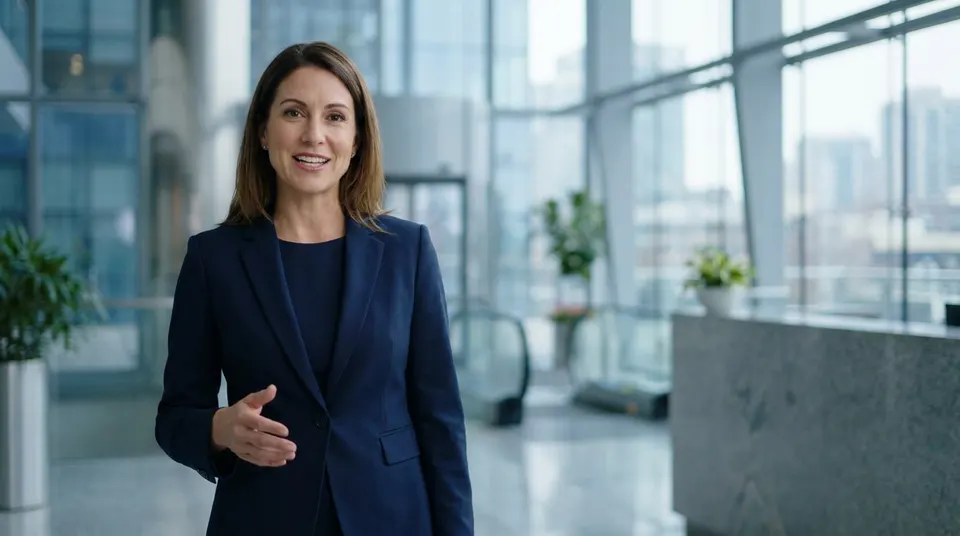
Open every lesson with a consistent instructor: clean audio, focused framing, no background noise. When a module changes, edit that lesson's script and generate it again.
Pick a presenter from the library or upload a reference photo, paste your script, and MakeAIVideo lip-syncs an AI character to a natural voice with word-by-word captions in 1080p. Selling? See AI spokesperson video. Running ads? See AI UGC video. Already filmed it? Character swap replaces the person in your own footage.
7-day free trial, 350 credits·Plans from $9/mo · Cancel anytime
No filming, no actor, no studio
An AI talking avatar is a presenter who reads your script to camera without anyone being filmed. Pick an AI character (or upload a reference image to generate a custom one: one photo is enough to make an AI avatar from), paste your script, and MakeAIVideo lip-syncs the presenter to a natural AI voiceover with word-by-word captions, then renders an MP4. A presenter video without filming, hiring, or a studio, and because the character is AI-generated rather than cloned from a real person, there's no actor likeness to license. Prefer scenes over a face? Script to video narrates the same words over AI footage.
Describe your character
ExampleA warm, confident presenter in her late twenties, soft studio light, cream knit sweater, looking straight at the camera.
Reference images
Optional, locks the face to look like these

Pick your portrait



Pick a voice
Warm Narrator
Calm, storytelling, perfect for explainer videos
Name & save
Name
Maya
How it works
Choose a presenter from the curated library, or make an AI avatar from a photo: in the character wizard one reference image is enough on its own, and up to five lock the face. Pick a portrait, give it a voice and save it. No real person is filmed, cloned, or recorded; the character is AI-generated and synthetic from the start. Would rather appear yourself? Choose Upload your video instead and add a 30 to 60 second landscape clip of you talking.
Drop the words you want said into the script box, or use Write with AI to draft them from a topic. The counter estimates the runtime as you type: about 150 words makes a 60 second talking head. Choose a voice from a curated library of natural narrators that matches the character's apparent age, tone, and pace before generating.
MakeAIVideo lip-syncs the presenter to the voiceover, adds word-by-word captions, and renders a 1080p MP4 sized for the aspect ratio you picked. Open in the editor to tweak, or post the default output.
Under the hood
The Talking Avatar screen has two ways to put someone on screen. Both start from your script and a voice; they differ in where the face comes from and what the lip sync works on.
A still becomes a talking presenter.
Best for: Course lessons, explainers and a recurring presenter you never have to film.
Your own footage, new words.
Best for: Founder updates and ads where viewers should see the real person.
Want a photo to move without a script, or a short lip-synced clip from a single still? That is image to video, a separate mode that makes one 5 or 10 second clip.
The Talking Avatar screen
Pick the character, paste the script, generate. The talking avatar AI screen has two starting points: choose a presenter you have saved, or Upload your video to lip-sync a clip of yourself instead, then write or paste up to 5,000 characters of script, pick the voice and the aspect ratio, and the finished clip lands in your library.
Avatar
Pick a character
Upload your video
BEST

Your script
ExampleMost people skip breakfast for the wrong reason. Here is the one change that made my mornings easier.
Sarah Female · American
Female · AmericanMature, reassuring, confident
Lip sync
Most of what makes a talking avatar look real is decided before you press generate: the face you give it, the words you give it and the voice you pair them with.
The lip-sync model animates whatever still it is given. One person, chest up, looking into the lens, with nothing in front of the mouth gives it the most to work with. A small figure in a wide shot gives it the least.
A reference photo with an open mouth, a big grin or a hand near the face fights the lip sync. A neutral expression with the mouth at rest reads best once it starts talking.
If you're uploading your own reference image, choose a frontal shot with even lighting on the face. Side-lit or backlit photos lip-sync less accurately than well-lit ones.
For Upload your video, record 30 to 60 seconds in landscape, talking neutrally, well lit, against a simple background. Big head turns and hands across the face give the re-sync less to hold on to.
Natural speech lip-syncs better than tongue-twisters or dense technical jargon. Read the script aloud once before generating; if it trips you up, it will trip the model up too.
The script box estimates the runtime as you type, at about 150 words a minute. Short sentences give the voice natural pauses, and the presenter's face settles in them instead of talking non-stop.
A young face with an elderly voice (or vice versa) breaks the illusion. Pick a voice that fits the character's apparent age and tone before generating.
Watch the first render with sound on to catch a line that sounds robotic. Watch it again muted, the way much of a feed is watched, and make sure the captions carry the point alone.
AI avatar generator
The same search covers products that work very differently. Here is which ones Talking Avatar does, and the one it doesn't.
Pick a character, paste the script, choose a voice. The presenter is lip-synced to the voiceover and captioned, and the finished MP4 lands in your library.
Make a character from a single photo of yourself in the character wizard, or choose Upload your video and add a clip of you talking. The voice comes from the library: MakeAIVideo doesn't clone voices.
With your own uploaded video, switch on Add B-Roll: the avatar speaks the hook and real stock footage plays during the body, the classic ad format. No presenter at all? Script to video narrates over scenes.
A real-time avatar that listens and answers face to face inside a product is a different kind of tool, billed by the conversation minute. MakeAIVideo renders finished video files. It doesn't make profile-picture avatars either.
Decide
A talking avatar takes the camera out of the job. That is a big saving for some videos and the wrong call for others.
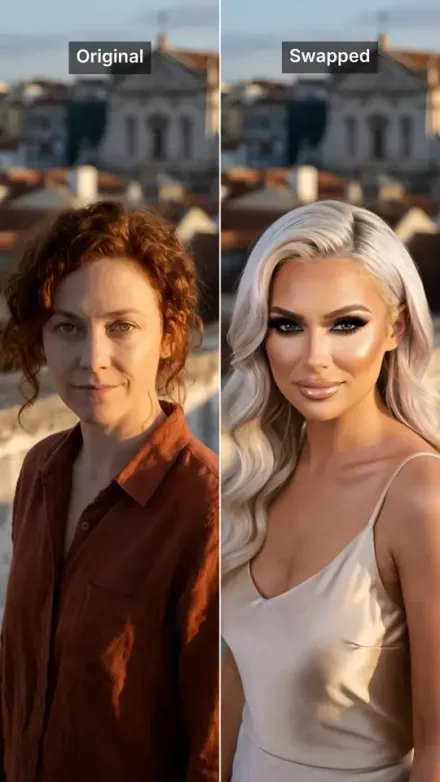
Already have footage and want someone else in it? AI character swap replaces the person in your own clip and keeps the movement.
After it renders
Renders land in your library, ready to download, re-edit, or post with captions baked in. Restyle the captions or change the background music in the editor without generating again. See pricing or start from one line with prompt to video.
See what is still rendering and what is ready, then reopen, download or post any presenter clip.
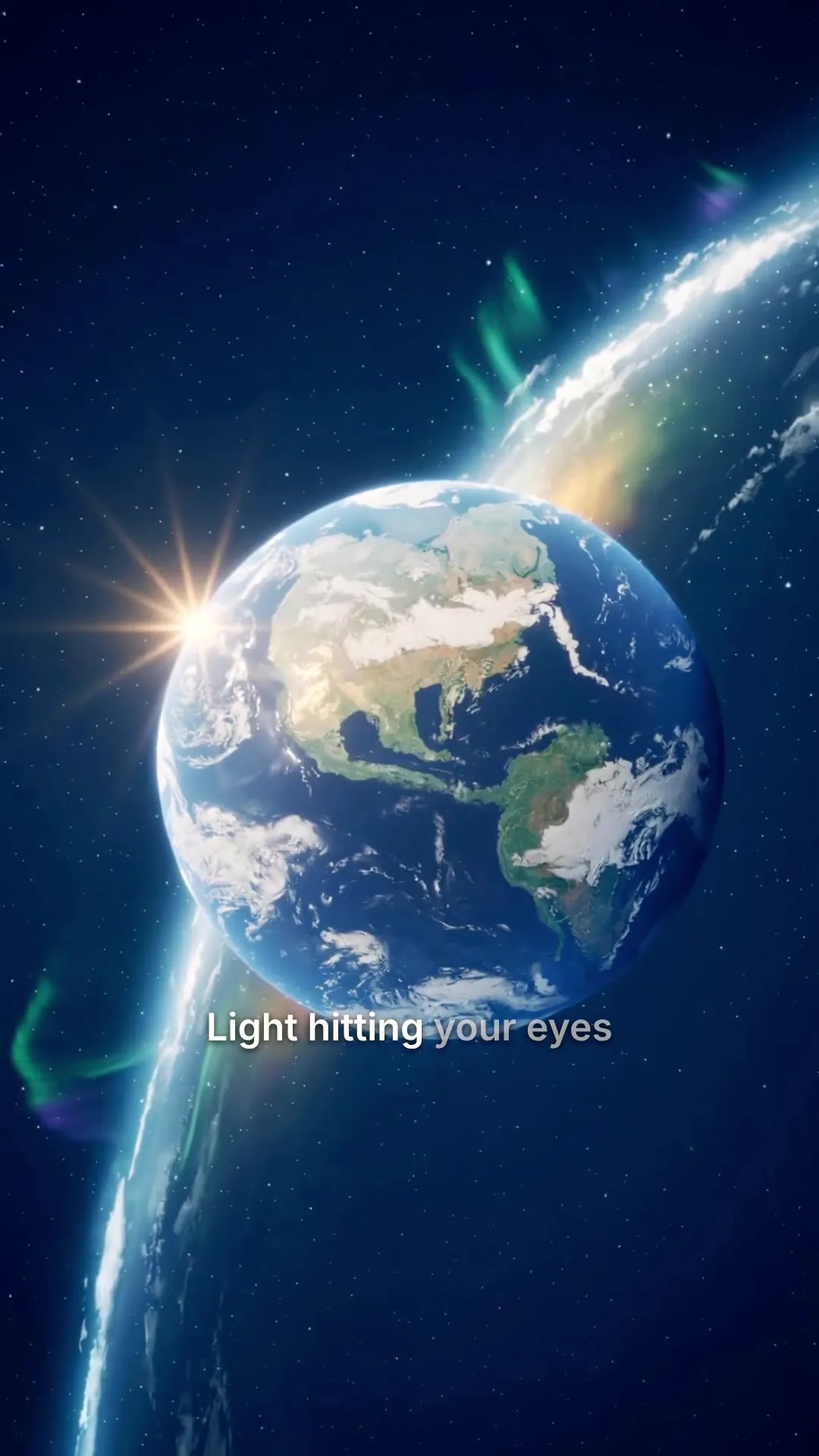 0:25
0:25Universe in 25s
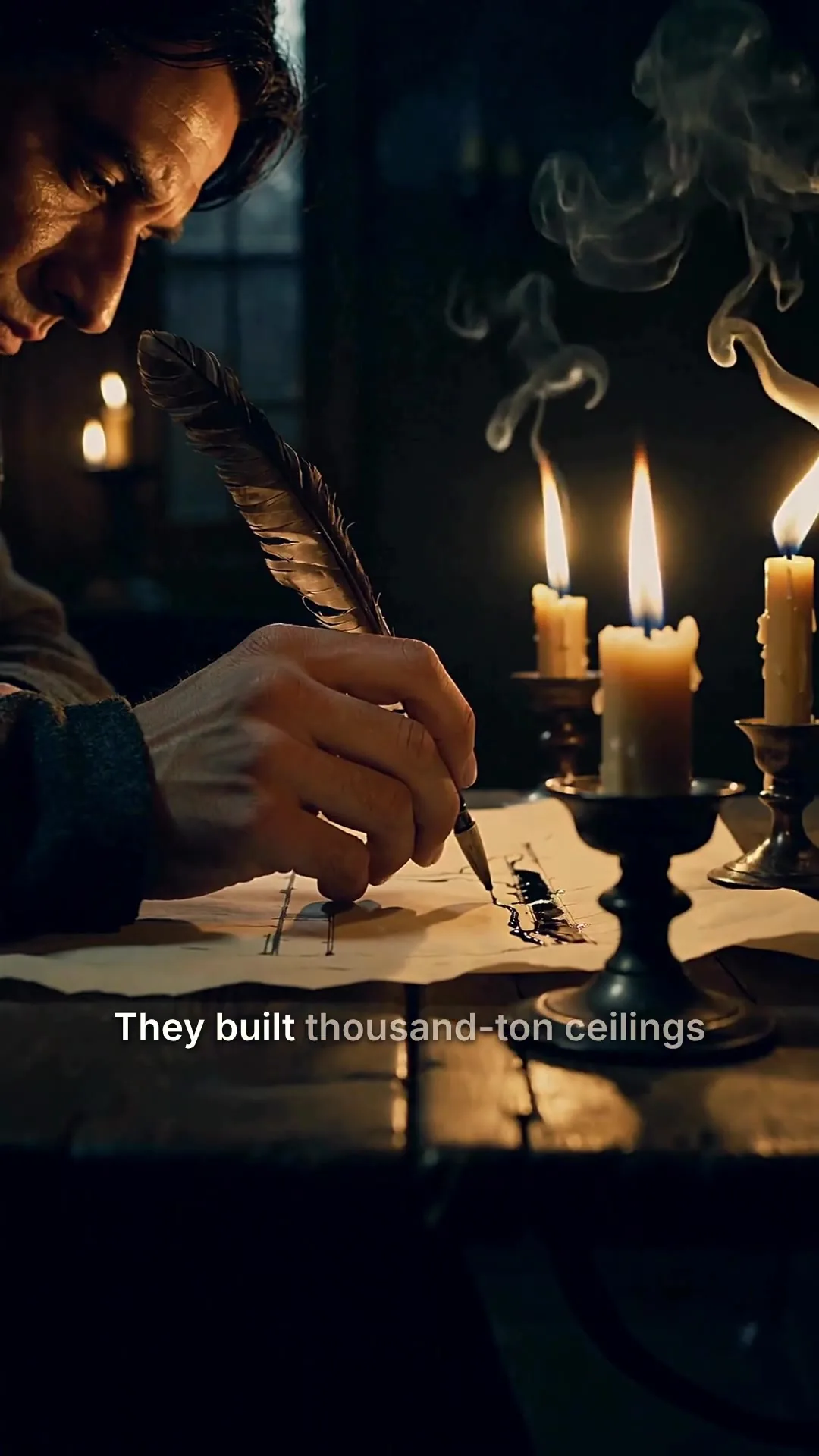 0:48
0:48Cathedrals by candlelight
 0:31
0:31Nobody filmed this
 0:10
0:10Aurora over the fjord
 0:08
0:08Rooftop take, swapped
 0:42
0:42Rome in a day
Restyle the captions, or click any word in the transcript to fix a typo without re-recording the voice.
Clean, minimal, burned in
Edit transcript
Click any word to fix typos without re-rolling voice.
Scene #3
ExampleLight hitting your eyes left the sun eight minutes ago.
Scene #4
You are looking at the past, every single time.
Caption style
Edits save automatically
Export videoDownload a 1080p MP4 with SRT or VTT caption files, or copy a link anyone can download it from.
Download
MP4 video
The finished video, ready to post
SRT captions
Subtitle file for TikTok, YouTube, CapCut
VTT captions
Subtitle file for web video players
Share link
ExampleAnyone with this link can download the MP4, no account needed.
Send the clip to TikTok, Instagram, YouTube and eight more platforms, now or on a schedule.
We upload the finished file to each account you pick.
Where should it go?
@yourbrand
TikTok
@yourbrand
Instagram · Posts as a Reel
Your Brand
YouTube · Vertical videos post as Shorts
Caption
RewriteRome did not build the Colosseum with magic. It built it with one ingredient we forgot. #history
Customise caption per platform
Schedule (optional, leave empty to post now)
Goes out within about two minutes of it.
Connect your AI agent
Connect Claude, ChatGPT, Grok or any MCP client to your MakeAIVideo account, paste the script into the chat and name the presenter. It makes the clip in your library and posts it if you ask, with the same credits and from the same balance as the app.
MCP, API and CLI use the same credits and the same balance as the app.
All included
No filming, no actors, no studio. The whole presenter pipeline runs from your script.
The narrator for the whole video
Pick a voice
Play to auditionSarahfemale · american
Mature, reassuring, confident
Brianmale · american
Deep, resonant, comforting, natural authority
Lilyfemale · british
Velvety, warm. British narrator
Danielmale · british
Authoritative British male, newscaster gravitas
Matildafemale · american
Knowledgeable, professional, perfect for tutorials
Delivery
Used when you applyStable
Calm, even
Balanced
Default
Expressive
Punchy
Apply to every scene
Re-records the narration. Visuals stay as they are, and your current export stays until you export again.
Specs and limits
What goes in, what comes out, and what Talking Avatar doesn't do, in one place.
Every presenter is voiced by a curated narrator. There is no audio upload.
The video ends on the presenter's last line; add a call to action in the script.
Talking Avatar renders a video file. It doesn't hold real-time conversations.
Use cases
One AI video presenter, saved once, can front every kind of script below with the same face and voice.
Open every lesson with a consistent instructor: clean audio, focused framing, no background noise. When a module changes, edit that lesson's script and generate it again.
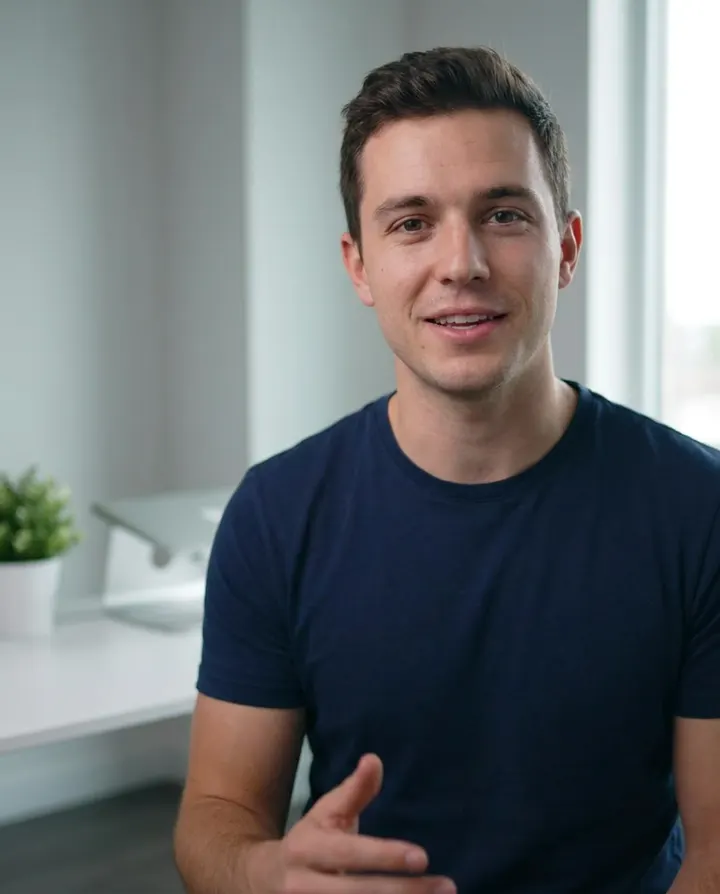
Narrate a feature tour or onboarding flow with a friendly face. No coordination with engineering or design; re-render any time the product changes.
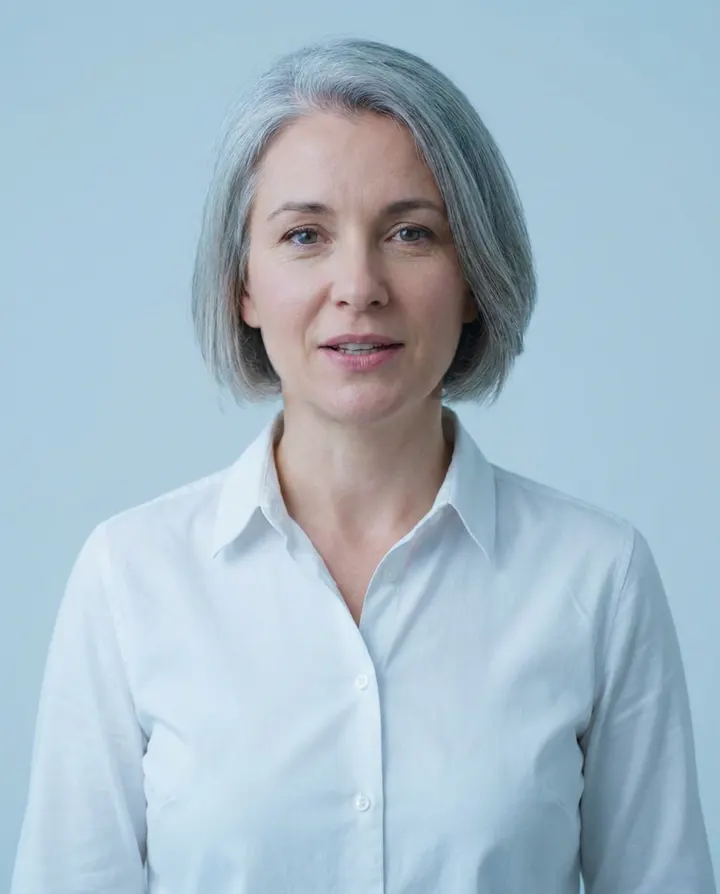
One idea, one presenter, 60 to 90 seconds. A face to camera holds attention on a concept that has nothing to film, from a pricing change to how a process works.
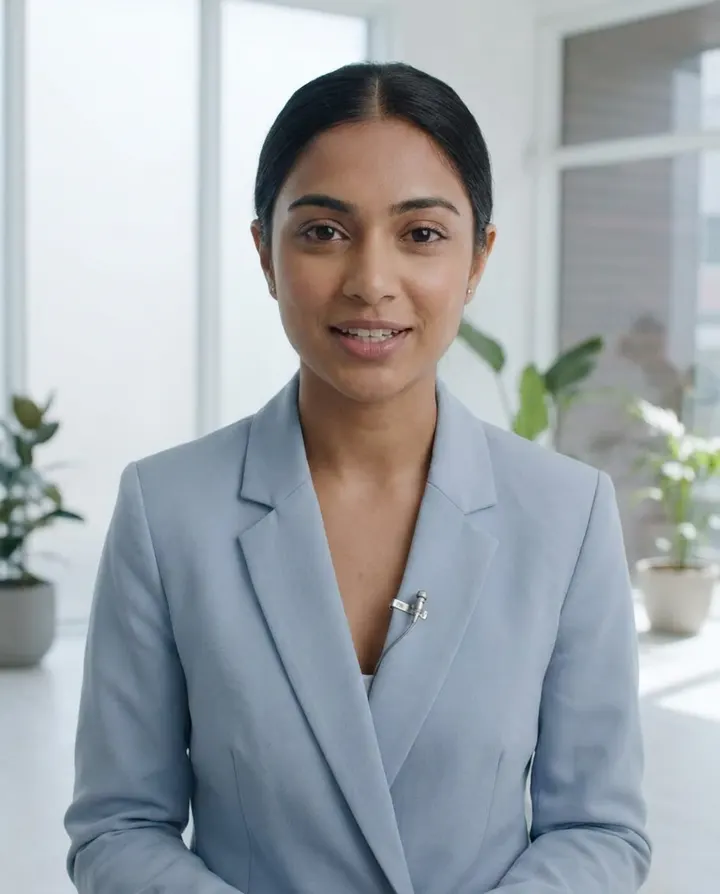
Translate the script, keep the presenter. Each language is its own render with the same face, framing and captions, so a Spanish or German version doesn't mean a new shoot.

Build a recognisable on-camera presence without filming. The same AI presenter, every week, with a consistent look and voice across every clip.

Turn the questions your support team answers every day into short, calm presenter clips for the help centre. When the product changes, edit the script and re-render the answer.
If you want generated scenes rather than a presenter on camera, script to video reads your words over footage instead.
Best practices
Talking-head videos work best in the 30 to 90 second range. A short clip is easier to watch to the end, especially on social, so save the long read for a second video.
The first three seconds decide whether the clip survives the scroll. Open with the most interesting line, not a generic greeting.
Start with a 60 second explainer or a short how-to: a 5 second hook, 45 seconds of body, a 10 second call to action. Save the ambitious formats until you know how your presenter reads.
An avatar starts to feel familiar only after viewers have seen it a few times, so consistency matters more than finding the perfect face. Save one character that fits your brand and use it in every video.
AI avatars work best for educational, explainer, and informational content. Overly emotional or hard-sell delivery from an AI character reads as inauthentic faster than from a human.
An AI presenter speaking as your brand is fine. An AI presenter playing a satisfied customer who doesn't exist is a made-up endorsement: the FTC's Endorsement Guides Q&A says an endorsement must reflect the endorser's honest opinion, and you can't describe experience with a product nobody tried.
 HeyGen vs Synthesia 2026Head-to-head on avatar quality, voices and price.Compare HeyGen vs Synthesia
 Best Synthesia alternatives 20268 Synthesia alternatives tested, with real 2026 pricing.See the Synthesia alternatives
 Best HeyGen alternatives 202610 talking-head and personalised-outreach tools tested.See the HeyGen alternatives
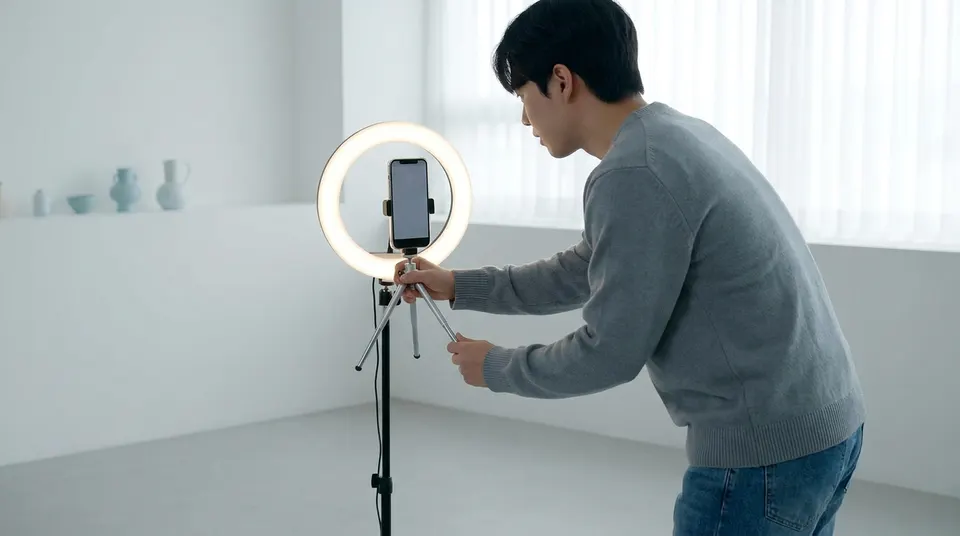 TikTok video generatorVertical videos sized for the For You feed, with captions and posting built in.Make TikTok videos with AI
 Faceless YouTube channelRather keep any face off camera? Narrated videos over scenes, start to finish.Start a faceless YouTube channel
 Prompt to videoOne line of text becomes a narrated video with scenes instead of a presenter.Try text to video from a prompt
Pricing
Talking Avatar is on every plan, with 1080p downloads, no watermark and posting to 11 platforms. A talking presenter is about 19.5 credits a second, so 30 seconds is about 584. Start with a 7-day free trial, then plans from $9/mo.
The easy start. Every tool, one creator.
$9/mo
or $99 a year, 1 month free
600credits every month
Use them on any tool below
7 days free with 350 credits. Cancel before day 7 and you won't be charged.
For one creator posting every week.
$19/mo
or $190 a year, 2 months free
1,100credits every month
Use them on any tool below
7 days free with 350 credits. Cancel before day 7 and you won't be charged.
Long-form, your branding and a team of three.
$29/mo
or $290 a year, 2 months free
1,750credits every month
Use them on any tool below
7 days free with 350 credits. Cancel before day 7 and you won't be charged.
For teams and channels running at volume.
$49/mo
or $490 a year, 2 months free
3,000credits every month
Use them on any tool below
7 days free with 350 credits. Cancel before day 7 and you won't be charged.
Run out in a busy month? Add credits any time, from $5. Credits you buy never expire. See pricing
Every plan includes
What people ask before they make their first presenter video.
Something else? Visit the help center
A talking avatar video features an AI character (the presenter) lip-synced to an AI voiceover of your script. MakeAIVideo generates it without a camera, filming, or a real actor.
Open Talking Avatar and choose Pick a character for a presenter from your library, or Upload your video to use a clip of yourself. Paste or write up to 5,000 characters of script, pick a voice from the curated library and an aspect ratio, then generate. The lip-synced MP4 lands in your library with word-by-word captions.
An AI video presenter is a synthetic person who reads your script to camera, so you get a presenter-led video without filming anyone. On MakeAIVideo that is Talking Avatar: the presenter is lip-synced to a natural AI voice and captioned. The same presenter can front a product walkthrough, a course intro or an explainer.
For a picked character, MakeAIVideo voices your script, makes a still of the character framed from mid-chest up, and our AI lip-sync model animates that still to the voice track, moving the mouth, face and head with the words. With Upload your video, the mouth in your own clip is re-synced to the new voiceover instead.
Realistic enough for lessons, explainers and walkthroughs when the input is good: a large, front-on, evenly lit face, a conversational script and a voice that fits the face. A side-lit photo, a small figure in a wide shot or a script full of jargon all show up in the result. Nobody can promise a lip sync that is flawless in every frame, so watch each render before you post it.
No. MakeAIVideo runs in your browser, so there is nothing to install. You can also ask Claude, ChatGPT, Grok or any MCP client connected to your account to make the talking avatar video for you.
Yes. Upload a reference image and MakeAIVideo generates a consistent AI character from it. Voice selection comes from a curated library of natural AI voices.
In the sense that matters, yes. Upload a photo and MakeAIVideo creates an AI character based on it, then lip-syncs that character to your script. The person is an AI likeness, not your raw photo: nobody is filmed or recorded, and the same face comes back in every video.
Not when you pick a character. The presenter is an AI-generated character, not a real person, and the voice is AI-synthesised. That keeps you clear of likeness and rights issues. The one exception is your choice: with Upload your video, the person on screen is whoever is in the clip you upload.
Yes. Open the character wizard, add a reference photo and it generates portraits that keep that face; one photo is enough, and you can add up to five. Pick the portrait you like, choose a voice, name the character and save it. From then on it is in your Talking Avatar picker for every script.
Yes, two ways. Make a character from a photo of yourself, or choose Upload your video in Talking Avatar and add a 30 to 60 second landscape clip of you talking neutrally, well lit, against a simple background; each new script is lip-synced onto that footage. Either way the voice comes from the curated library, because MakeAIVideo doesn't clone voices.
No. MakeAIVideo doesn't clone voices and doesn't take an audio upload, so every talking avatar is voiced by one of the curated studio-quality AI narrators. Pick the one closest to the tone you want and use it in every video so your presenter always sounds the same.
Yes. Write or paste the script in the language you want and the voice reads it in that language, with captions to match. MakeAIVideo supports 24 output languages. Each language is its own render, with the same presenter if you pick the same character.
Yes, with Upload your video: switch on Add B-Roll and you speak the hook while real stock footage illustrates the body. B-roll is stock footage, not clips you upload. After the render, the captions and the background music can be changed in the editor.
Mostly the angle you look at it from. A talking head describes the framing: a chest-up presenter speaking to camera. An AI avatar describes the synthetic person doing the talking. A talking avatar video is both, and it is made the same way: a character, a script, a voice and lip-sync.
Consent and honesty. An AI avatar is a character generated for the job, or footage of someone who agreed to it, speaking as your brand. A deepfake puts a real person's likeness to words they never agreed to say. Only upload photos or video of yourself or of people who have given you permission, and never present the avatar as a real customer.
It depends on what the video shows. YouTube's altered or synthetic content policy asks creators to disclose realistic AI content that makes a real person appear to say or do something they didn't. A lip-synced clip of you reading a new script, or an avatar made from a real person's photo, can fall under that, so tick the disclosure when it does. Using AI only for the script or captions doesn't need it.
Not on MakeAIVideo. Talking Avatar renders a finished video file from a script. A real-time avatar that listens and answers face to face inside a product is a different kind of tool, usually billed by the conversation minute.
Every plan starts with a 7-day free trial with 350 credits, full quality and no watermark; a card is required to start it. A 15 second talking presenter video is about 310 credits. After the trial, plans start at $9 a month for 600 credits. See pricing.
Yes. Word-by-word captions are generated and timed to the voiceover, in your choice of caption style.
Each video costs credits, all in: voice, lip sync, captions and export. A talking presenter is about 19.5 credits a second, so a 30 second video is about 584. Lip sync on your own uploaded clip is about 8 credits a second, so 30 seconds is about 239. A talking photo is about 22 credits a second of speech, so 10 seconds is about 216. The screen shows the exact cost before you generate. Plans start at $9 a month for 600 credits; making presenter videos every week? Plus is $29 a month for 1,750 credits.
Up to 5,000 characters. Talking-avatar clips work best in the 30 to 90 second range, which is easier to watch to the end on social. Longer scripts are supported, but render time and credit cost scale with the spoken duration.
A few minutes for a typical clip, and longer for a longer script. The render lands in your library when it's ready.
9:16 vertical (TikTok, Instagram Reels, YouTube Shorts), 16:9 landscape (YouTube), and 1:1 square (Instagram feed). Pick the ratio before generating; each render is one ratio, and you can switch ratio in the editor and export again.
Yes. Videos you generate are yours to use commercially, for ads, product pages, social posts, and client work. MakeAIVideo terms of service.
Nothing is lost: your account and finished videos stay exactly as they are. Your plan credits refresh on your next billing date. Run out sooner? Add credits any time, from $5; credits you buy never expire.
Pick a presenter, paste your script, and get a lip-synced 1080p MP4 with word-by-word captions.