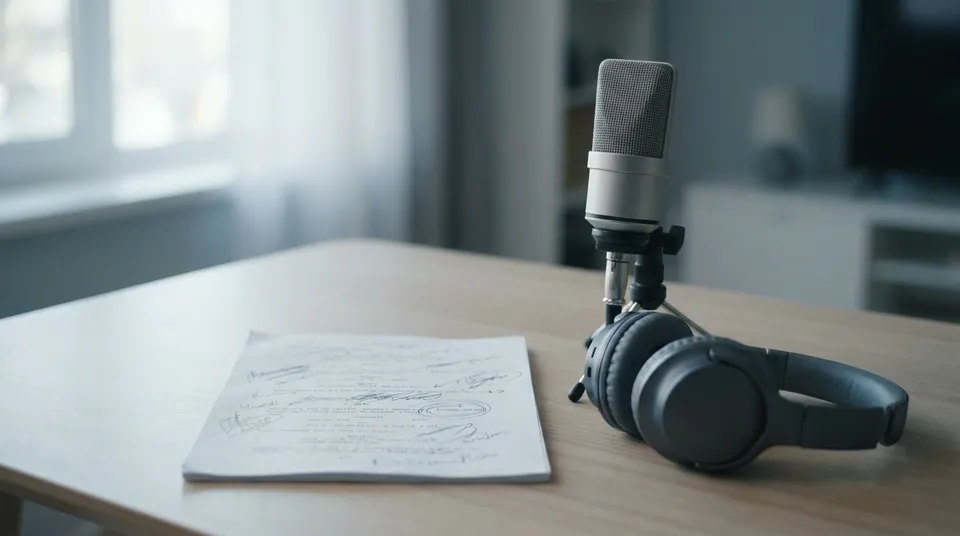
Explainers
Turn 'why X works' or 'how Y is built' into a finished narrated short. The hook-body-close structure is already there; you bring the topic.
Describe your idea in one line. MakeAIVideo writes the script, generates the voiceover and scenes, adds captions and any music you pick, and renders a finished video, no editing required.
7-day free trial, 350 credits·Plans from $9/mo · Cancel anytime
Browse the free creator tools first: script, hook, caption and description generators, no signup needed.
Not a clip. A finished video.
Text to video here means the whole video, not a single clip you still have to stitch. From one line of text, MakeAIVideo writes the script, records the voiceover, builds every scene, lays in captions and any music you pick, and renders a finished video you can post. No timeline editing, no second tool, no clip-stitching.
Footage
Real footage
$Real filmed clips matched to each line of your script
AI video
$$$Every scene generated from scratch, fully original
Voiceover
Narrate this video
An AI voice reads the script out loud
Background music
Pick music
No music
Generate with AI
Describe a track, ready in ~10 seconds
Estimated cost
~45 credits Example
How it works
Type a single sentence of text: the topic, the angle, the format. That one line is all MakeAIVideo needs to start. Specific prompts get specific output; vague prompts get safe defaults.
MakeAIVideo turns your line into a paced short-form script with a hook, body, and close, then picks a natural AI narrator that matches the tone. Re-roll the voice later if you want a different read.
Every line of the script becomes a scene: real stock footage by default, or AI-generated scenes in the visual style you pick (cinematic, anime, claymation, more). Word-by-word captions time to the voiceover; any background music you pick ducks under the narration.
Short clips are usually ready in a few minutes. A watermark-free 1080p MP4 lands in your library; open the editor to tweak a scene or post the default output as-is.
The create screen
Prompt to video AI, start to finish in one browser tab. Write the idea as text, or start from one of the examples, then set the length, the aspect ratio, the narrator and captions. The estimated cost shows before you press generate.
Your prompt
ExampleA 15 second documentary about how the Romans built the Colosseum, with a hook in the first line and a question at the end.
Or start from an example
Length
Aspect ratio
Sarah Female · American
Mature, reassuring, confident
Captions
Word-by-word, auto-styled
Estimated cost
~324 credits Example
Never start blank
The Ideas board works as an AI video prompt generator: drop in your topic or niche, and get hooks and angles you can push straight into the prompt box. The same engine powers our free video idea generator and hook generator, no signup needed.
Niche / topic area
Ancient history for curious adults
Tone
The trick that made Roman concrete outlast ours
Hook
“Their harbours are still standing. Ours crack in fifty years.”
Angle
One ingredient, explained with a single experiment you can picture.
Built-in editor
A prompt gets you a whole video in one pass. If one shot or one word is off, open the editor and change just that part instead of generating again from the top.
Pick the scene that missed and regenerate it with new visuals and voice. The rest of the video stays exactly as it rendered.
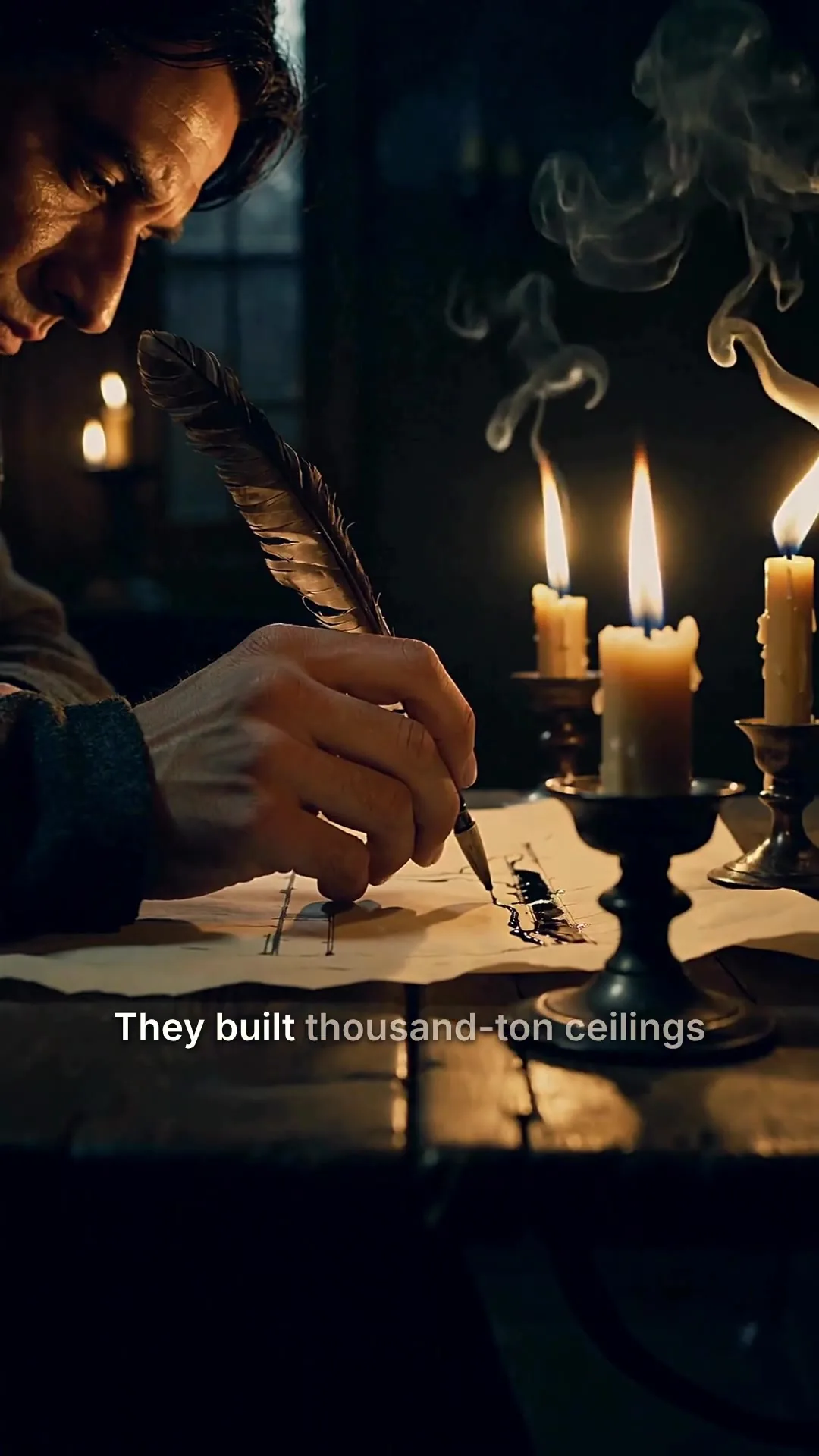
Scene 2
Edits save automatically
Narration
ExampleThey built thousand-ton ceilings without a single steel beam, and most of them are still standing.
Regenerate this scene
New voice and visuals, usually 1-3 minutes.
1080p MP4
Export videoPlay any of the 12 curated voices, choose how even or expressive the delivery is, and apply it to the whole video.
The narrator for the whole video
Pick a voice
Play to auditionSarahfemale · american
Mature, reassuring, confident
Brianmale · american
Deep, resonant, comforting, natural authority
Lilyfemale · british
Velvety, warm. British narrator
Danielmale · british
Authoritative British male, newscaster gravitas
Matildafemale · american
Knowledgeable, professional, perfect for tutorials
Delivery
Used when you applyStable
Calm, even
Balanced
Default
Expressive
Punchy
Apply to every scene
Re-records the narration. Visuals stay as they are, and your current export stays until you export again.
Change the caption style, or click a word in the transcript to fix a typo without recording the voice again.
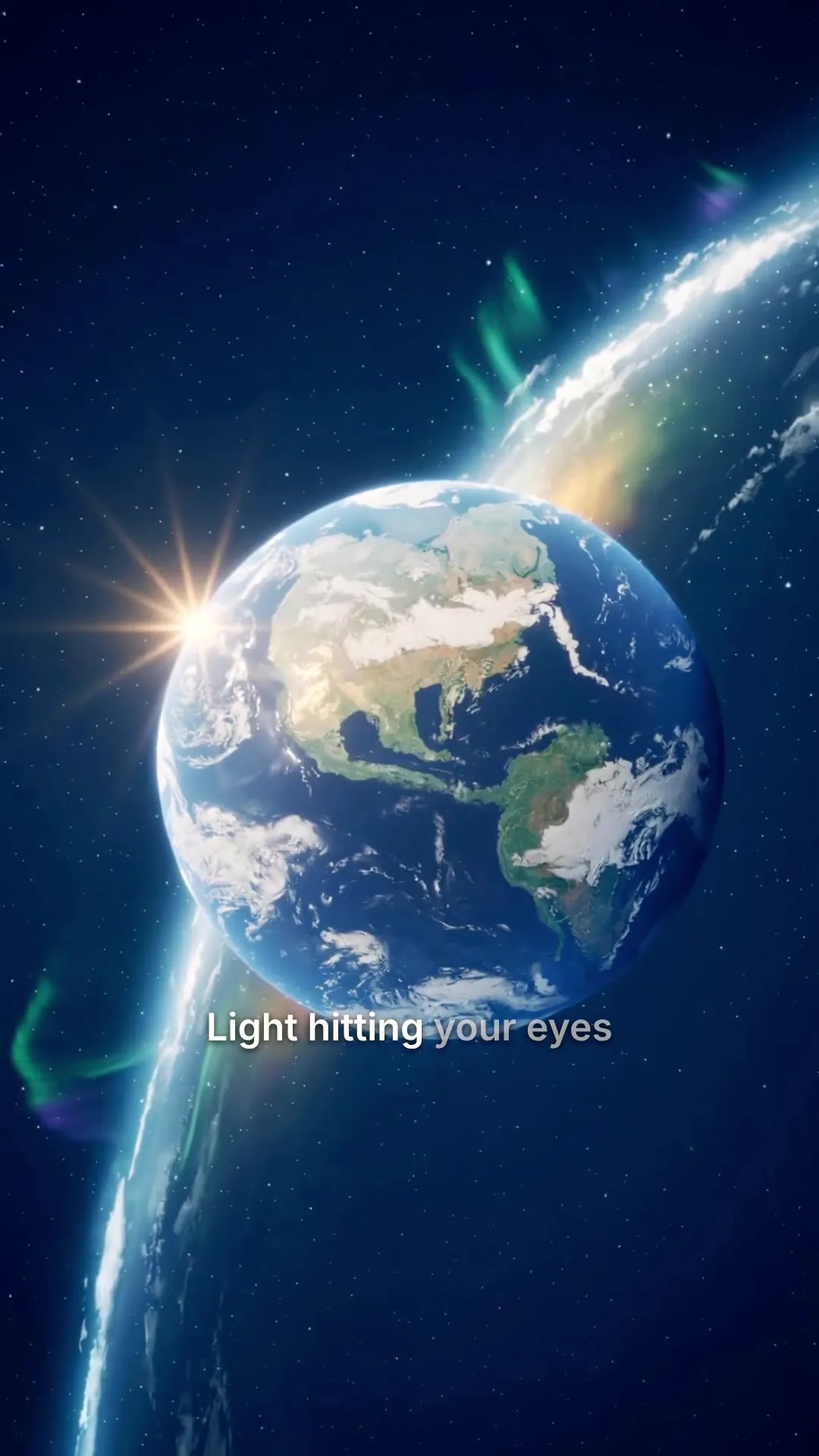
Clean, minimal, burned in
Edit transcript
Click any word to fix typos without re-rolling voice.
Scene #3
ExampleLight hitting your eyes left the sun eight minutes ago.
Scene #4
You are looking at the past, every single time.
Caption style
Edits save automatically
Export videoConnect your AI agent
Everything on this page also works from a chat. Your assistant writes the one-line prompt, MakeAIVideo makes the video, and it can post the result to your accounts. Same credits and same balance as the app.
MCP, API and CLI use the same credits and the same balance as the app.
Your library
Finished videos land in your library, ready to download, re-edit, or repurpose. Open a clip in the editor to swap a scene or fix a caption, then export sized for any platform. Want to animate a photo you already have? Try image to video, or see plans and pricing.
0:25Universe in 25s
0:48Cathedrals by candlelight
 0:31
0:31Nobody filmed this
 0:10
0:10Aurora over the fjord
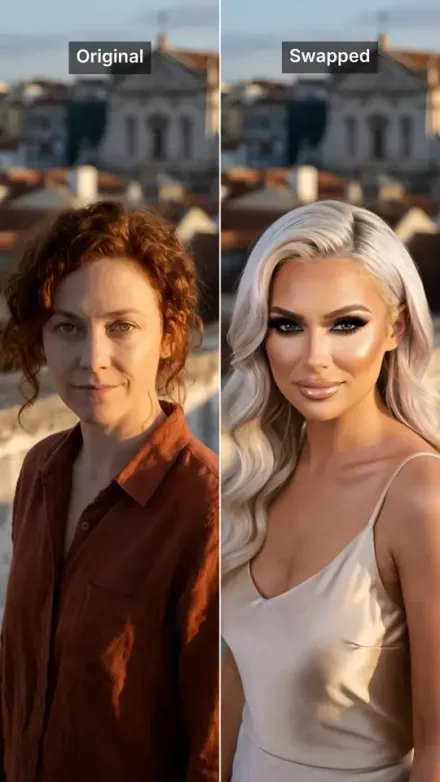 0:08
0:08Rooftop take, swapped
 0:42
0:42Rome in a day
All included
No add-ons and no second tool. Every prompt runs through the full pipeline.
Visual style
Aspect ratio
9:16
TikTok / Reels
1:1
Square
16:9
YouTube
Captions
Word-by-word, auto-styled
Background music
Calm
1080p MP4, no watermark
DownloadUse cases
One line of text is enough for each of these. Name the format in the prompt and the script is paced to fit it.
Turn 'why X works' or 'how Y is built' into a finished narrated short. The hook-body-close structure is already there; you bring the topic.

Vertical 9:16 with auto-captions and optional music, sized for Reels, TikTok, and Shorts. Post the default render or tweak a scene before exporting.

Build a posting habit without filming yourself. One prompt becomes a fully voiced, captioned, paced video you can publish the same day.

Frame a feature, a launch, or a use case in one line. The pipeline writes the read, builds the visuals, and outputs a clip you can drop straight into a landing page or social feed.

Explain a concept in 30 to 90 seconds with narration timed to scenes that illustrate the point. Each beat gets its own visual; nothing drags.
If you already have the exact words written, Script to Video gives you tighter control over the wording.
Best practices
'A 60-second explainer about why honey crystallises' will outperform 'a video about honey' every time. Specific topic, specific length, specific angle.
Say 'short faceless explainer' or 'product story for a landing page' in your prompt. The pipeline tunes pacing and structure to the format you name.
9:16 for Reels and TikTok, 16:9 for YouTube, 1:1 for feeds. Captions auto-fit to each safe area; switching after generating costs another render.
If a single scene misses, open the editor and regenerate just that scene. Faster and cheaper than re-rendering the entire video.
Vague adjectives like 'engaging' or 'attention-grabbing' don't change the output; concrete subjects do. Lead with the topic and the angle, not the result you hope for.
 How to write a video scriptThe 60-second template for prompt-to-video workflows.Read how to write a video script
 AI video generatorEvery way MakeAIVideo makes a video: a prompt, a script, a presenter, a photo or a swapped character.See the AI video generator
 Best AI video model 202612 AI video models compared and ranked on quality, price and use.Compare the best AI video models
 Best AI marketing tools 202610 tools tested across video, copy, SEO, email and ad creative, and where prompt to video fits.See the AI marketing tools
 AI Shorts generatorHook framework, AI script, scene generation and the posting cadence for Shorts.Make YouTube Shorts with AI
Pricing
Start a 7-day free trial with 350 credits, then plans from $9/mo. A 15-second AI video with voiceover costs about 324 credits and a 30-second stock footage video about 112, and the app shows the exact cost before you generate.
The easy start. Every tool, one creator.
$9/mo
or $99 a year, 1 month free
600credits every month
Use them on any tool below
7 days free with 350 credits. Cancel before day 7 and you won't be charged.
For one creator posting every week.
$19/mo
or $190 a year, 2 months free
1,100credits every month
Use them on any tool below
7 days free with 350 credits. Cancel before day 7 and you won't be charged.
Long-form, your branding and a team of three.
$29/mo
or $290 a year, 2 months free
1,750credits every month
Use them on any tool below
7 days free with 350 credits. Cancel before day 7 and you won't be charged.
For teams and channels running at volume.
$49/mo
or $490 a year, 2 months free
3,000credits every month
Use them on any tool below
7 days free with 350 credits. Cancel before day 7 and you won't be charged.
Run out in a busy month? Add credits any time, from $5. Credits you buy never expire. See pricing
Every plan includes
How a one-line prompt becomes a finished video, what it costs, and what you can change afterwards.
Something else? Visit the help center
You type a prompt and MakeAIVideo generates the whole video from it: script, AI voiceover, scenes, captions, and any music you pick, all stitched into a finished MP4. A short clip is usually ready in a few minutes.
Text to video AI turns written words into a video. Many text to video tools make one short clip from a description. Prompt to video on MakeAIVideo takes one line of text and makes the whole video from it: the script, an AI voiceover, a scene for every line, captions and any music you pick. If you already have the exact words, script to video reads your text as written.
Open the create screen, type your idea in one line or start from one of the examples, then set the length (15 seconds to 10 minutes), the aspect ratio, the narrator and captions. The estimated cost shows before you press generate, and the finished video lands in your library.
Yes. The Ideas board takes your niche, your audience and a tone and generates video ideas you can send straight into the prompt box. The free video idea generator and video hook generator do the same job without an account.
Every plan starts with a 7-day free trial with 350 credits, full quality and no watermark; a card is required to start it. A 15-second AI video with voiceover is about 324 credits and a 30-second stock footage video about 112. The creator tools that help you write the prompt, such as the video idea generator, stay free and need no account.
Real stock footage is the default for each scene. Choose AI video as the footage and our AI video models generate each scene in the visual style you pick. Either way, the script, voiceover, captions and any music come from the same render.
No. A one-line prompt is enough. Prompt to video drafts a beat-paced script for you. If you would rather supply your own words, use script to video instead.
9:16 portrait, 1:1 square, and 16:9 landscape. Captions auto-adjust to the safe area for each format.
Yes. An optional editor lets you rewrite captions word by word, swap the voice, adjust music, and reroll scenes. The default output is built to post as-is.
Each video costs credits, all in: script, voiceover, scenes, captions and export. An AI video with voiceover is about 22 credits a second, so 15 seconds is about 324. A stock footage video is about 4 credits a second, so 30 seconds is about 112. The app shows the exact cost before you generate. Plans start at $9 a month for 600 credits, and every plan starts with a 7-day free trial. Making videos every week? Solo is $19 a month for 1,100 credits.
Short clips are usually ready in a few minutes end to end. Longer videos and AI-generated scenes take longer than stock footage, and the finished video lands in your library when it is done.
Yes. Videos you generate are yours to use commercially: ads, client work, social posts, monetised channels. MakeAIVideo terms of service.
Specific subject + clear format + tone cue. 'A 60-second faceless explainer about why airplane windows are round, casual tone' will outperform 'a video about planes'. Skip vague adjectives like 'engaging' or 'attention-grabbing' and lead with the topic.
A single-clip tool generates one short clip and stops. MakeAIVideo runs the whole pipeline: script writing, voiceover, multiple scenes, captions, optional music, render. You get a finished video you can post, not a raw clip you still need to edit and stitch.
Nothing is lost: your account and finished videos stay exactly as they are. Your plan credits refresh on your next billing date. Run out sooner? Add credits any time, from $5; credits you buy never expire.
Start a 7-day free trial with 350 credits. Plans from $9/mo; cancel anytime before the trial ends.