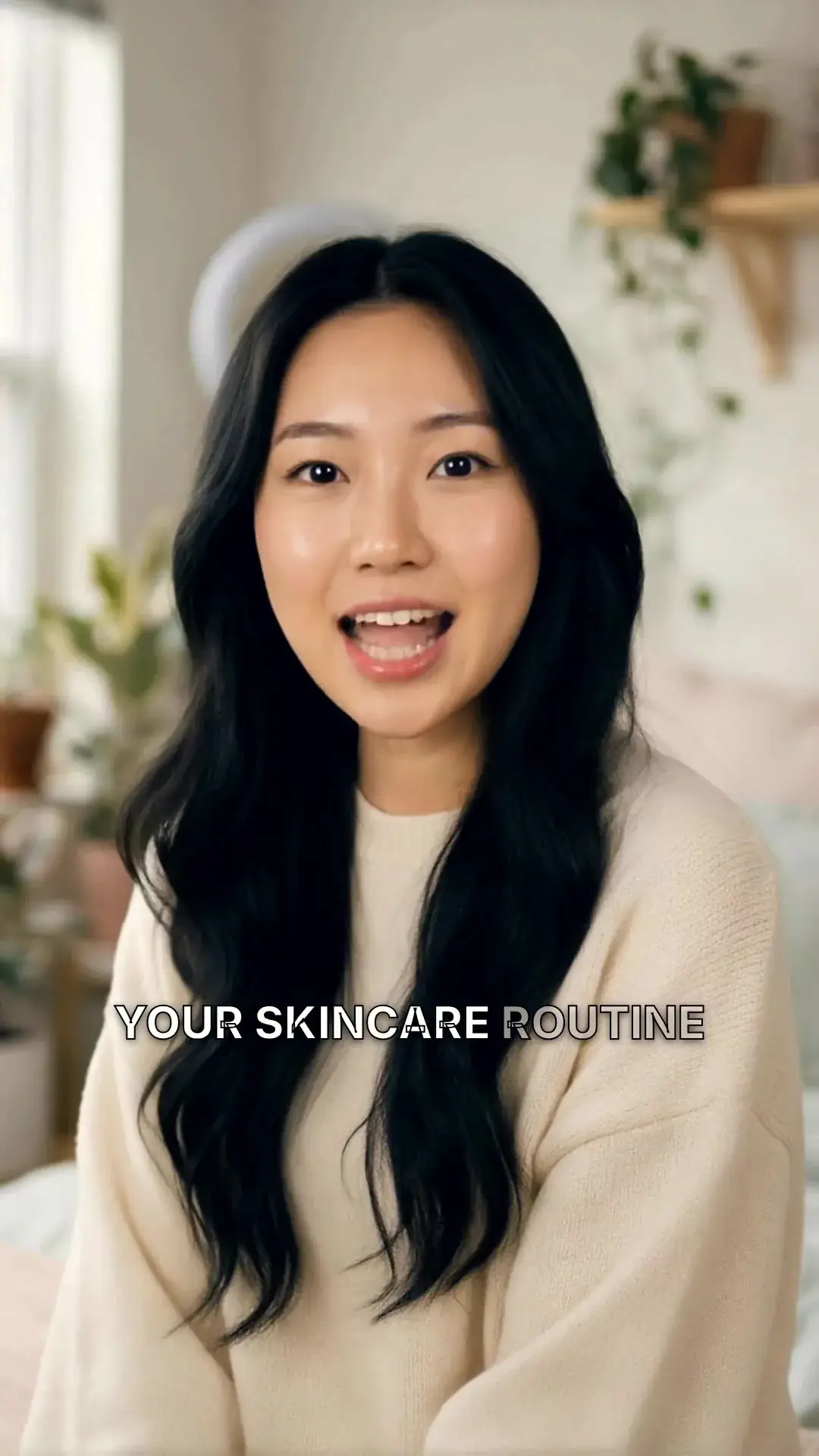
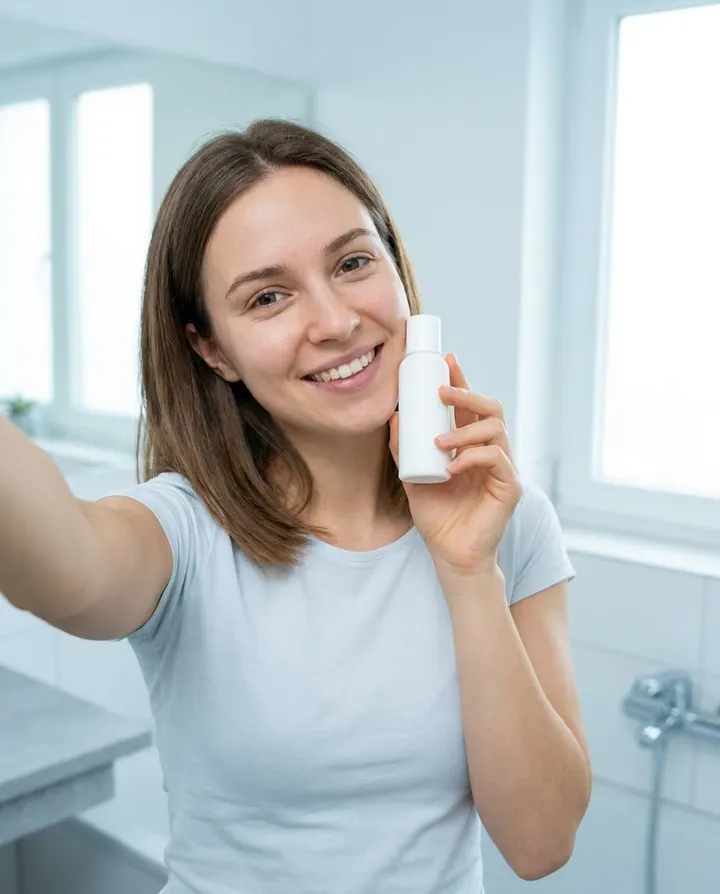
Consumer product reviews
Build one reviewer character and put them in front of every product you cover. Same face, same voice, same shot framing across a Reels, TikTok, and YouTube Shorts channel, without booking a real creator for every drop.
Build one AI creator with a consistent face, voice, and visual style, then generate every Reel, Short, and TikTok in that character's likeness. No shoot, no actor to license, no drifting appearance across posts.
7 day free trial·Credits reset monthly · Credits you buy never expire
One character. Every post.
Most AI video tools give you a fresh render every time you press generate; the character drifts, the voice changes, and post 30 looks nothing like post 1. An AI influencer generator saves the character. Pick from the library or upload a reference image once, then post as that creator forever. Same face, same voice, same recognisable style across every Reel, Short, and TikTok.
Describe your character
ExampleA warm, confident presenter in her late twenties, soft studio light, cream knit sweater, looking straight at the camera.
Reference images
Optional, locks the face to look like these

Pick your portrait



Pick a voice
Warm Narrator
Calm, storytelling, perfect for explainer videos
Name & save
Name
Maya
What you are building
Three kinds of account get called the same thing. Knowing which one you want decides the tool you need.
One saved character, generated for each post and used across all of them. Aitana Lopez, built by The Clueless agency in Barcelona, and Lil Miquela are the best-known accounts. This is what the generator on this page makes.
The wider category, including pre-built 3D characters animated by a studio rather than generated per video. Lu do Magalu, the Brazilian retailer Magazine Luiza's mascot, was posting long before AI video tools existed.
A person who films themselves and uses AI for captions, script drafts or thumbnails. AI touches every step, but there is a human on camera, so it is not an AI influencer.
The definition
Every AI influencer is a virtual influencer, but not every virtual influencer is AI. Virtual influencer is the older umbrella for any fictional character posting as a creator, including 3D characters animated by a studio. An AI influencer is the newer kind: one saved character, generated fresh for each post. The difference is how each post is made, not how the character looks.
If you can picture one person shipping posts every week from a laptop, it is an AI influencer. If a studio is behind every post, it is a classic virtual influencer. For a solo creator or a small brand, only the first is realistic to run week after week.
Statista's virtual influencer review cites a March 2022 US study in which 58% of respondents followed a virtual influencer, rising to 75% among adult Gen Z.
How it works
Pick a character from the curated library, or upload a single reference photo (your own face, a generated headshot, a stylised portrait) and MakeAIVideo creates an AI character based on that face. Each run gives you 4 portraits to choose from for 64 credits, and saving the character is free. Reuse it in every future video, so post number 30 has the same face as post number 1.
Pair the character with a voice from the curated library. Match the tone to the character's apparent age, energy, and audience. The character keeps that voice in every video, and you can change it later, so followers recognise your creator by ear as well as by sight.
Paste the exact words you want spoken and MakeAIVideo lip-syncs the character to the AI voiceover in Talking Avatar, or prompt a full video and the character opens and closes it while AI scenes fill the middle. Either way, the same face and voice carry the post. Marketing signs off the script once and you re-render whenever the offer or angle shifts.
MakeAIVideo delivers a watermark-free 1080p MP4 in a few minutes, in the aspect ratio you chose. Post it to Instagram, TikTok, or YouTube Shorts, then feed the next script into the same saved character for tomorrow's post.
The first month
Most AI creator accounts stall in the first two weeks because the face drifts. Spend the first hour on the character and the first month on rhythm.
Try three to five images. Keep the one that stays recognisable in close-ups and wide shots, indoors and out, neutral and mid-speech.
Test the face and voice on a short clip before you render full posts. Credits are used per second, so a short test costs a fraction of a full post, and the app shows the exact credit cost first.
Pick one platform, post steadily rather than in bursts, and run the week like this.
Write the week in one sitting
Seven to fourteen scripts at once. The character's voice reads more consistently in a batch than in daily fragments.
Render in one session
Feed the whole batch to the same saved character in one afternoon.
Schedule ahead
Post or schedule each video from the app at the times your audience is online, so posting live every day is never the bottleneck.
Review on Fridays
Look at the week as a pattern and adjust next week's scripts.
Scripts
You are not writing one video, you are writing a show: the character needs a point of view and a structure followers learn. Put the hook in the first two seconds and check every draft with the speech time calculator before you render. To borrow a structure that already works, Trends breaks a video into its hook, pacing and payoff.
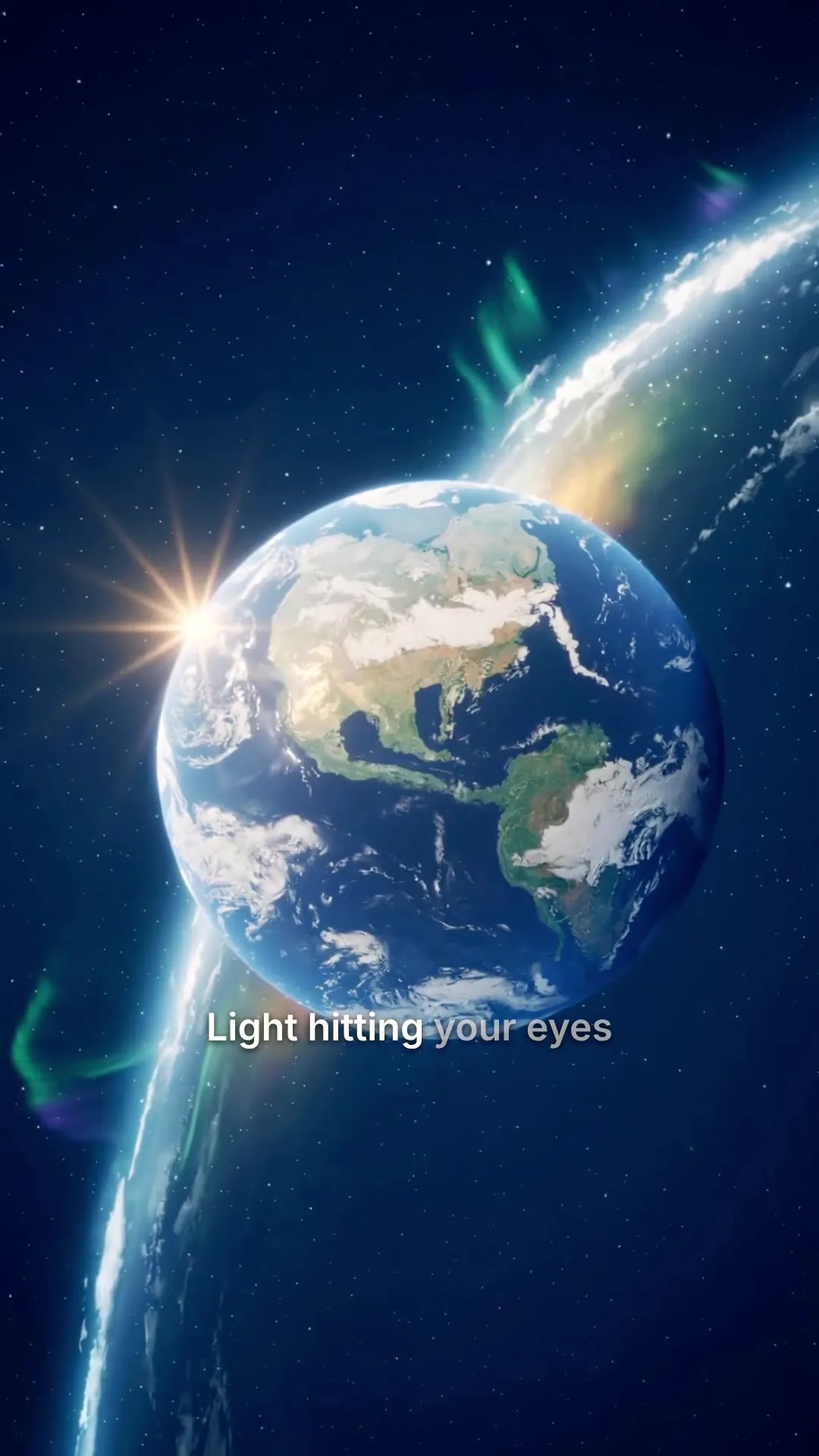 Example1.2M plays
The ocean is not blue for the reason you think
Why it works
Myth, then reveal
Posting plan
Decide the month once, then execute it. Rotate seven kinds of post so no two days in a row repeat, run the loop four times plus two days, and keep it to one platform and one saved character. The seeds below are for a personal-finance creator; swap the topic, keep the rotation.
Day 1
Hook or POV
"POV: you are 30 and just realised you are behind on saving."
Day 2
Teach one rule
The 50/30/20 budget, in three on-screen points.
Day 3
Product review
An honest take on a high-yield savings account.
Day 4
Storytime
Paying off the first credit card, and the lesson in it.
Day 5
Behind the scenes
Setting up this month's budget, narrated over B-roll.
Day 6
Take on a trend
The character's view on a money clip everyone is sharing.
Day 7
Q&A
"Should I pay off debt or invest first?"
Days 8 to 30
Repeat the loop
New topic, same seven slots. Days 29 and 30 close on a hook and a teaching post.
The plan posts daily because a new account needs volume before the feed knows who to show it to. That trades a little reach per post for more posts: Buffer's posting-frequency data puts the reach-per-post sweet spot at 3 to 5 posts a week on Instagram and 2 to 5 on TikTok. After the first month, drop to that range if quality slips. Write the week's scripts in one sitting, render them with your saved character, and schedule them from the app.
Stuck on the scenes and looks themselves? Start from our AI influencer prompts.
Do the review before writing next week's scripts. Rewriting the current week after one weak post undoes the point of a plan.
Every post, same creator
Pick a character, save the face and voice, then render every post from the same likeness. Your saved creator sits in the Talking Avatar picker: choose it, paste today's script, and generate.
Avatar
Pick a character
Upload your video
BEST


Your script
ExampleMost people skip breakfast for the wrong reason. Here is the one change that made my mornings easier.
Sarah Female · American
Female · AmericanMature, reassuring, confident
All included
A face that stays the same, a voice your followers learn to recognise, and a clean export for every platform.
The narrator for the whole video
Pick a voice
Play to auditionSarahfemale · american
Mature, reassuring, confident
Brianmale · american
Deep, resonant, comforting, natural authority
Lilyfemale · british
Velvety, warm. British narrator
Danielmale · british
Authoritative British male, newscaster gravitas
Matildafemale · american
Knowledgeable, professional, perfect for tutorials
Delivery
Used when you applyStable
Calm, even
Balanced
Default
Expressive
Punchy
Apply to every scene
Re-records the narration. Visuals stay as they are, and your current export stays until you export again.
On Instagram
Instagram rewards a different playbook from TikTok: a profile that holds up as a grid, a mix of formats, and a thicker layer of comments and DMs. Render the Reels with your saved creator, or start from the Instagram Reels generator.
Instagram's audience skews older than TikTok's, so characters who read as mid-twenties to mid-thirties tend to suit lifestyle, fashion and wellness accounts there. Give them a signature that holds up in the nine-tile profile view: a colour palette, an accessory, a consistent framing.
Reels reach people who do not follow you yet, so most of the week's posts should be 9:16 Reels. Carousels are what a new visitor sees on the profile and what people save, and stories keep the character in front of existing followers every day.
Three to five niche hashtags inside the caption, plus one short tag the character owns and uses on every post. Skip head tags like #reels. Draft both with the Instagram caption generator.
Reply to the first comments within an hour of posting and pin a comment from the character with the follow-up question. Answer inbound DMs only, keep replies to a few sentences, and never send a link in the first message.
Tick Instagram's AI label at upload, put a line like "AI character. All posts AI-generated." in the bio, and use the paid partnership label on sponsored posts rather than a hashtag alone.
On Instagram, brand deals usually outearn platform bonuses by a wide margin. Price your first ask against what a human creator of the same size in the same niche charges, and treat Meta's bonuses as a floor, not a plan.
Pick a platform
Neither platform bans AI creators, and both expect the AI label. Where they differ is who is watching, what brands pay and what the audience buys.
Publishing, built in
Connect your creator's accounts once, then post or schedule each video from the app. Learn how to auto post to social media.
Pick the accounts, start from a caption written from your script, and post now or at the time your audience is online.
We upload the finished file to each account you pick.
Where should it go?
@yourbrand
TikTok
@yourbrand
Instagram · Posts as a Reel
Your Brand
YouTube · Vertical videos post as Shorts
Caption
RewriteRome did not build the Colosseum with magic. It built it with one ingredient we forgot. #history
Customise caption per platform
Schedule (optional, leave empty to post now)
Goes out within about two minutes of it.
Connect TikTok, Instagram, YouTube and eight more platforms: 2 social accounts on Lite, up to 10 on Pro.
The social accounts you post to.
Account connections and posting are powered by our partner PostEverywhere.
TikTok
Posts as a Reel
YouTube
Vertical videos post as Shorts
Discord
Videos up to 25 MB
Bluesky
Videos up to 3 minutes
Connect your AI agent
Connect Claude, ChatGPT, Grok or any MCP client, then ask for the next post in plain English. It makes the video with your saved creator and posts it to your accounts, using the same credits and the same balance as the app.
MCP, API and CLI use the same credits and the same balance as the app.
The money side
The same four ways human creators do. Most accounts start with payouts and affiliate links, add a product once they know what the audience buys, and land brand deals once the engagement is real.
A brand pays the character to feature its product. Usually the biggest line once the account has engaged followers, and the one that most needs a rate card, a media kit and engagement screenshots ready before you pitch.
The character recommends products with tracked links in the caption or bio and earns a share of each sale. Small per post, but it can run on every post from the first one. Disclose the commission as you would a sponsorship.
A course, a template pack, a paid community or merch. The highest margin of the four and the one no algorithm can switch off, but it only works in a niche whose audience wants to buy expertise.
YouTube, TikTok and Meta pay creators out of their ad revenue once the account qualifies. YouTube's Partner Program asks for 1,000 subscribers plus either 4,000 qualified watch hours in the last 12 months or 10 million qualified Shorts views in the last 90 days. Treat payouts as a floor, not the plan.
The account that proved a fictional creator could hold an audience. TechCrunch reports Isaac Bratzel created her at Brud, which Dapper Labs later acquired. Statista records her working with Dior and Calvin Klein, with around three million Instagram followers and 3.6 million on TikTok as of August 2022. No per-post rate has been published, so treat any figure you see quoted as an estimate.
The lesson: she was built as a character with a story, not a series of images, and the character outlived her first owner.
The clearest example of the per-post AI pipeline. Forbes reported in November 2023 that she can earn up to 10,000 euros a month, according to The Clueless, the Barcelona agency that built her, and that she fronted the supplement brand Big with her own discount code.
The lesson: The Clueless gave her a written personality (a 25-year-old into fitness, gaming and cosplay) and picked a niche brands spend in, before worrying about the tools.
Benchmark against a human creator of the same size in the same niche. Later's pricing benchmarks put typical per-post fees at $100 to $500 for nano creators (1K to 10K followers), $500 to $2,500 for micro (10K to 100K) and $2,500 to $10,000 or more for macro (100K to 1M), and treat usage rights, for a brand that wants to run your clip as an ad, as a separate line on top. Price those rights with an end date. Then adjust for what the AI format adds (fast turnaround, any outfit or setting) and for the objection some brands raise about it, and answer that objection with engagement screenshots, not argument. Size the ask in ad-value terms with the CPM calculator, and put the sponsored post itself together as an AI UGC video.
Stay on the right side of the rules
Compliance takes seconds per post. Skipping it can cost the account. A plain-English summary, not legal advice: for a brand deal, a takedown or anything specific, ask a lawyer who knows advertising law where you operate.
Meta, TikTok and YouTube each label AI-generated content: Meta under its rules on manipulated media, TikTok with its AI-generated content label and YouTube with its altered or synthetic content setting. A character whose face and voice are generated meets the bar on every post, so leave the label on by default. TikTok says the label won't affect a video's distribution if it follows the guidelines, and YouTube says disclosing won't limit a video's audience or its eligibility to earn.
The FTC's Disclosures 101 for influencers says a disclosure is likely to be missed on a profile page, at the end of a post or behind a MORE link, and that video endorsements should carry it in the video itself. Use the paid partnership label as well, not instead. The AI label and the sponsorship label cover different things, so a sponsored AI post needs both.
The FTC's Endorsement Guides FAQ says you can't talk about your experience with a product you haven't tried, and its rule on reviews and testimonials bans fake or false testimonials. That rule does not ban AI avatars, but an avatar testimonial breaks it when the testimonial itself is fake. A generated character saying "I used this cream for three months" is exactly that. Script what the product does, or say the brand asked you to feature it.
TikTok bans synthetic media of private individuals and keeps public figures out of synthetic commercial endorsements, as Search Engine Journal's breakdown of its guidelines sets out. Build the character from a generated, illustrated or licensed reference, and never from a real person's photo without written consent.
The EU AI Act's transparency rules in Article 50 require anyone who publishes AI-generated or manipulated image, audio or video that amounts to a deepfake to disclose that it was artificially generated, with lighter rules for clearly artistic, satirical or fictional work. The article applies from 2 August 2026. If your character reaches EU audiences, the platform label and a line in the bio are the simplest way to cover it.
For every post, can you name the platform label you used and where the sponsorship disclosure appears? If not, it is not disclosed. How MakeAIVideo handles its side is in our AI disclosure policy.
Before you pay
A tool can look brilliant in a one-off demo and still fail once you post every day. Hold any tool to these six, this one included.
Look for a save step. Without one, every render is a fresh face and you have an AI video toy, not an AI influencer generator.
Followers recognise a creator by ear within a second. A voice you re-pick for every render drifts; one saved with the character does not.
Reels, TikTok and Shorts are 9:16. A tool that only exports 16:9 forces a crop, and crops cut heads off.
Work out what a month of finished videos costs, not one demo clip. Image-only tools look cheaper until you need video.
Make ten posts with the same saved character in different settings and moods, then scroll them back to back like a feed. If the face has drifted by post four, nothing else matters.
Moving a working character to a new tool means rebuilding the face, re-pairing the voice and a visible break for your followers. Choose for the next year, not the first month.
Presenter-avatar tools such as HeyGen and Synthesia are strong at scripted talking-head video for training and sales. Still-image character tools suit accounts that only post photos. MakeAIVideo is built for a character that posts video every day: one saved face and voice, rendered in 9:16, 1:1 or 16:9 at 1080p, and posted from the same app. If you only need one polished hero clip with no recurring character, a single render from prompt to video is the simpler route.
One saved character. A month of content. Every platform.
Build one reviewer character and put them in front of every product you cover. Same face, same voice, same shot framing across a Reels, TikTok, and YouTube Shorts channel, without booking a real creator for every drop.

If your brand account has been running as pure b-roll, an AI creator gives it a face without the friction of hiring, contracting, or scheduling a human presenter. The character is yours, on your terms, on your schedule.
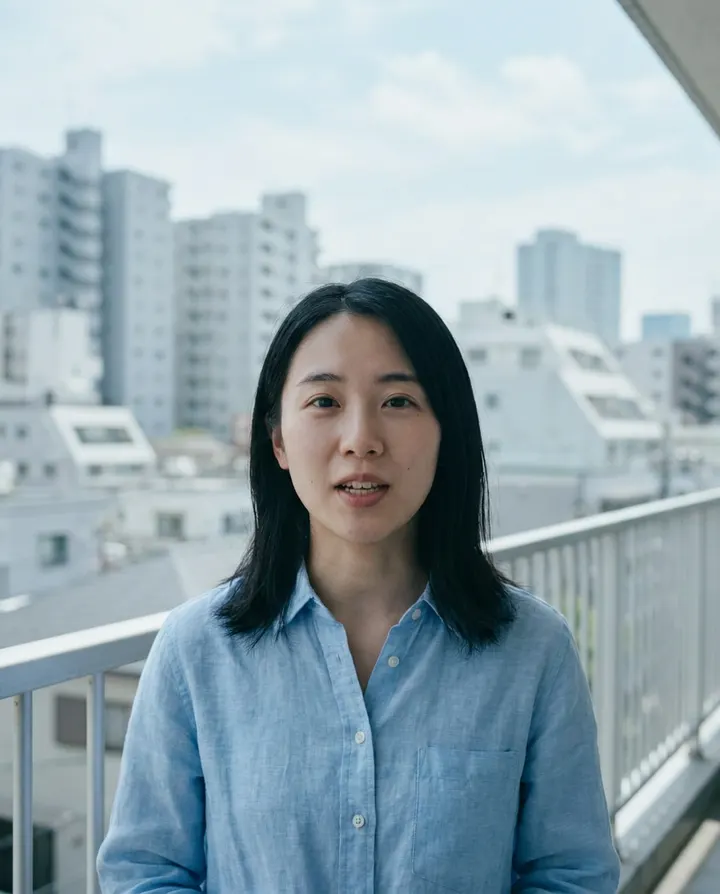
Render the same character in English for the US feed and in another language for a second regional account. The face stays the same across languages, the voice matches the localisation. Audiences in each region see one consistent creator.

Test a new UGC-style ad angle every day with the same AI creator. Each angle is its own render from a new script, so one saved character carries a week of tests without booking a real creator for each.

Explainer, tutorial, and how-to channels grow faster when a consistent presenter fronts every video. A saved AI character delivers the same trust signal across a 100-video library.
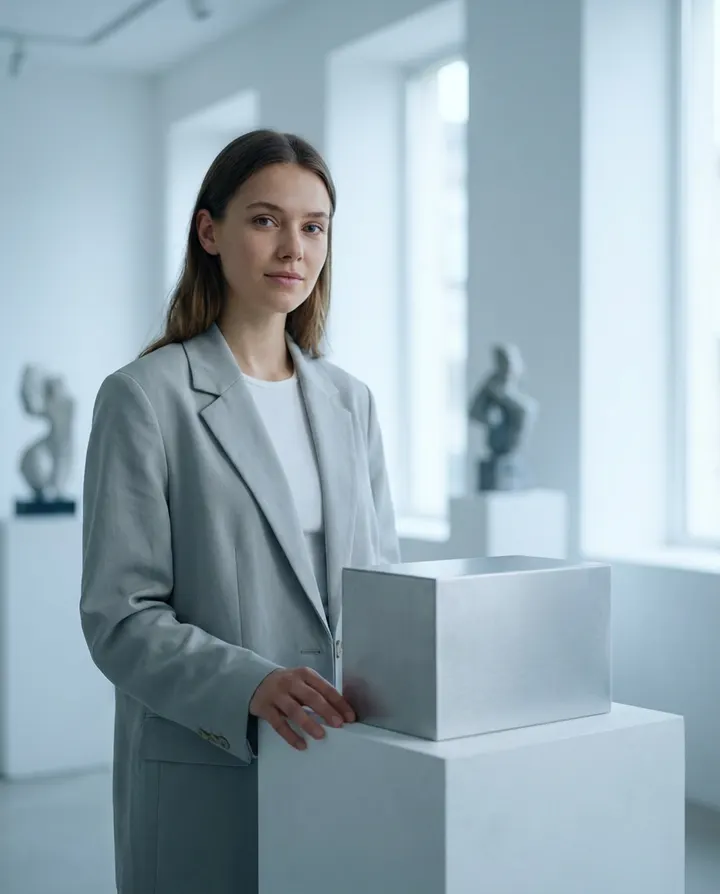
Product launches, seasonal campaigns, and creator-led PR moments often need 20 to 50 short videos in a week. One saved AI creator carries the whole campaign at a fraction of the coordination cost.
Deciding between faceless and character-led formats? The faceless YouTube channel idea generator lists niches that grow without a face on camera.
Best practices
Spend the first hour on the character, not the content. Test 3 to 5 reference images, pick the one that renders most consistently, and lock it. That one hour saves you the pain of a face that drifts noticeably across posts.
A young-looking character with an older voice (or vice versa) breaks the illusion within seconds. Pick the voice from the library to fit the character's apparent age before you commit to the pairing.
AI creators live and die on the same feed-scroll rules as human creators. Lead with the result, the offer, or the pattern-break. Move greetings, backstory, and channel intros to later in the clip.
Pick Reels, TikTok, or Shorts as the primary format for the character and grow there first. A creator that grows on one platform is easier to cross-post than one spreading thin across three from day one.
Meta, TikTok, and YouTube each have their own disclosure rules for AI-generated creator content. Tick the AI-generated toggle when you upload; hiding it risks demonetisation or removal.
The same character in dramatically different outfits or backgrounds every post reads as inconsistent to a new follower. Give the character 3 to 5 signature looks and rotate them.
Fewer than 30 posts on one platform is noise: the feed has not built a picture of who to show the account to. A strong hook style or a niche that gets saves can show up earlier, but read the account as a whole only after 30.
Every creator has flops. Once a week, look at which kinds of post landed and which did not, and change next week's scripts. Re-cutting yesterday's weakest post teaches you very little.
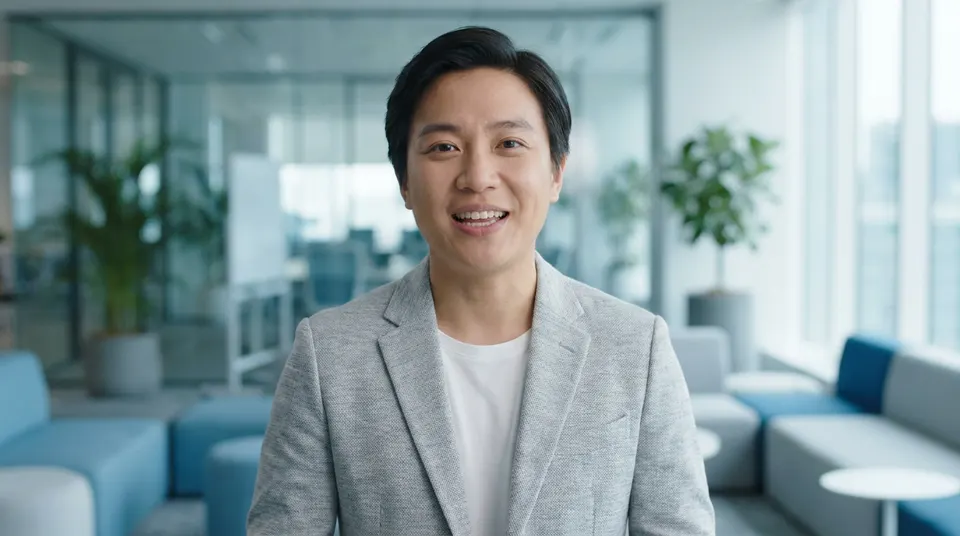 AI talking avatarPick a presenter or your saved character, paste a script and get a lip-synced talking-head video.Make a talking avatar video
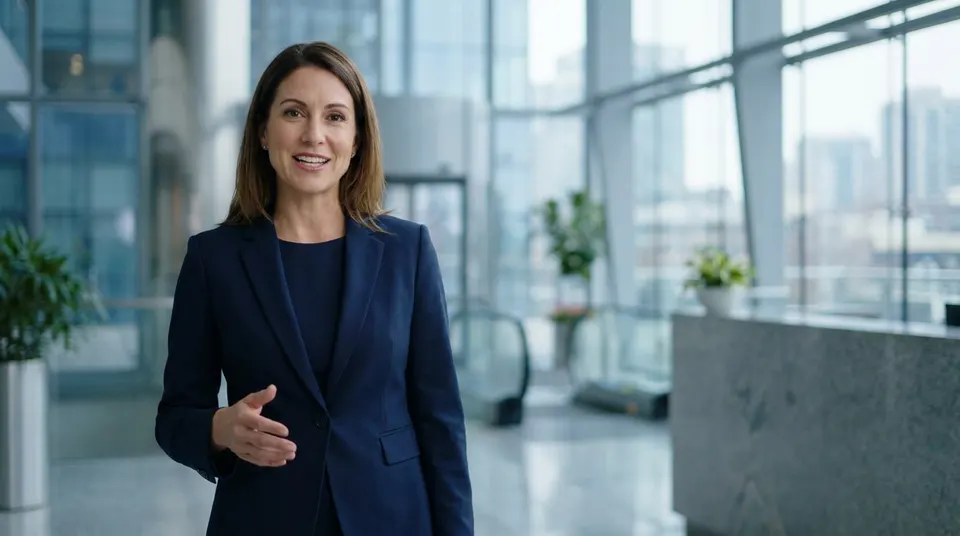 AI spokesperson videoScript-driven presenter videos for product, sales and training, and how they differ from a recurring AI creator.Make an AI spokesperson video
 Best HeyGen alternatives 202610 talking-head and personalised-video tools tested, useful reference for creator-fronted content workflows.Compare HeyGen alternatives
 Instagram Reels generatorMake 9:16 Reels with AI, then post or schedule them to Instagram from the app.Make Instagram Reels with AI
 TikTok video generatorMake vertical TikTok videos with AI, with captions timed to the voiceover, and post them from the app.Make TikTok videos with AI
Pricing
Talking Avatar and a 1080p download with no watermark come with every plan, and a 30 second post with your saved creator is about 584 credits. Every plan starts with a 7-day free trial and connects 2 to 10 social accounts, depending on the plan.
The easy start. Every tool, one creator.
$9/mo
or $99 a year, 1 month free
600credits every month
Use them on any tool below
7 days free with 350 credits. Cancel before day 7 and you won't be charged.
For one creator posting every week.
$19/mo
or $190 a year, 2 months free
1,100credits every month
Use them on any tool below
7 days free with 350 credits. Cancel before day 7 and you won't be charged.
Long-form, your branding and a team of three.
$29/mo
or $290 a year, 2 months free
1,750credits every month
Use them on any tool below
7 days free with 350 credits. Cancel before day 7 and you won't be charged.
For teams and channels running at volume.
$49/mo
or $490 a year, 2 months free
3,000credits every month
Use them on any tool below
7 days free with 350 credits. Cancel before day 7 and you won't be charged.
Run out in a busy month? Add credits any time, from $5. Credits you buy never expire. See pricing
Every plan includes
What creators and brands ask before they launch an AI influencer.
Something else? Visit the help center
An AI influencer is a fully AI-generated creator, with a consistent face and voice, that posts on Instagram, TikTok, YouTube Shorts, and similar platforms. Unlike a one-off AI video where every render looks slightly different, an AI influencer is the same character across every post, so followers recognise them the way they'd recognise a real creator.
Four steps. Design the character once, either from the library or by uploading a reference image. Lock a voice that fits them. Write or prompt each post. Then render and publish. The character stays the same person across every video, which is the part that makes an AI-generated influencer account work rather than look like a series of unrelated clips.
Design the character once, either by picking from the library or uploading a reference image, then save the character. For every future post, pick your saved character, add a script, and MakeAIVideo renders a watermark-free 1080p clip of that character talking to camera. The same face comes back in every video.
Yes. Save the character once and reuse it across every render. That's the core of the AI influencer workflow, and the differentiator between a general AI video tool and a proper AI influencer generator. Post 1 and post 100 look like the same creator, not the same prompt regenerated.
Either works. Pick from the curated library, or upload a single reference image (a generated headshot, a stylised portrait, or a brand mascot illustration) and MakeAIVideo creates an AI character based on that face. It is an AI likeness, not your raw photo, and saving it is free.
Plans start at $9 a month, and every plan starts with a 7-day free trial that includes 350 credits. A 30 second post with your saved character talking to camera is about 584 credits (about 19.5 credits a second), with the voice, lip sync, captions and export included; a 15 second post is about 310. Pro includes 3,000 credits a month. The app shows the exact credit cost before anything is made, and credits you buy never expire and stack on top of your plan. See plans and pricing.
Yes, every render. That holds on every plan and during the free trial.
Yes. Clips you generate are yours to monetise commercially through YouTube Partner Program, TikTok Creator Rewards, Meta bonuses, brand deals, and affiliate. Follow each platform's AI-generation disclosure rules when you upload. Read the terms of service.
Meta, TikTok, and YouTube each have their own disclosure rules for AI-generated creator content, and the FTC has published guidance on synthetic-media disclosure in ads. Tick the AI-generated toggle when you upload, and disclose in the caption when the content is a paid promotion. Read our AI disclosure policy.
9:16 vertical (Reels, TikTok, Shorts), 16:9 landscape (YouTube long-form, landing pages), and 1:1 square (Instagram feed), all rendered at 1080p. Pick the ratio before generating; captions auto-fit each safe area.
A talking avatar renders one video from a script. An AI influencer generator saves the character so you can render 30 more videos in the same likeness next week without re-designing the character. Try the AI talking avatar.
Nothing is lost. Your account and finished videos stay exactly as they are, and your plan's credits reset on your next billing date. Run out? Add credits any time, from $5.
The one that saves your character and voice together, renders straight to 9:16 for Reels, TikTok and Shorts, and still looks like the same creator ten posts in. Presenter tools such as HeyGen and Synthesia are strong at scripted talking-head video, and still-image tools suit accounts that only post photos. MakeAIVideo is built for a character that posts video every day: one saved face and voice, rendered at 1080p and posted from the same app. Run the ten-post test on whichever tool you try.
They overlap. An AI influencer is generated for each post from one saved character. Virtual influencer is the wider term and also covers pre-built 3D characters animated by a studio, such as Lu do Magalu, which predate AI video tools. Both post as one consistent character; the difference is how each post is made.
Save a character whose look holds up in the profile grid, pair a voice that fits their apparent age, then post Reels in 9:16 most days with carousels and stories around them. Keep three to five niche hashtags in the caption, reply to early comments, and put the AI label on every post and a line in the bio.
Yes, with disclosure. Instagram has an AI label you tick at upload, and sponsored posts need the paid partnership label as well. Adding a short line to the bio that says the account is an AI character sets expectations for new followers.
The same ways human creators do. Brand deals are usually the biggest line, followed by affiliate links, the character's own products such as a course or template pack, and platform payouts from YouTube, TikTok and Meta, which pay far less than brand deals for the same views. Price your first brand deal against a human creator of the same size and niche, and disclose both the AI and the sponsorship. Make UGC-style video ads with AI.
Steadily, rather than in bursts. New accounts usually post every day for the first couple of months; established ones can post less often and work on each post's reach. Writing a week of scripts in one sitting and scheduling the videos ahead keeps the rhythm going.
About 30 on one platform. Before that, the platform has not learned who to show the account to and the numbers are mostly noise. Pick one of Reels, TikTok or Shorts, post 30, then judge the pattern before adding a second platform.
Only with that person's written permission, and platforms add their own rules for synthetic depictions of real people. The safe default is a generated, illustrated or stylised character you hold the rights to.
Not in the strict sense. She began as a CGI character built by a small team at Brud, years before today's AI video pipeline, so she is better described as a virtual influencer whose production has changed over time. Aitana Lopez, built by The Clueless agency in Barcelona, is the cleaner example of an AI influencer generated post by post.
Only one figure has been attached by a named outlet: Forbes reported in November 2023 that Aitana Lopez can earn up to 10,000 euros a month, according to the agency that built her. Neither her agency nor Lil Miquela's owners publish per-post rates, so any other number you see is an estimate.
Start from what a human creator of the same size and niche charges. Later's benchmarks put typical rates at $100 to $500 a post for nano creators, $500 to $2,500 for micro and $2,500 to $10,000 or more for macro, with usage rights priced on top. Engagement, niche and exclusivity move the number more than follower count.
Instagram if the niche sells considered purchases and brand deals are the plan, since brands spend more there. TikTok if the niche is entertainment or impulse buys and you want affiliate and product sales. Either way, give one platform the first 30 posts before adding the second.
Rotate seven kinds of post: a hook or POV, a teaching post, a product review, a story, a behind-the-scenes post, a take on a trend and a Q&A. Run the loop four times plus two days on one platform, write each week's scripts in one sitting, and review what worked before writing the next week.
Not as a lived experience. The FTC's Endorsement Guides say you can't talk about your experience with a product you haven't tried, and its rule on reviews bans fake or false testimonials, whether a person or an AI avatar delivers them. Script what the product does, or say the brand asked the character to feature it, and use the paid partnership label plus the AI label.
Article 50 of the EU AI Act applies from 2 August 2026. If your content reaches EU audiences and counts as a deepfake, it expects you to disclose that the image, audio or video was artificially generated. Ticking each platform's AI label and saying the account is an AI character in the bio covers the practical side. For anything specific, ask a lawyer in the market you operate in.
Save your creator once, then make and schedule every post from the same likeness. Start a 7-day free trial with 350 credits, on plans from $9 a month.