What is an AI spokesperson video?
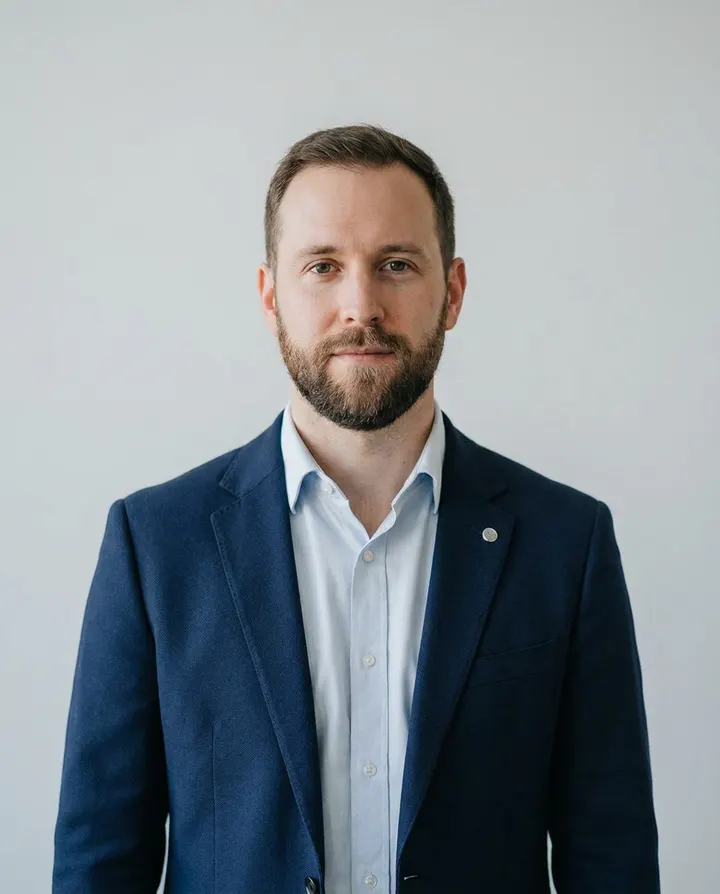
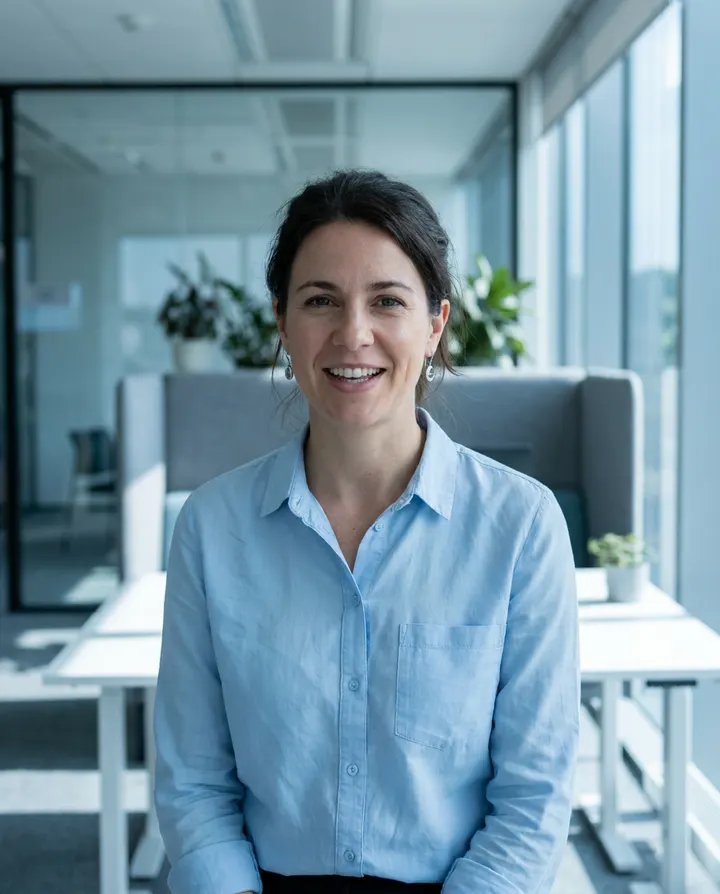
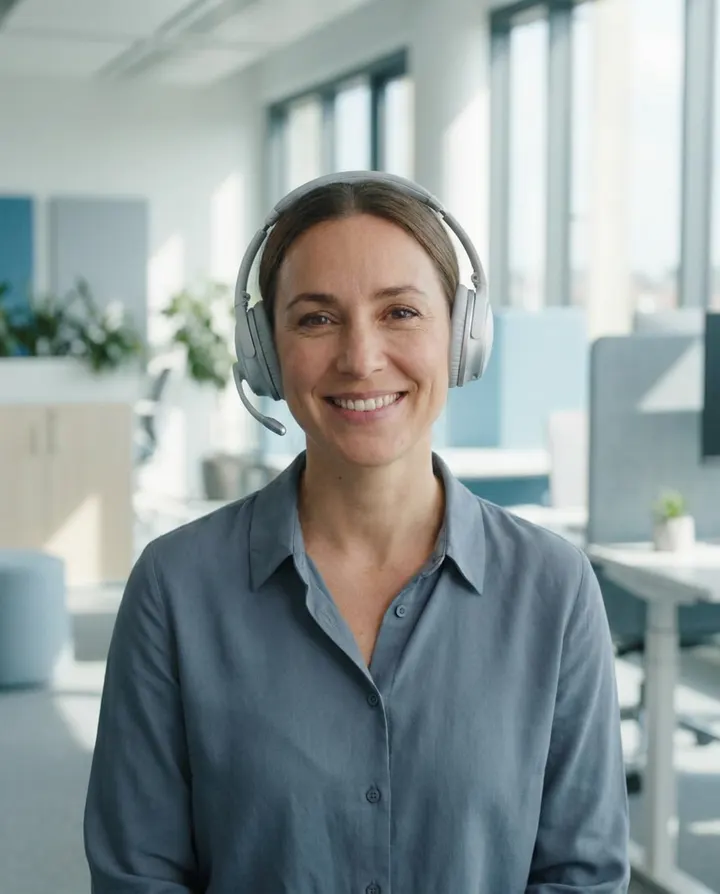
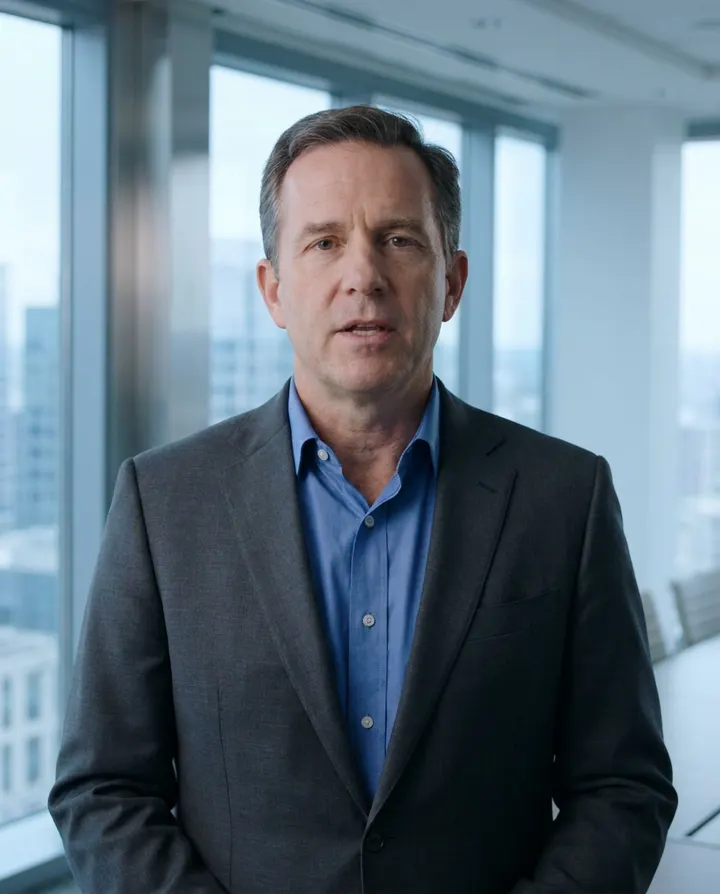
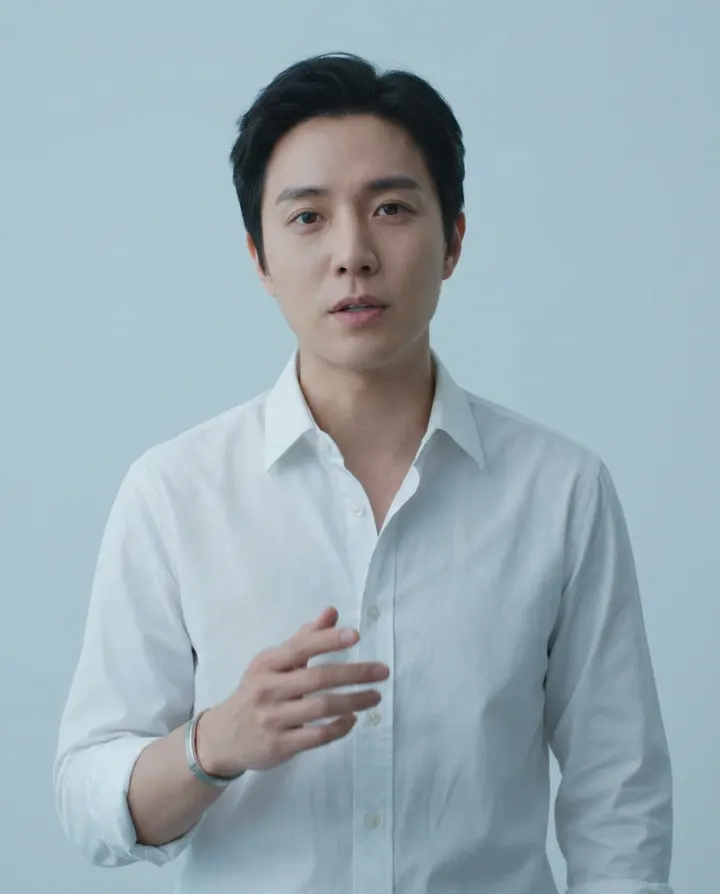
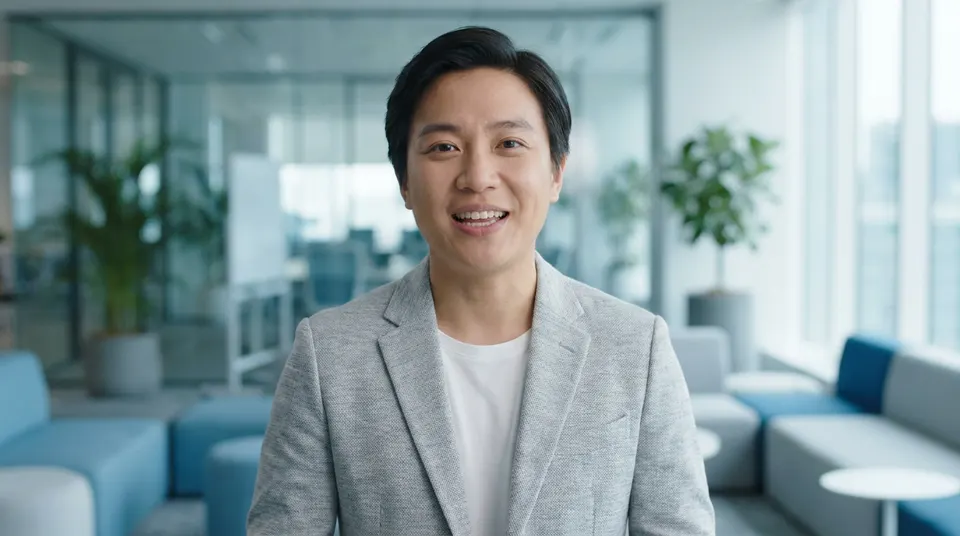
An AI spokesperson video features an AI-generated presenter delivering a script through an AI voiceover, lip-synced to that voice and rendered as a finished MP4. MakeAIVideo generates the whole clip from your script, no camera, no studio, no on-screen talent.
How does the AI spokesperson video generator work?
Paste the script you want delivered, pick an AI presenter (or upload a reference image to generate a custom one), choose a voice and aspect ratio, then generate. The pipeline records the voiceover, lip-syncs the presenter, times captions to the audio, and renders a watermark-free 1080p MP4.
How long does a spokesperson video take to render?
Most spokesperson clips are ready in a few minutes, depending on length. The render lands in your library when it's ready.
How much does it cost?
Plans start at $9 a month, and every plan starts with a 7-day free trial that includes 350 credits. A talking presenter video is about 19.5 credits a second, so a 15 second spokesperson clip is about 310 credits and a 30 second one about 584, with the voice, lip sync, captions and export included. The app shows the exact credit cost before anything is made, and credits you buy never expire and stack on top of your plan. See MakeAIVideo plans and pricing.
What aspect ratios and resolution can I export?
9:16 vertical (Reels, TikTok, Shorts), 16:9 landscape (YouTube, landing pages), and 1:1 square (Instagram feed), all rendered at 1080p. Pick the ratio before generating; captions auto-fit each safe area.
Is there a watermark on the export?
No. Every export is a watermark-free 1080p MP4, yours to post anywhere. That holds on every plan and during the free trial.
Can I use the spokesperson clips commercially?
Yes. Videos you generate are yours to use commercially, in ads, sales outreach, training, client work, and monetised channels. Because the presenter is an AI-generated character (not a real person we've cloned) and the voice is synthetic, there's no actor likeness to license. See the full terms.
Can I use my own presenter or do I have to pick from a library?
Either works. Pick from the curated library of AI presenters, or upload a single reference image (a generated headshot, a brand mascot illustration, a stylised portrait) and the pipeline builds a consistent AI character from it for every render.
Can I edit the spokesperson video after generating?
Yes. Open the finished video in the built-in editor to swap the voice, restyle the captions, or fix a word in the transcript. Re-rendering a tweak costs the same credits as a fresh generation.
What makes this different from other AI spokesperson tools?
Most competitors sell an enterprise avatar library behind a sales demo and hide the price until you book a call. MakeAIVideo gives you a working pipeline with published pricing (plans from $9 a month with a 7-day free trial, and about 584 credits for a 30 second presenter video), and the option to upload your own AI character reference instead of being locked into a library. You can also drop the same script into script to video for AI scenes without a presenter.
What is the difference between an AI spokesperson video and an AI talking head video?
The technology is the same: an AI presenter lip-synced to a voiceover of your script. A talking head is the broad format. A spokesperson video is the business subset, with studio framing, a slower and more deliberate pace, a brand-aligned voice and a call to action that drives a demo or a sign-up. On MakeAIVideo both are made in Talking Avatar; see AI talking avatar videos for the format in general.
How long should an AI spokesperson script be?
About 200 words for a 90 second video, at the 130 to 145 words a minute that suits a spokesperson read. A simple shape: a 10 second hook, 20 seconds of value, 40 seconds of proof, a 15 second call to action and a 5 second close. The counter under the script box estimates the runtime as you type, and a script can run to 5,000 characters.
Can our founder or a sales rep be the spokesperson?
Yes, with their permission. In Talking Avatar, choose Upload your video and add a 30 to 60 second landscape clip of them talking neutrally, well lit, against a simple background. The app lip-syncs that footage to each new script. The voice comes from the curated library, because MakeAIVideo doesn't clone voices, so it will not sound like them.
Can an AI spokesperson give a customer testimonial?
No. A synthetic presenter describing your product as your brand is fine. A synthetic presenter posing as a satisfied customer is not: the FTC's Endorsement Guides say an endorsement must reflect the honest opinion of the endorser, and its rule on fake reviews and testimonials covers testimonials that misrepresent they come from someone who does not exist. Write proof points from real customer outcomes you can evidence, and say them in the brand's voice.
Will viewers be able to tell the spokesperson is AI?
Many will, and it is better to plan for that than to hide it. It matters least where people watch for the information: product walkthroughs, onboarding, release notes, internal training and policy updates. It matters most where the message rests on a real person's credibility, like a founder's personal pitch or a customer's own story, so keep a real person on camera there.
Can a law firm use an AI spokesperson in its ads?
Yes, for explainers and intake ads, if the ad follows your state bar's advertising rules like any other ad. Keep outcome promises out of the script, write any required advertising label into it, and never use an AI presenter to play a client. Testimonials must come from real clients, shown as they are. Check with your state bar before anything runs; this is not legal advice.
Can a dental practice use an AI presenter without filming patients?
Yes. A generated presenter reading a general script about a treatment puts no patient on camera, which suits weekly ads and treatment explainers. Before-and-after photos and testimonials still involve real patients, so they need written permission, a compliance review and, under the FTC's Endorsement Guides, proof the result is typical or a plain statement of what patients can generally expect.
Should a coach use an AI spokesperson for their personal brand?
For the scripted, repeatable layer, yes: weekday insight posts, a sales-page video you update when the offer changes, and program module intros. Keep your own face for personal outreach, discovery calls and client stories, where the buyer is deciding whether to trust you specifically. Label the AI posts.
Can a fitness coach use AI video for exercise demos?
Not well. Generated bodies moving through a compound lift still look wrong to a trained eye, so film form demos yourself, vertical and on a tripod. Use a presenter for promos, nurture clips and the questions every prospect asks.
Should I disclose an AI presenter on LinkedIn?
Yes. A one-line caption such as "AI presenter, my script" costs nothing, and LinkedIn's audience is quick to spot avatars. Use presenters for branded product and explainer content, not for posts that are meant to be the founder speaking personally.
What aspect ratio should a LinkedIn spokesperson video use?
1:1 or 9:16 for the feed and 16:9 for longer pieces people watch on desktop. Each render is one ratio; to make another, switch the ratio in the editor and export again. Upload the MP4 to LinkedIn directly rather than linking to YouTube, so it plays in the feed.
What happens when I run out of credits?
Nothing is lost. Your account and finished videos stay exactly as they are, and your plan's credits reset on your next billing date. Run out? Add credits any time, from $5.