
Creator-style Reels
Build a posting habit without filming yourself. One line becomes a fully voiced, captioned, paced Reel you can publish the same day, with consistent voice and look across every clip.
Paste a hook or one line, and MakeAIVideo builds a 9:16 Instagram Reel with AI narration, scenes, and burned-in captions, sized to the Reels feed and Stories crop. No source footage, no timeline editing, no watermark on the 1080p MP4.
7-day free trial, 350 credits·Every tool on every plan · Cancel anytime
Free tools first: Instagram caption generator + hook generator. Browser-only, no signup.
A finished Reel, not a raw clip
Most AI Reels tools hand you a single raw generation you still have to stitch, caption and score yourself. MakeAIVideo runs the whole pipeline: a hook-first script, an AI voiceover paced to short-form, a scene per beat from real stock footage or AI video, word-by-word captions timed to the audio, and music under the voice if you want it, then renders a 9:16 MP4 sized for the Reels feed.
Footage
Real footage
$Real filmed clips matched to each line of your script
AI video
$$$Every scene generated from scratch, fully original
Voiceover
Narrate this video
An AI voice reads the script out loud
Background music
Pick music
No music
Generate with AI
Describe a track, ready in ~10 seconds
Estimated cost
~45 credits Example
How it works
Start from a one-line Reel idea (the topic, the angle, the format) or paste a script you've already written. Set the aspect ratio to 9:16 for the Reels feed; the pipeline tunes scene composition and caption placement to the vertical safe area from the start. Switching ratios later costs another render, so pick before generating.
If you started from an idea, MakeAIVideo drafts a hook-body-close structure paced for Reels, then picks a natural AI narrator that fits the tone. If you pasted a script, your words are read verbatim. Re-roll the voice before or after generating if the read doesn't match the brand.
Every line of the script becomes its own scene, from real stock footage by default or generated by AI in the visual style you pick (cinematic, anime, claymation, more). Word-by-word captions time to the voiceover and burn into the export; any background music you pick ducks under the narration. Most short Reels are ready in a few minutes.
A watermark-free 1080p MP4 lands in your library, sized for Instagram Reels and equally usable on TikTok and Shorts. Post the default render, or reopen any clip in the editor to fix a caption word, regenerate a scene, swap the voice or restyle the captions before re-exporting.
Idea to Reel
A Reel idea in, a vertical 9:16 1080p Reel out, watermark-free. Type a hook or one line, or tap an example to start, and the cost shows before you generate. Already have the words? Paste them into script to video.
Your prompt
ExampleA 15 second documentary about how the Romans built the Colosseum, with a hook in the first line and a question at the end.
Or start from an example
Length
Aspect ratio
Sarah Female · American
Mature, reassuring, confident
Captions
Word-by-word, auto-styled
Estimated cost
~324 credits Example
Write the Reel
The Reels generator drafts a hook-first script from your line. Your idea decides what it opens on and what it ends on, and those two moments carry the Reel. Stuck for an opener? Try the video hook generator.
Open on the payoff. No greeting, no logo, no title card: the first frame is the hook.
One idea per beat, each one moving toward the payoff. Three bodies that suit a Reel:
Instagram calls sends per reach one of its most important ranking signals. Close on a line worth forwarding, then make one ask.
Publish to Instagram
Connect your Instagram account once, then open any finished video and choose Post to your accounts. It goes to Instagram as a Reel, now or at a date and time you set, and scheduled posts go out within about two minutes of that time. Tick TikTok or YouTube as well and the same video goes there too. More on auto-posting video to Instagram and other platforms.
We upload the finished file to each account you pick.
Where should it go?
@yourbrand
TikTok
@yourbrand
Instagram · Posts as a Reel
Your Brand
YouTube · Vertical videos post as Shorts
Caption
RewriteRome did not build the Colosseum with magic. It built it with one ingredient we forgot. #history
Customise caption per platform
Schedule (optional, leave empty to post now)
Goes out within about two minutes of it.
All included
Voice, captions, scenes and a 1080p export come with every Reel, and music when you want it. Restyle the captions in the editor, or click any word in the transcript to fix it without re-recording the voice.
Clean, minimal, burned in
Edit transcript
Click any word to fix typos without re-rolling voice.
Scene #3
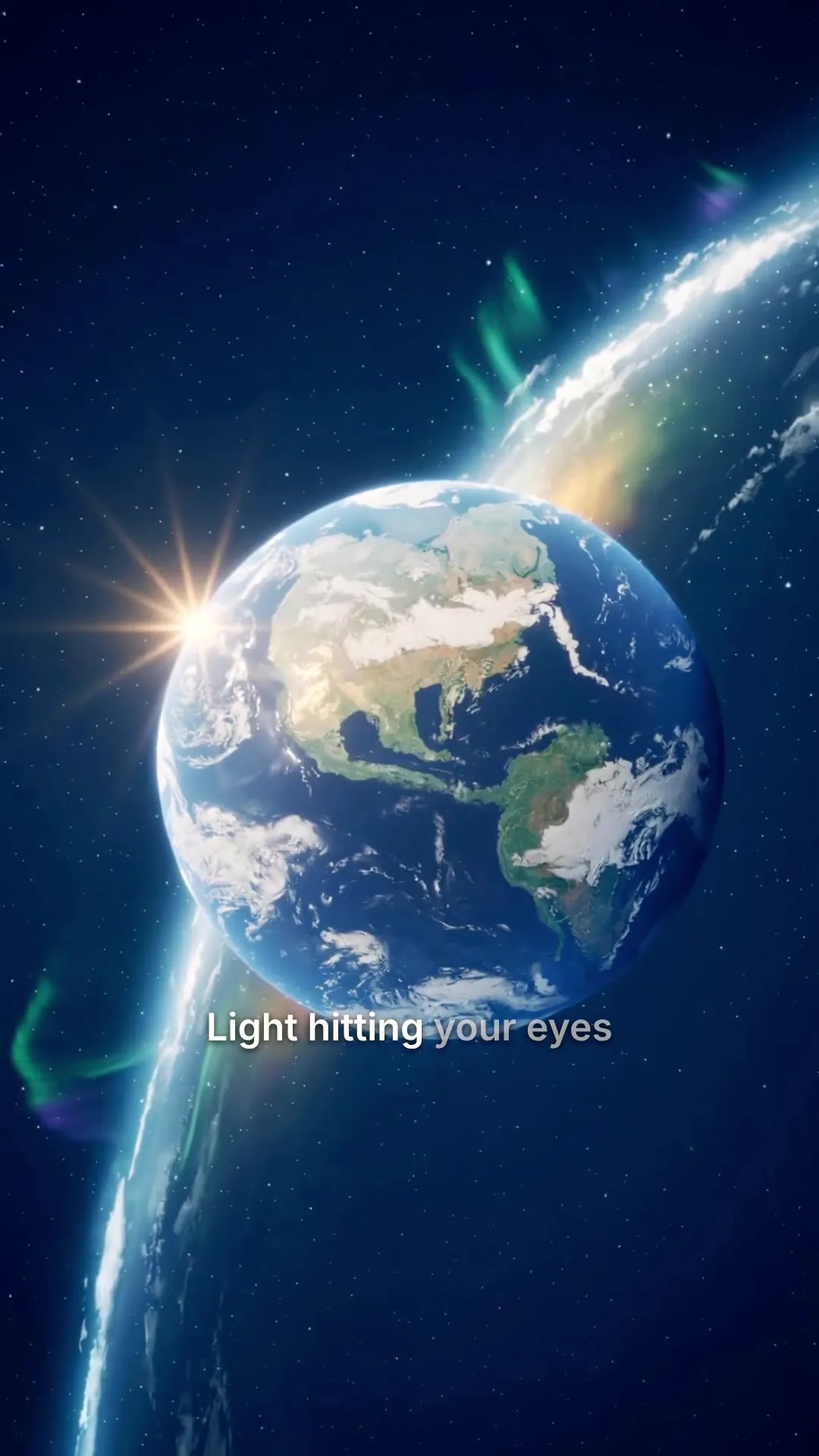
ExampleLight hitting your eyes left the sun eight minutes ago.
Scene #4
You are looking at the past, every single time.
Caption style
Edits save automatically
Export videoBefore you post
Instagram has been specific: it deprioritises Reels that are low resolution or blurry, have borders, or are visibly recycled from another app. Nine checks to run over any AI Reel, and which ones the generator handles for you.
The first frame is the hook, not a logo, an intro or a title read aloud.
Put the payoff in your one-line Reel idea and the script opens on it.
Native 9:16 at 1080 by 1920, with no bars and no crop from a 16:9 render.
Every new video starts vertical and exports at 1080p.
Captions on, for the viewers scrolling with the sound off.
Word-by-word captions are timed to the voice and burned in.
One text track: captions never stacked over an on-screen text slide.
Each scene is footage, so the captions have the frame to themselves.
No lingering close-ups on AI hands or faces that warp between frames.
Regenerate any scene that looks off in the editor.
A voice with pace, not a flat read that rolls one sentence into the next.
Swap the narrator or re-roll the voice in the editor until the read fits.
A line worth sending or saving, not a fade-out or a bare “follow for more”.
Write the ending before you polish the hook.
Your own mark, never a tool's watermark.
Exports carry no MakeAIVideo watermark; Plus and Pro can add your logo with Brand Kit.
Not visibly recycled from another app with its watermark on it.
The same clean MP4 posts to Instagram as a Reel and to TikTok.
Made here, posted from here
Every Reel you make lands in your library, every account you post to sits on one page, and every post shows how it went. Connect Instagram next to TikTok, YouTube and eight more platforms.
Each platform gets a row, with a note on how it posts: Instagram as a Reel, YouTube vertical videos as Shorts. Connect 2 social accounts on Lite, up to 10 on Pro.
The social accounts you post to.
Account connections and posting are powered by our partner PostEverywhere.
TikTok
Posts as a Reel
YouTube
Vertical videos post as Shorts
Discord
Videos up to 25 MB
Bluesky
Videos up to 3 minutes
Filter by ready, in progress or failed, and reopen any Reel to edit, download or post it.
0:25Universe in 25s
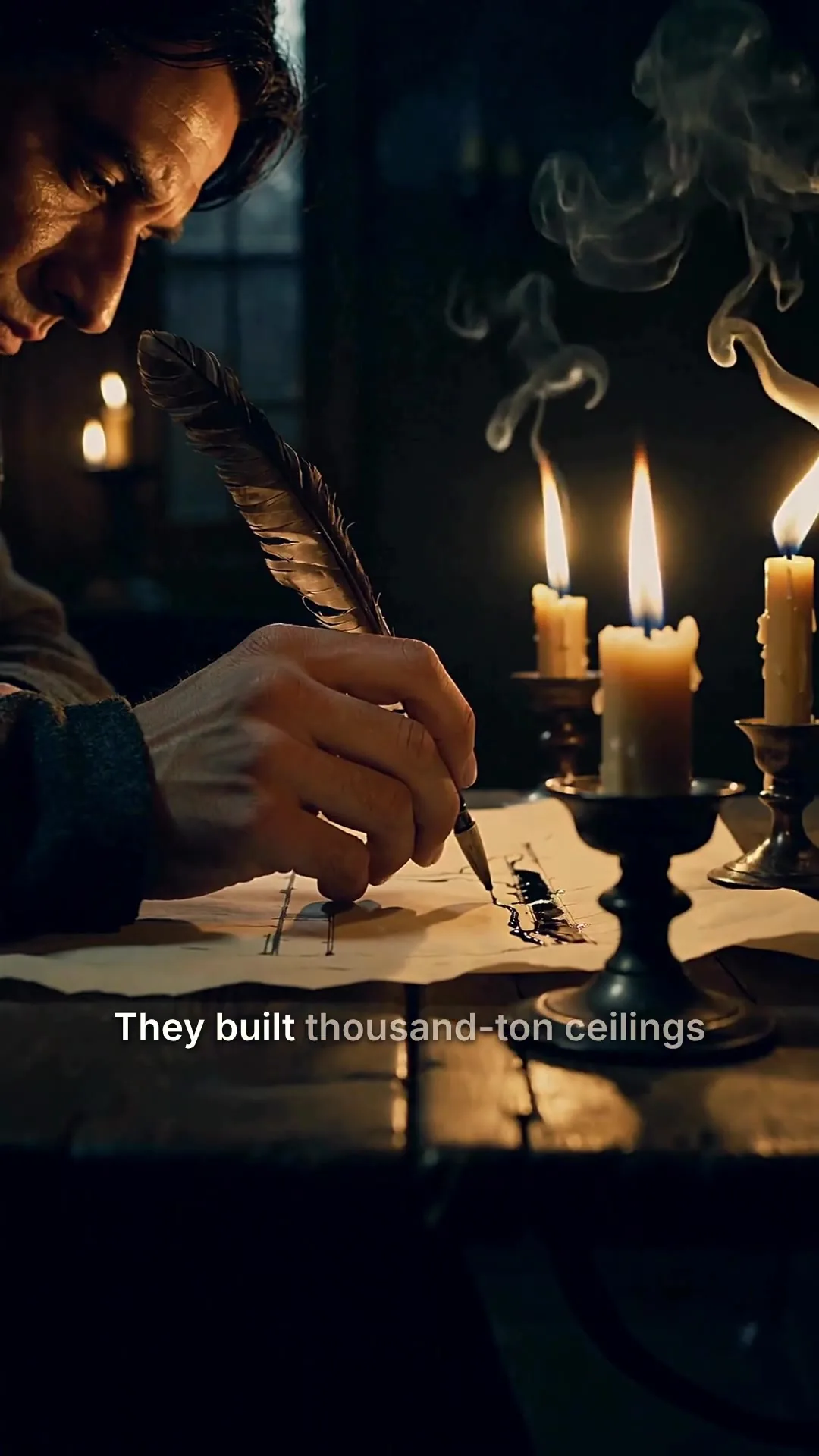 0:48
0:48Cathedrals by candlelight
 0:31
0:31Nobody filmed this
 0:10
0:10Aurora over the fjord
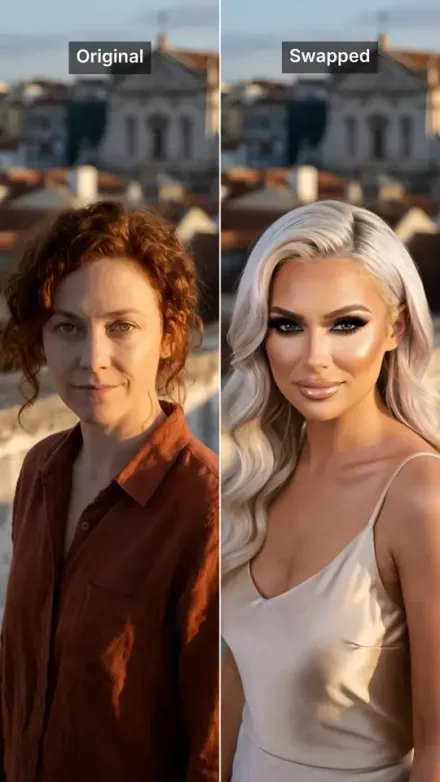 0:08
0:08Rooftop take, swapped
 0:42
0:42Rome in a day
Every Reel you have posted or scheduled, with its status on each account, from Scheduled to Published.
Videos you have posted or scheduled to your accounts, and how each one went.
The Colosseum secret
ScheduledGoes out around Oct 7, 2026, 9:00 AM · 3 accounts
3 hiring mistakes
PostingOct 3, 2026, 2:14 PM · 2 accounts
Morning habits
PublishedOct 2, 2026, 6:30 PM · 3 accounts
Spring collection
Partly publishedOct 1, 2026, 11:05 AM · 2 accounts
Behind the scenes
PreparingOct 3, 2026, 2:16 PM · 1 account
Connect your AI agent
Connect Claude, ChatGPT, Grok or any MCP client and describe the Reel you want. It makes the video with the same pipeline as the app and posts it to your Instagram when you ask.
MCP, API and CLI use the same credits and the same balance as the app.
A 9:16 Reel per idea, paced for the Instagram feed.
Build a posting habit without filming yourself. One line becomes a fully voiced, captioned, paced Reel you can publish the same day, with consistent voice and look across every clip.

Frame a launch, a feature, or a single use case in one line and let the pipeline render the read, the scenes, and the captions. Drop the MP4 straight into the feed or into an ad set.

History, science, finance, motivation, the formats that win on Reels without a face on camera. Stock or AI scenes per beat, narrated by a studio-grade voice, captioned word by word.

Paste a published post or newsletter and ship it as a 9:16 Reel without rewriting the copy. The narration uses your words; the scenes match each beat.

Turn 'why X works' or 'how Y is built' into a 30 to 60 second narrated short. The hook-body-close structure is already there; you bring the topic.

Have a single product still or cover image? Animate it into a 5 or 10 second 9:16 clip, then drop it into the Reels feed or Stories.
Best practices
The caption under a Reel can run to 2,200 characters, but the first line does the work. Ask a question, or tell people why to save it or who to send it to. The Instagram caption generator drafts options if you are stuck.
Most single-idea Reels fit in 15 to 60 seconds. Trim filler, let one idea land per beat, and cut any line that does not move toward the payoff.
Mobile-first viewers watch on mute, often outdoors. Pick a high-contrast caption style with chunky type and a backing plate; thin captions over busy scenes disappear on a phone in sunlight.
Pick one structure, such as a three-tip list or a 30-second hot take, and post it for a few weeks before you judge it. Switching format every Reel gives Instagram nothing consistent to learn from.
If one scene misses, open the editor and regenerate just that scene instead of starting over. Faster, cheaper, and the rest of the timing stays intact.
A repeating format (same visual style, same intro structure, same caption preset) builds recognition: viewers start to know the look and stop for it. Lock the defaults you like and reuse them.
 AI TikTok video generatorThe same 9:16 video, written and posted for TikTok.See the TikTok video generator
 AI YouTube Shorts generatorPost the same vertical video to YouTube as a Short.See the AI Shorts generator
 AI UGC video generatorFor brands running Reels as a paid placement: casual, ad-style creative from a brief.See the AI UGC video generator
 AI video generatorEvery way MakeAIVideo makes a video: a prompt, a script, a presenter or a photo.See the AI video generatorFaceless YouTube channel idea generatorFaceless niches from a 47-niche dataset, many of which work on Reels too, with RPM bands and a production style for each.Try the faceless channel idea generator
Pricing
Every Reel is 9:16 with captions, posts straight to Instagram and has no watermark. A 30 second stock-footage Reel is about 112 credits. Start with a 7-day free trial that includes 350 credits.
The easy start. Every tool, one creator.
$9/mo
or $99 a year, 1 month free
600credits every month
Use them on any tool below
7 days free with 350 credits. Cancel before day 7 and you won't be charged.
For one creator posting every week.
$19/mo
or $190 a year, 2 months free
1,100credits every month
Use them on any tool below
7 days free with 350 credits. Cancel before day 7 and you won't be charged.
Long-form, your branding and a team of three.
$29/mo
or $290 a year, 2 months free
1,750credits every month
Use them on any tool below
7 days free with 350 credits. Cancel before day 7 and you won't be charged.
For teams and channels running at volume.
$49/mo
or $490 a year, 2 months free
3,000credits every month
Use them on any tool below
7 days free with 350 credits. Cancel before day 7 and you won't be charged.
Run out in a busy month? Add credits any time, from $5. Credits you buy never expire. See pricing
Every plan includes
What the Reels generator makes, how it posts to Instagram, and what it costs.
Something else? Visit the help center
Type a hook or one line, keep the ratio at 9:16 and generate. MakeAIVideo writes the script, adds an AI voiceover, builds a scene per line from stock footage or AI video, burns in word-by-word captions and renders a 1080p MP4 in a few minutes. Fix anything in the editor, then post it to your connected Instagram account as a Reel, now or at a time you schedule.
It's a tool that takes a one-line Reel idea or a pasted script and renders a complete 9:16 Reel: AI voiceover, real stock footage or AI-generated scenes, word-by-word captions, and any background music you pick, assembled into a finished MP4. You don't open a timeline editor or stitch clips yourself; the pipeline does all of it.
Most short Reels are ready in a few minutes. Longer runtimes take longer, and AI-generated scenes take longer than stock footage. The finished Reel lands in your library when it is done.
9:16 vertical (Instagram Reels, TikTok, YouTube Shorts), 16:9 landscape (YouTube), and 1:1 square (Instagram feed, Facebook). Every export is 1080p MP4 with captions burned in.
The things Instagram has said it deprioritises: Reels that are low resolution or blurry, have borders around the edges, or are visibly recycled from another app with its watermark. A good AI Reels generator renders native 9:16 at 1080p, burns in captions for sound-off viewing and exports with no watermark of its own. The hook and the ending are still yours to write.
As long as the idea needs and no longer. Most single-idea Reels fit in 15 to 60 seconds: 15 to 30 for one tip, 30 to 60 for a hook, a short body and one ask. Set the length before you generate and the script is paced to it.
Yes, on every export, on every plan and during the free trial.
Yes. Reels you generate are yours to use commercially: brand content, paid partnerships, monetized accounts, ads, client work. See the full terms.
Yes. Open the finished video in the built-in editor to fix a caption word, regenerate a scene, re-roll the voice or restyle the captions, then re-export.
Each Reel costs credits, all in: script, voiceover, scenes, captions and export. A 30 second Reel from stock footage is about 112 credits, and a 30 second Reel in AI scenes with voiceover is about 612. The app shows the exact cost before you generate. Plans start at $9 a month for 600 credits, and every plan starts with a 7-day free trial. Posting most days? Solo is $19 a month for 1,100 credits. See MakeAIVideo plans and pricing.
Nothing is lost: your account and finished videos stay exactly as they are. Your plan credits refresh on your next billing date. Run out sooner? Add credits any time, from $5; credits you buy never expire.
No. A one-line Reel idea is enough; MakeAIVideo drafts a hook-first script paced for Reels. If you'd rather supply your own exact wording, paste it into script to video and the AI voice will read it verbatim.
Template tools hand you a blank canvas and a drag-and-drop editor. MakeAIVideo is a generator: one line becomes a finished Reel with voice, scenes, captions, and any music you pick already assembled, no editor learning curve and nothing to design from scratch.
No. Background music is optional: pick a track from our library or generate one with AI. We don't sync to Instagram's trending audio library. If trending audio is core to your format, add it after exporting in the Instagram app.
Yes. Tick both accounts in the post dialog and the same clean MP4 goes to Instagram as a Reel and to TikTok, each with its own caption. Because nothing is downloaded from one app and re-uploaded to the other, the Reel never carries another platform's watermark, which Instagram deprioritises.
Yes, that's a separate tool. Use image to video to animate a single photo or cover into a short 9:16 clip. For a multi-scene narrated Reel, start with prompt to video or script to video.
Start a 7-day free trial with 350 credits. Plans from $9/mo; cancel anytime before the trial ends.