
Talking avatar example: an AI presenter with houseplant tips
Aria, one of the preset AI presenters, gives quick tips for keeping houseplants alive through winter, lip-synced to an AI voiceover with word-by-word captions. The presenter, the voice and the captions all came out of one Talking Avatar render from the line "3 quick tips to keep your houseplants alive through winter", with no camera, crew or actor.
About this talking avatar example
- Made with
- Talking Avatar
- Presenter
- Aria, a preset AI presenter
- Length shown
- The first 10 seconds of a 23 second video
- Format
- 9:16 vertical, 1080 × 1920
- Audio
- AI voiceover, lip-synced, with word-by-word captions
How to make a talking avatar video like this
- Step 1
Pick an AI character
Choose a presenter from the library, or make an AI avatar from a photo: one reference image is enough on its own, and up to five lock the face. Give it a voice and save it.
- Step 2
Paste your script and pick a voice
Drop in the words you want said, or use Write with AI to draft them from a topic. The counter estimates the runtime as you type: about 150 words makes a 60 second talking head.
- Step 3
Generate and download
MakeAIVideo lip-syncs the presenter to the voiceover, adds word-by-word captions and renders a 1080p MP4 in the aspect ratio you picked.
More AI video examples
 Image to VideoA fox photo, animated
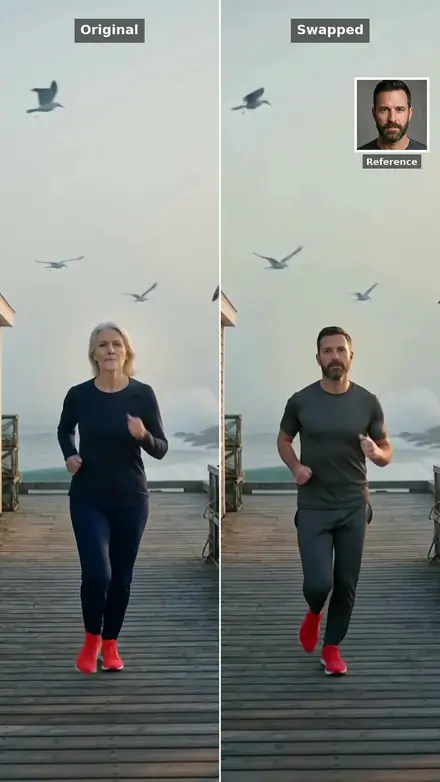 Character SwapOne clip, two new characters
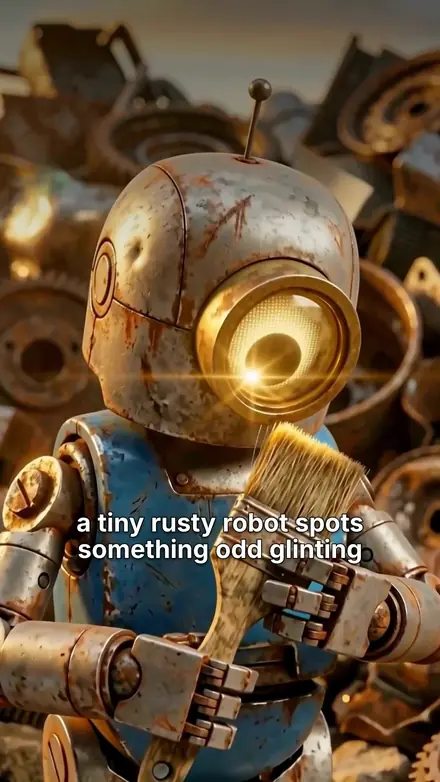 Prompt to VideoA robot paints a sunset, from one line
 Script to VideoA true story, narrated over AI scenes
 AI Movie MakerThe last lighthouse, a 15 second AI short film
Want to see the whole flow? Watch the 21 second product demo.