
Script to video example: a true story, narrated over AI scenes
The story of Henry Ford building the first Model T in Detroit, read by an AI narrator over AI-generated scenes, with captions timed word by word. This one started from a one-line brief and MakeAIVideo wrote the script. Paste your own script instead and it is read exactly as written, never rewritten or summarised.
About this script to video example
- Made from
- A one-line brief: "A true story about Henry Ford building the first Model T in Detroit"
- Length shown
- The first 10 seconds of a 15 second video
- Format
- 9:16 vertical, 1080 × 1920
- Scenes
- AI-generated pictures
- Audio
- AI voiceover with word-by-word captions
How to make a script to video short like this
- Step 1
Paste your script
Drop in your written words. Mark scene breaks with line breaks if you want explicit pacing, or let the pipeline pace it for you.
- Step 2
Choose a voice and look
Pick a natural AI narrator and a visual style. Set the aspect ratio for your platform: 9:16 vertical, 16:9 landscape or 1:1 square.
- Step 3
Generate the narrated video
MakeAIVideo records the voiceover, builds a scene per beat, times word-by-word captions to the audio and adds any background music you pick.
- Step 4
Edit or download
A watermark-free 1080p MP4 lands in your library. Open the editor to swap a scene or re-roll the voice, or post it as it is.
More AI video examples
 Image to VideoA fox photo, animated
 Talking AvatarAn AI presenter with plant tips
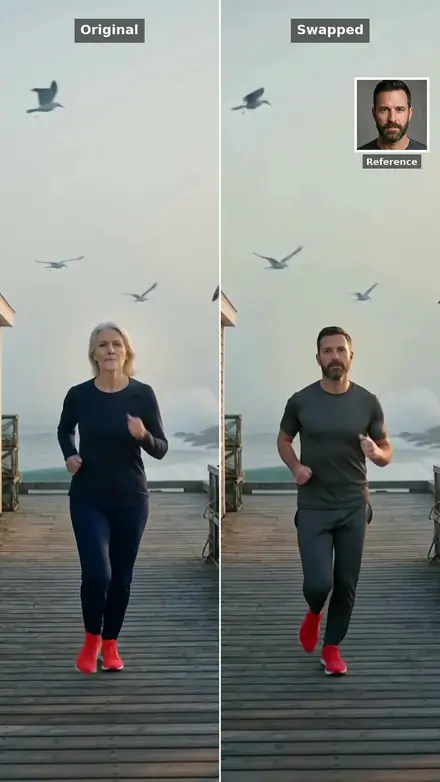 Character SwapOne clip, two new characters
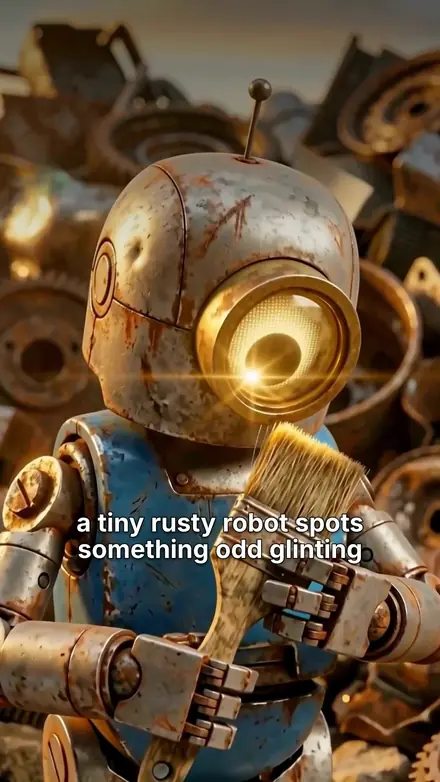 Prompt to VideoA robot paints a sunset, from one line
 AI Movie MakerThe last lighthouse, a 15 second AI short film
Want to see the whole flow? Watch the 21 second product demo.